
Component
Unusual Navigation Item Selector in Framer
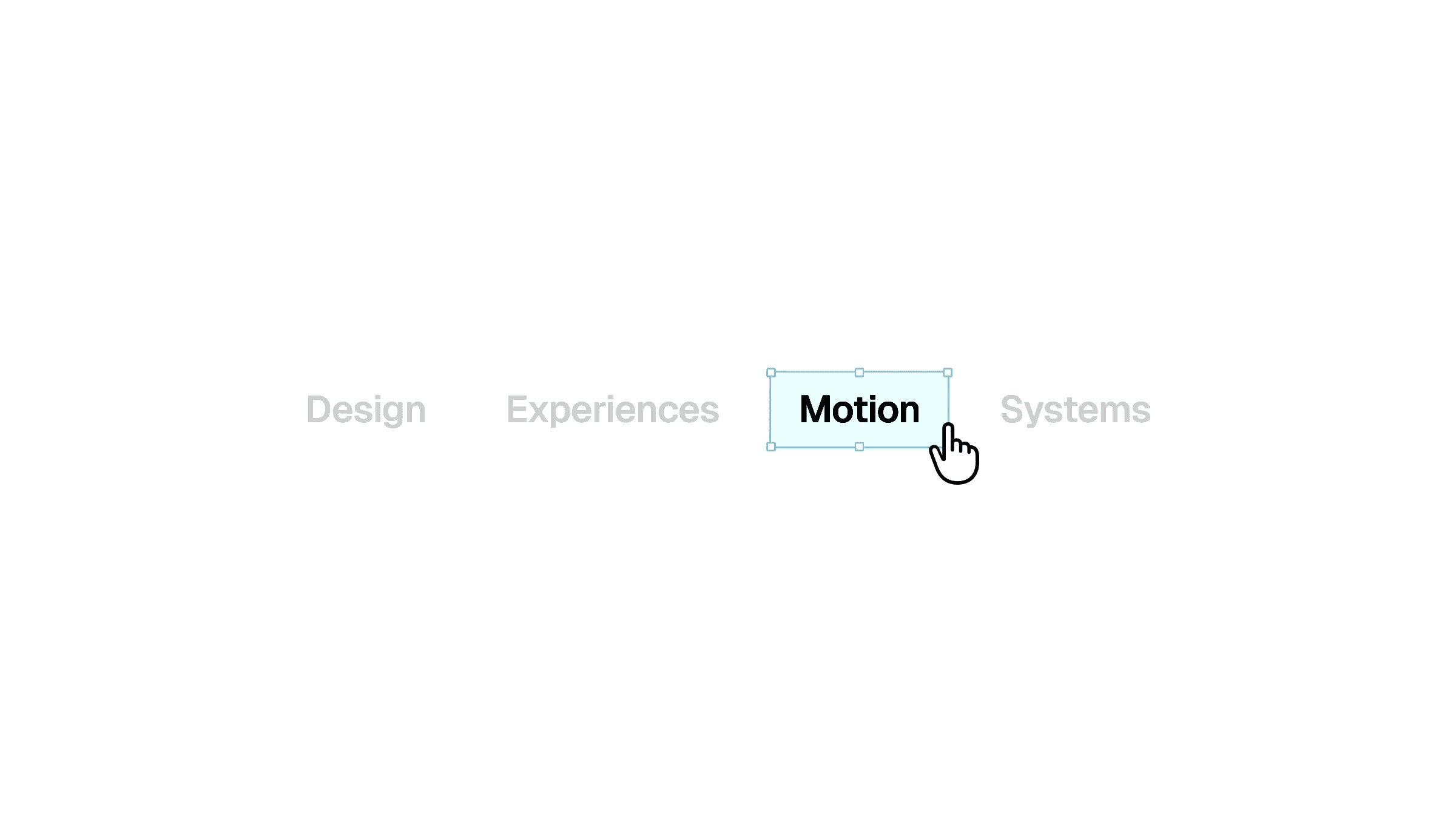
This is an unusual navigation item selector recreated in Framer from Raul’s original work. Feel free to remix the project to explore how it’s built, or copy the component directly into your Framer project and start using it right away.



About the resource
To create this, I made a navigation wrapper component and set a selector layer within it, with the menu items stacked together inside a frame set to absolute positioning. I also added the visual details like border and fill color to define the selector.
Within this selector layer is the background changer. I tweaked the background blur along with brightness and contrast settings so when the selector moves over a menu item, the background shifts visually and the text color appears to change without directly modifying the text itself.
Similarly, I set variants for each menu item, and positioned the selector layer over the menu items. These variants are connected with click interactions, allowing the selector to move between items and create that unusual navigation selection effect.
About the resource
To create this, I made a navigation wrapper component and set a selector layer within it, with the menu items stacked together inside a frame set to absolute positioning. I also added the visual details like border and fill color to define the selector.
Within this selector layer is the background changer. I tweaked the background blur along with brightness and contrast settings so when the selector moves over a menu item, the background shifts visually and the text color appears to change without directly modifying the text itself.
Similarly, I set variants for each menu item, and positioned the selector layer over the menu items. These variants are connected with click interactions, allowing the selector to move between items and create that unusual navigation selection effect.
About the resource
To create this, I made a navigation wrapper component and set a selector layer within it, with the menu items stacked together inside a frame set to absolute positioning. I also added the visual details like border and fill color to define the selector.
Within this selector layer is the background changer. I tweaked the background blur along with brightness and contrast settings so when the selector moves over a menu item, the background shifts visually and the text color appears to change without directly modifying the text itself.
Similarly, I set variants for each menu item, and positioned the selector layer over the menu items. These variants are connected with click interactions, allowing the selector to move between items and create that unusual navigation selection effect.
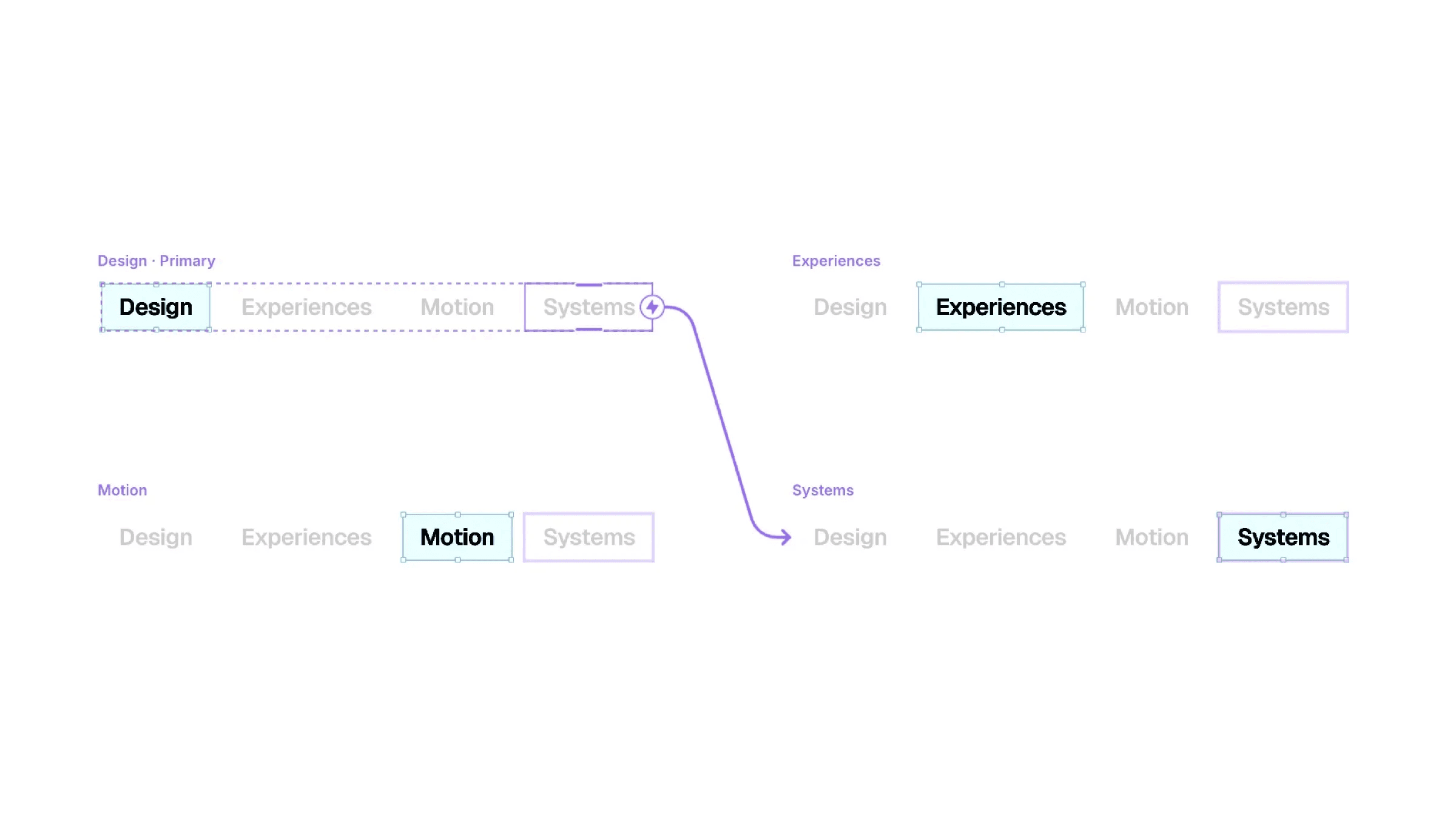
The four variants of the navigation selector component.
The four variants of the navigation selector component.
The four variants of the navigation selector component.


