Component
Shader Button Component in Framer
This is a Shader Button Component in Framer, recreated from Aryna Livadari's original work. Feel free to copy the component straight into your project and make it yours. Built entirely from layered effects, no code needed.




About the resource
To build this shader button component, I started with the outer border using an animated gradient background component, then added a second instance on top for the glow, this time with lowered opacity, boosted brightness, contrast, and slight blur to make it as diffused emitted light.
The inner knob uses a thermal image component and added the Framer logo, with brightness and contrast tuned to get that luminous feel. Around the knob, I added a separate border ring layer with a radial mask to constrain the effect to just the ring area. On the dark bottom overlay, I set background blur to 0.0001, that near-zero value activates filter compositing so the brightness and contrast tweaks affect the underlying layers rather than just the Frame itself.
About the resource
To build this shader button component, I started with the outer border using an animated gradient background component, then added a second instance on top for the glow, this time with lowered opacity, boosted brightness, contrast, and slight blur to make it as diffused emitted light.
The inner knob uses a thermal image component and added the Framer logo, with brightness and contrast tuned to get that luminous feel. Around the knob, I added a separate border ring layer with a radial mask to constrain the effect to just the ring area. On the dark bottom overlay, I set background blur to 0.0001, that near-zero value activates filter compositing so the brightness and contrast tweaks affect the underlying layers rather than just the Frame itself.
About the resource
To build this shader button component, I started with the outer border using an animated gradient background component, then added a second instance on top for the glow, this time with lowered opacity, boosted brightness, contrast, and slight blur to make it as diffused emitted light.
The inner knob uses a thermal image component and added the Framer logo, with brightness and contrast tuned to get that luminous feel. Around the knob, I added a separate border ring layer with a radial mask to constrain the effect to just the ring area. On the dark bottom overlay, I set background blur to 0.0001, that near-zero value activates filter compositing so the brightness and contrast tweaks affect the underlying layers rather than just the Frame itself.
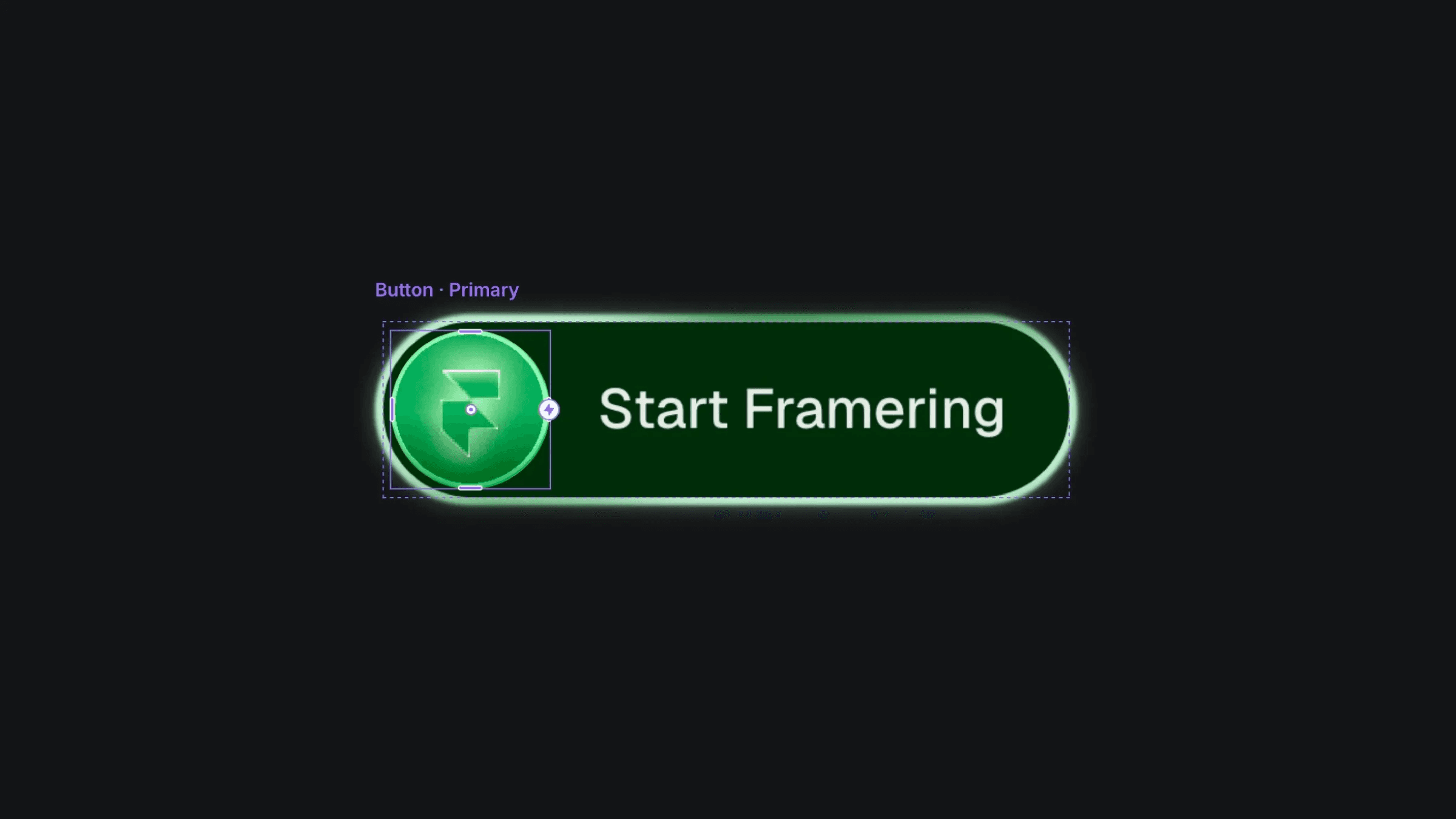
The shader button component layers in Framer.
The shader button component layers in Framer.
The shader button component layers in Framer.