
Component
Text Mask Animation in Framer
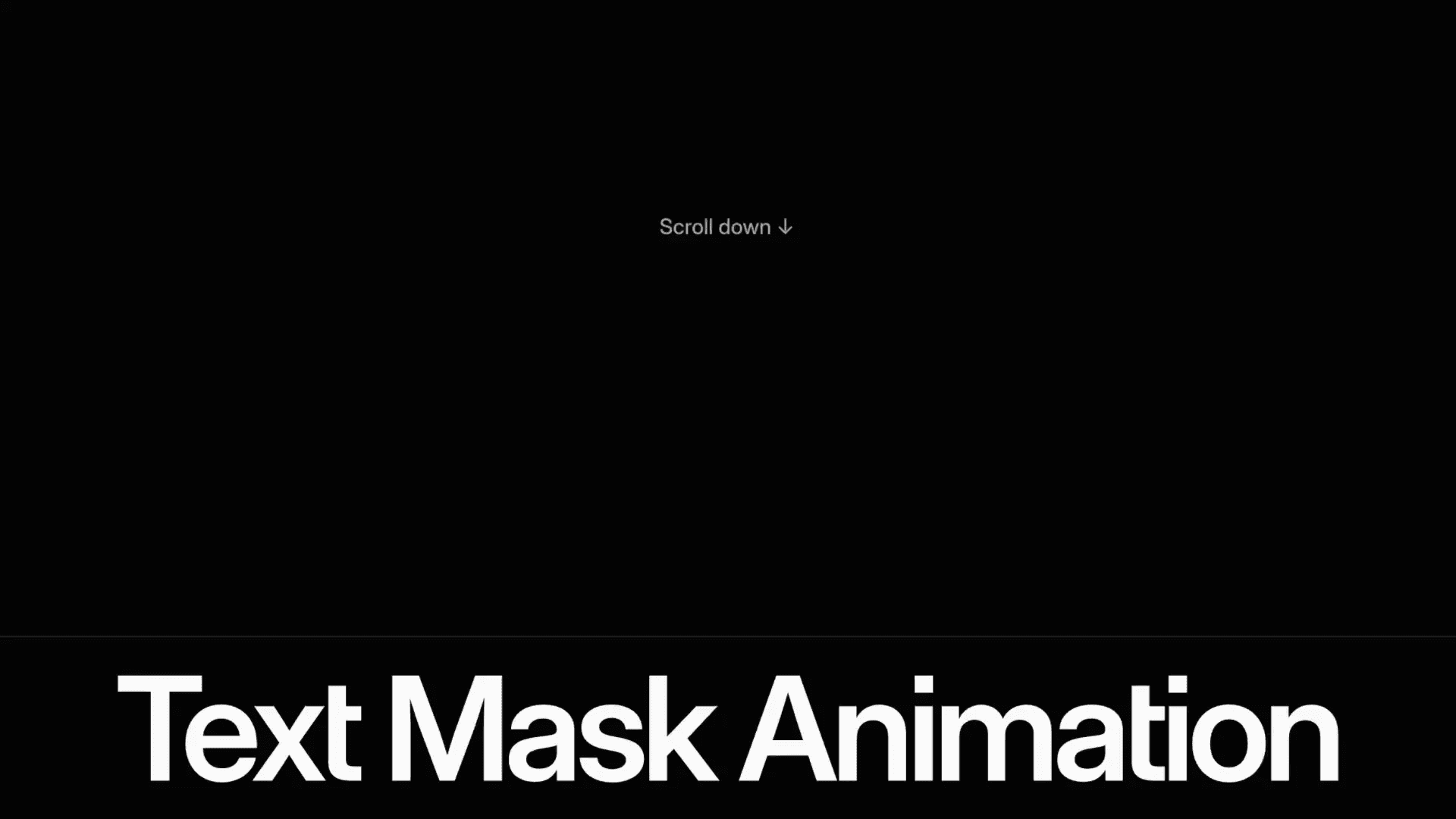
This is a text mask animation component for Framer, inspired by Dennis’s website, designed to help you create clean, scroll-aware text reveals. Copy the component to your clipboard, paste it into your Framer project, and fine-tune the timing, masking, and motion to fit your layout.




About the resource
To use the text mask animation, you control exactly when and how your text reveals. Trigger it instantly on load or tie it to scroll using Layer in View, with precise start points and optional replay as the text enters and exits the viewport.
Choose how the text animates: by words, characters, or lines, and enable line masking to keep reveals clean and contained. Use stagger to control the flow, from subtle sequencing to a more pronounced cascade.
Fine-tune the entry state with opacity, scale, blur, rotation, and position offsets, then shape the feel using tween or spring transitions. You can fully customize the text and typography making this resource ideal for polished, scroll-aware text reveals in Framer.
About the resource
To use the text mask animation, you control exactly when and how your text reveals. Trigger it instantly on load or tie it to scroll using Layer in View, with precise start points and optional replay as the text enters and exits the viewport.
Choose how the text animates: by words, characters, or lines, and enable line masking to keep reveals clean and contained. Use stagger to control the flow, from subtle sequencing to a more pronounced cascade.
Fine-tune the entry state with opacity, scale, blur, rotation, and position offsets, then shape the feel using tween or spring transitions. You can fully customize the text and typography making this resource ideal for polished, scroll-aware text reveals in Framer.
About the resource
To use the text mask animation, you control exactly when and how your text reveals. Trigger it instantly on load or tie it to scroll using Layer in View, with precise start points and optional replay as the text enters and exits the viewport.
Choose how the text animates: by words, characters, or lines, and enable line masking to keep reveals clean and contained. Use stagger to control the flow, from subtle sequencing to a more pronounced cascade.
Fine-tune the entry state with opacity, scale, blur, rotation, and position offsets, then shape the feel using tween or spring transitions. You can fully customize the text and typography making this resource ideal for polished, scroll-aware text reveals in Framer.
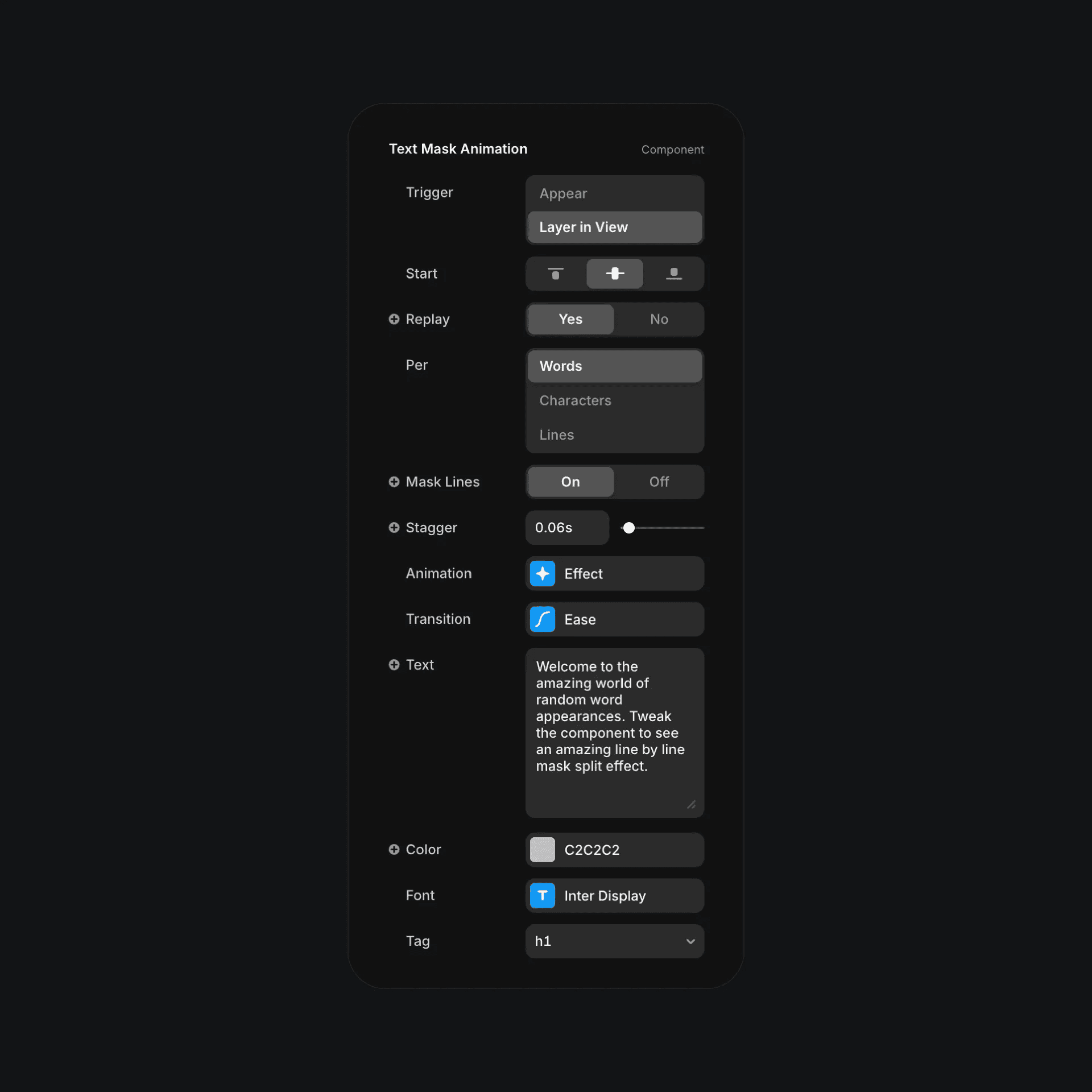
The text mask component properties in Framer.
The text mask component properties in Framer.
The text mask component properties in Framer.


