
Component
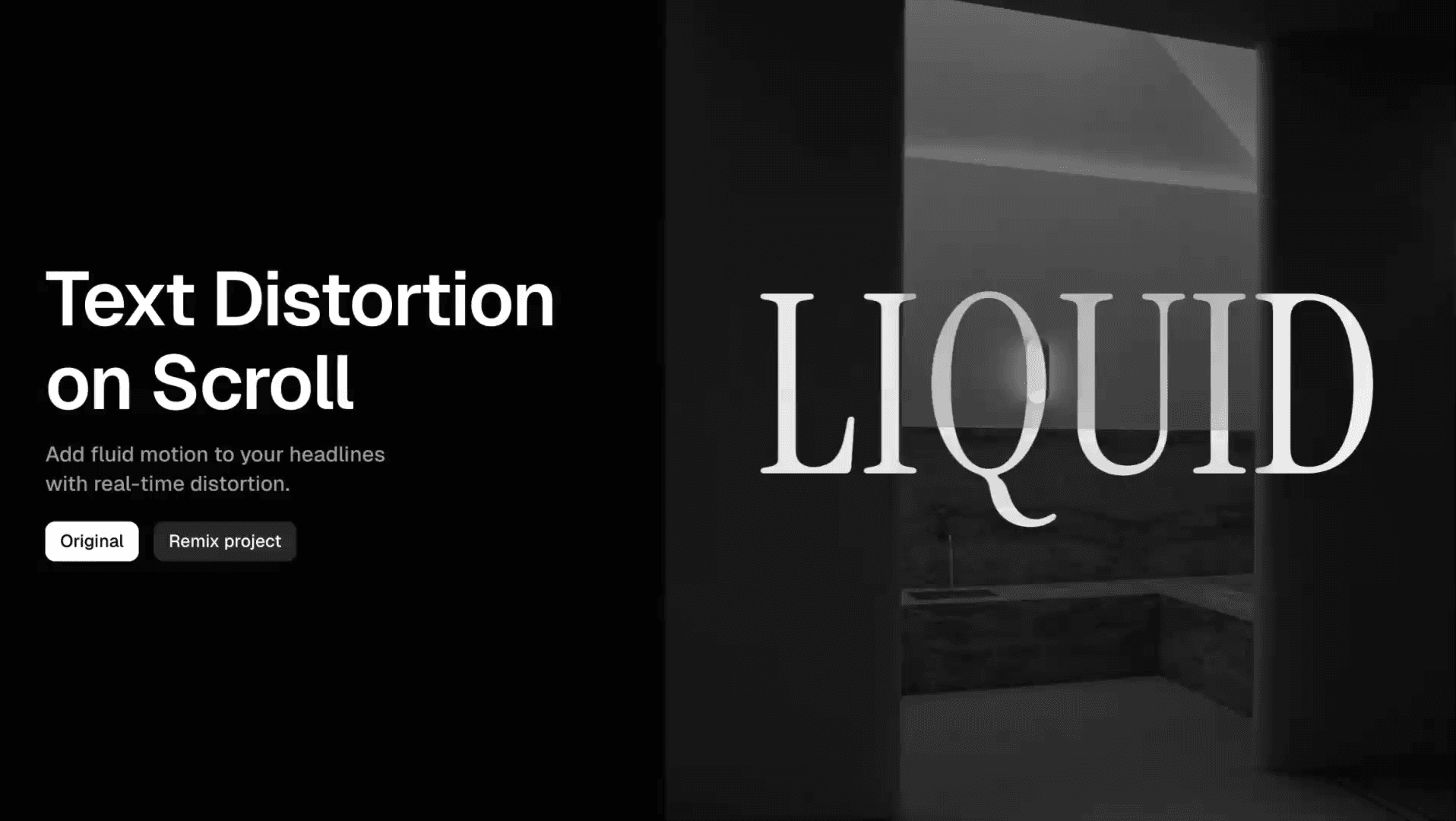
Text Distortion on Scroll in Framer




About the resource
To use the component, drop in the scroll text distortion component and adjust the settings from the right panel. Preview lets you see the distortion live on the canvas, or you can turn it off to view the text normally.
You can type anything into the Text field, and the Font controls let you style it the way you want. Sensitivity decides how reactive the distortion is to scrolling, higher values exaggerate the effect, lower values keep it subtle.
The Effect options let you choose the style: Liquid, Wave, Prism, Ripple, or Shake, each giving the text a different kind of movement. Color simply sets the text color the distortion applies to.
About the resource
To use the component, drop in the scroll text distortion component and adjust the settings from the right panel. Preview lets you see the distortion live on the canvas, or you can turn it off to view the text normally.
You can type anything into the Text field, and the Font controls let you style it the way you want. Sensitivity decides how reactive the distortion is to scrolling, higher values exaggerate the effect, lower values keep it subtle.
The Effect options let you choose the style: Liquid, Wave, Prism, Ripple, or Shake, each giving the text a different kind of movement. Color simply sets the text color the distortion applies to.
About the resource
To use the component, drop in the scroll text distortion component and adjust the settings from the right panel. Preview lets you see the distortion live on the canvas, or you can turn it off to view the text normally.
You can type anything into the Text field, and the Font controls let you style it the way you want. Sensitivity decides how reactive the distortion is to scrolling, higher values exaggerate the effect, lower values keep it subtle.
The Effect options let you choose the style: Liquid, Wave, Prism, Ripple, or Shake, each giving the text a different kind of movement. Color simply sets the text color the distortion applies to.
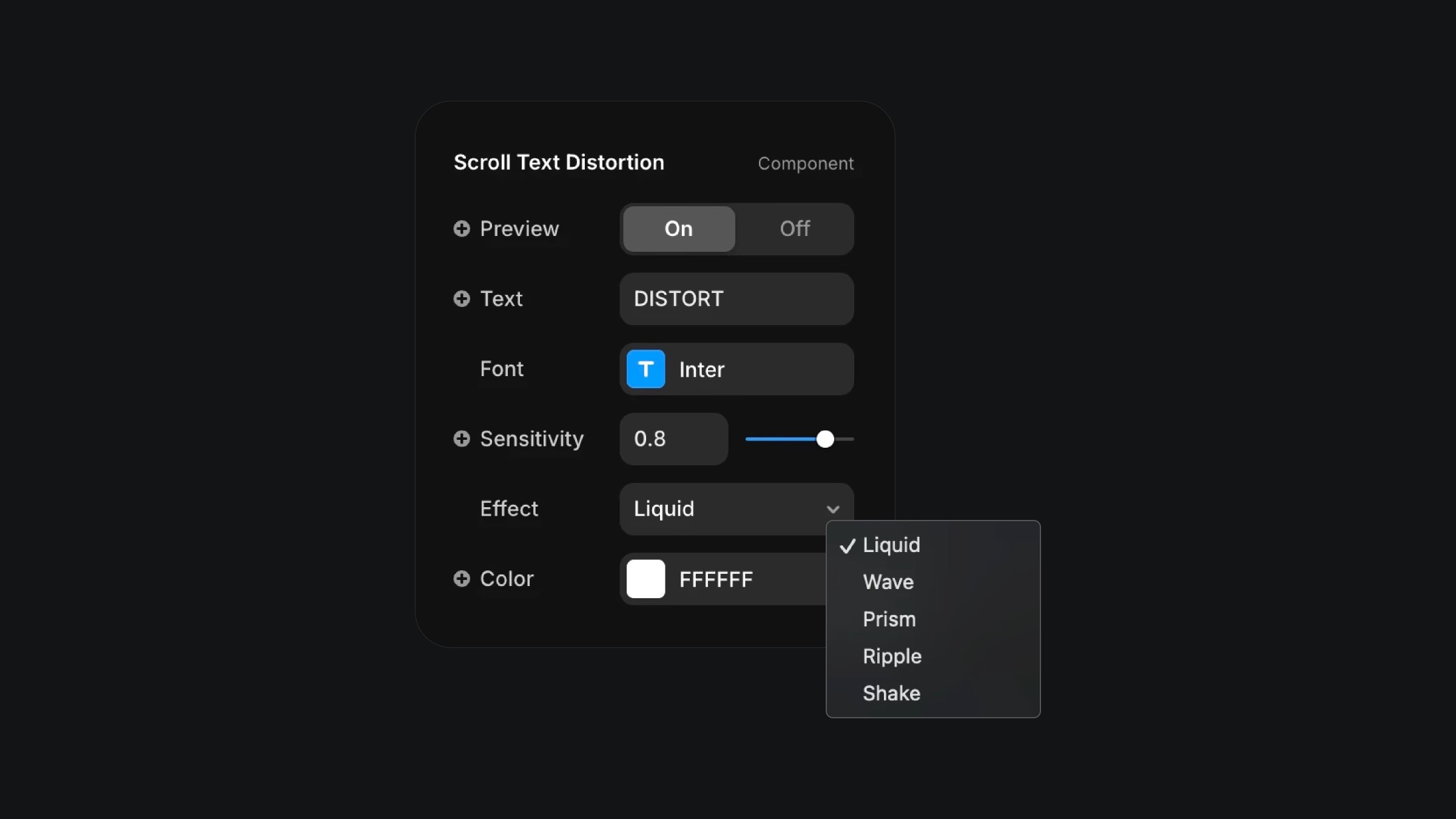
The component properties of the text distortion on scroll component.
The component properties of the text distortion on scroll component.
The component properties of the text distortion on scroll component.


