
Component
SVG Underline Navigation in Framer
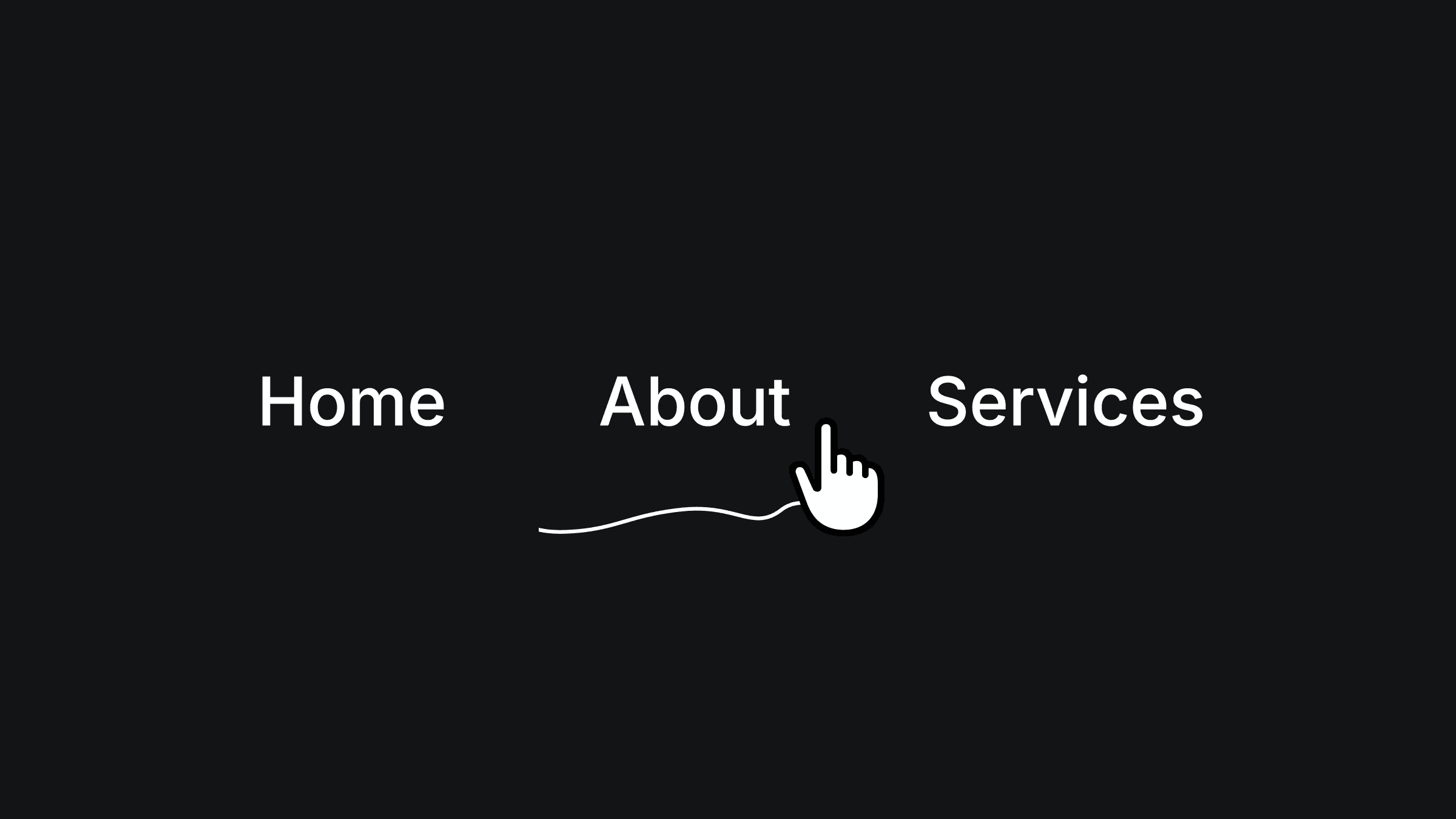
This is a SVG underline navigation recreated in Framer, from Raul’s original work. Feel free to remix the file and explore how this interaction is built using masking, or simply copy the component into your project.



About the resource
To create this, I first designed a simple SVG line and set up a navigation with five menu items. The SVG line is placed below the menu inside a wrapper frame, with a linear mask applied to it. In the waiting variant for all menu items, the mask hides the line completely.
On hover, the menu item switches to its active variant, where the mask points move from the center of the menu item toward the edges, revealing the underline SVG. On mouse leave, the variant switches back to the waiting state, masking the line back smoothly. I also added an additional variant for each menu item to make the transition from active to inactive feel softer and more polished.
About the resource
To create this, I first designed a simple SVG line and set up a navigation with five menu items. The SVG line is placed below the menu inside a wrapper frame, with a linear mask applied to it. In the waiting variant for all menu items, the mask hides the line completely.
On hover, the menu item switches to its active variant, where the mask points move from the center of the menu item toward the edges, revealing the underline SVG. On mouse leave, the variant switches back to the waiting state, masking the line back smoothly. I also added an additional variant for each menu item to make the transition from active to inactive feel softer and more polished.
About the resource
To create this, I first designed a simple SVG line and set up a navigation with five menu items. The SVG line is placed below the menu inside a wrapper frame, with a linear mask applied to it. In the waiting variant for all menu items, the mask hides the line completely.
On hover, the menu item switches to its active variant, where the mask points move from the center of the menu item toward the edges, revealing the underline SVG. On mouse leave, the variant switches back to the waiting state, masking the line back smoothly. I also added an additional variant for each menu item to make the transition from active to inactive feel softer and more polished.
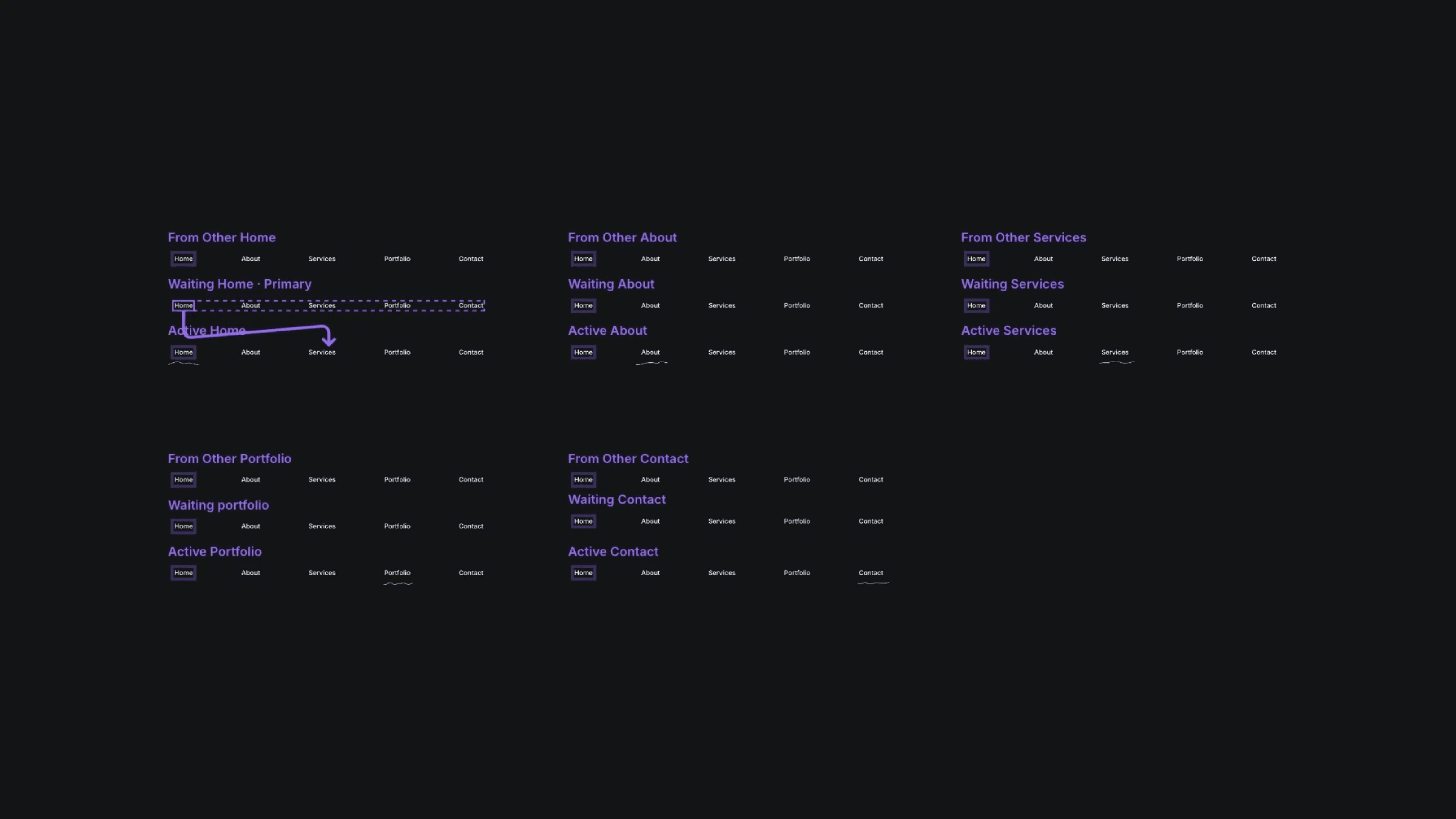
The multiple variants of the svg underline nav component in Framer.
The multiple variants of the svg underline nav component in Framer.
The multiple variants of the svg underline nav component in Framer.


