
Component
Skeuomorphic Door Handle Interaction in Framer
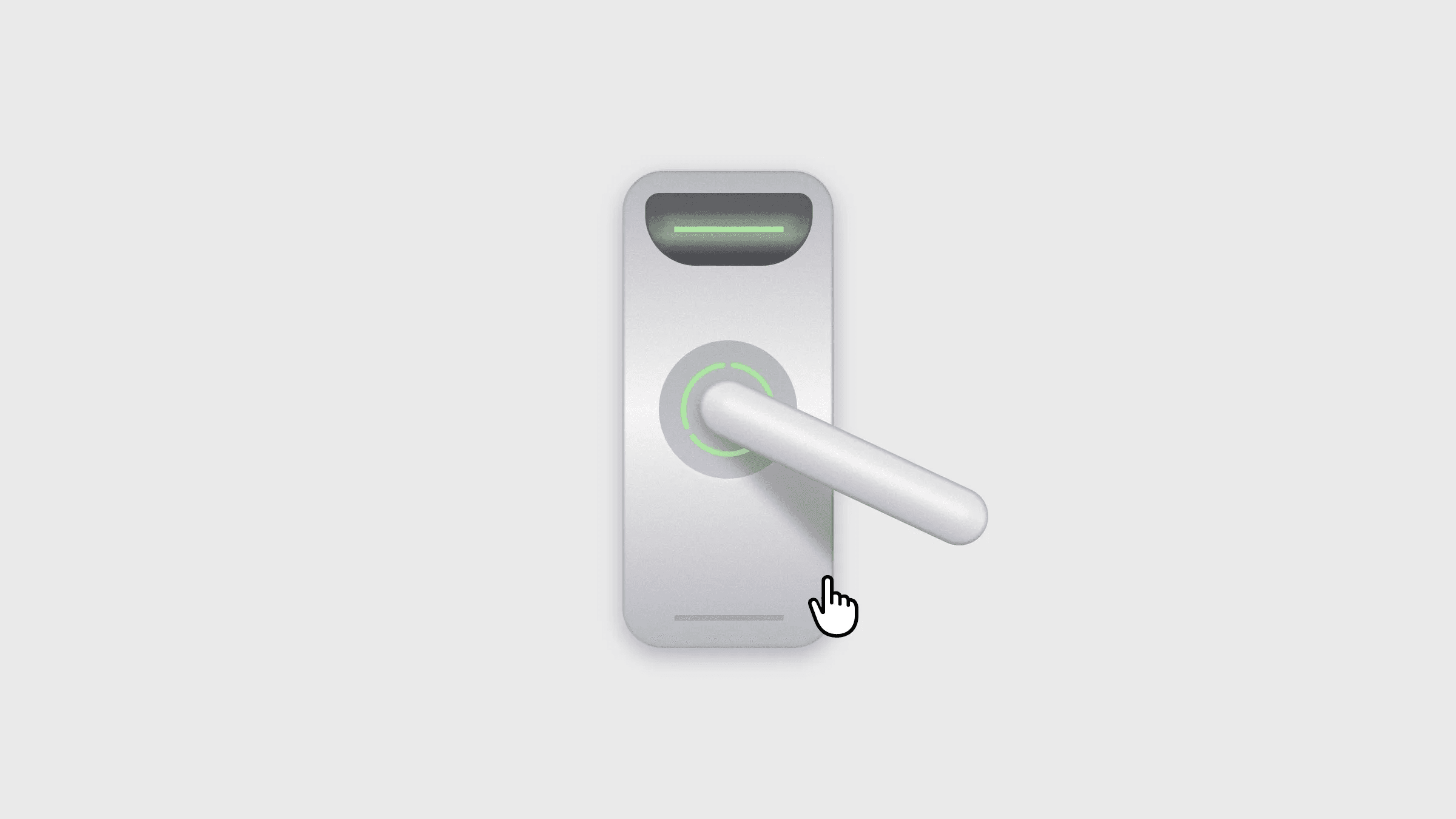
This is a skeuomorphic door handle interaction recreated in Framer from James McDonald’s work. You can copy the component into your own projects or remix it to explore how the layered design and variant setup recreate the full interaction without writing any code.



About the resource
To recreate this skeuomorphic door handle interaction in Framer, I first built the door lock using frames, gradients, shadows, and blur to closely match the look of the original design. I layered the elements using z-index so each part of the lock sits correctly and gives a realistic depth.
For the animation, I turned the lock into a component with multiple variants representing different stages of the interaction. Using the roll over technique, the animation starts on click and continues through appear triggers that move the component from one variant to the next. On mouse leave, the component transitions back to the default state.
About the resource
To recreate this skeuomorphic door handle interaction in Framer, I first built the door lock using frames, gradients, shadows, and blur to closely match the look of the original design. I layered the elements using z-index so each part of the lock sits correctly and gives a realistic depth.
For the animation, I turned the lock into a component with multiple variants representing different stages of the interaction. Using the roll over technique, the animation starts on click and continues through appear triggers that move the component from one variant to the next. On mouse leave, the component transitions back to the default state.
About the resource
To recreate this skeuomorphic door handle interaction in Framer, I first built the door lock using frames, gradients, shadows, and blur to closely match the look of the original design. I layered the elements using z-index so each part of the lock sits correctly and gives a realistic depth.
For the animation, I turned the lock into a component with multiple variants representing different stages of the interaction. Using the roll over technique, the animation starts on click and continues through appear triggers that move the component from one variant to the next. On mouse leave, the component transitions back to the default state.
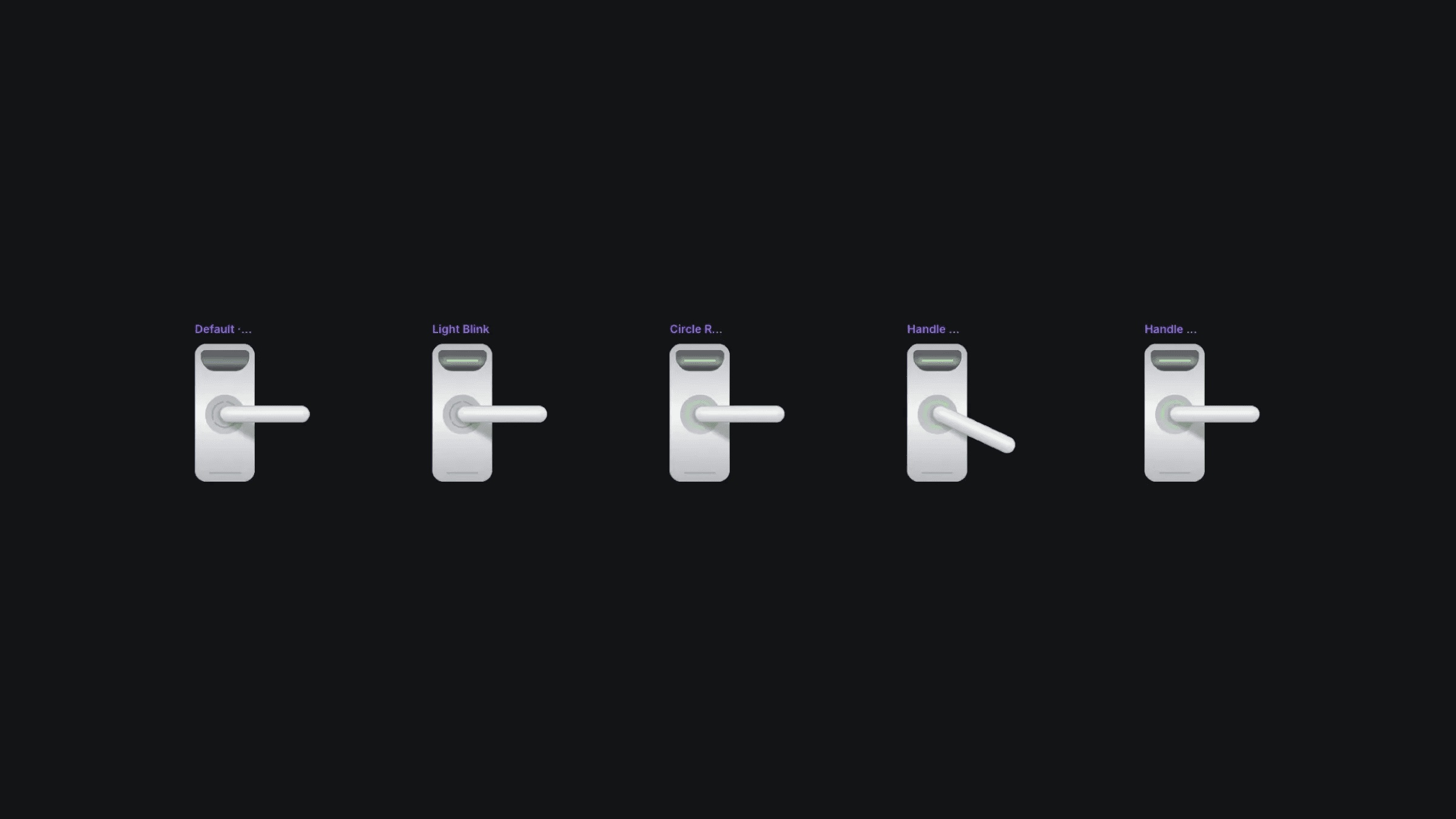
The multiple variants of the door lock component.
The multiple variants of the door lock component.
The multiple variants of the door lock component.


