
Component
Morphing Waitlist Input in Framer
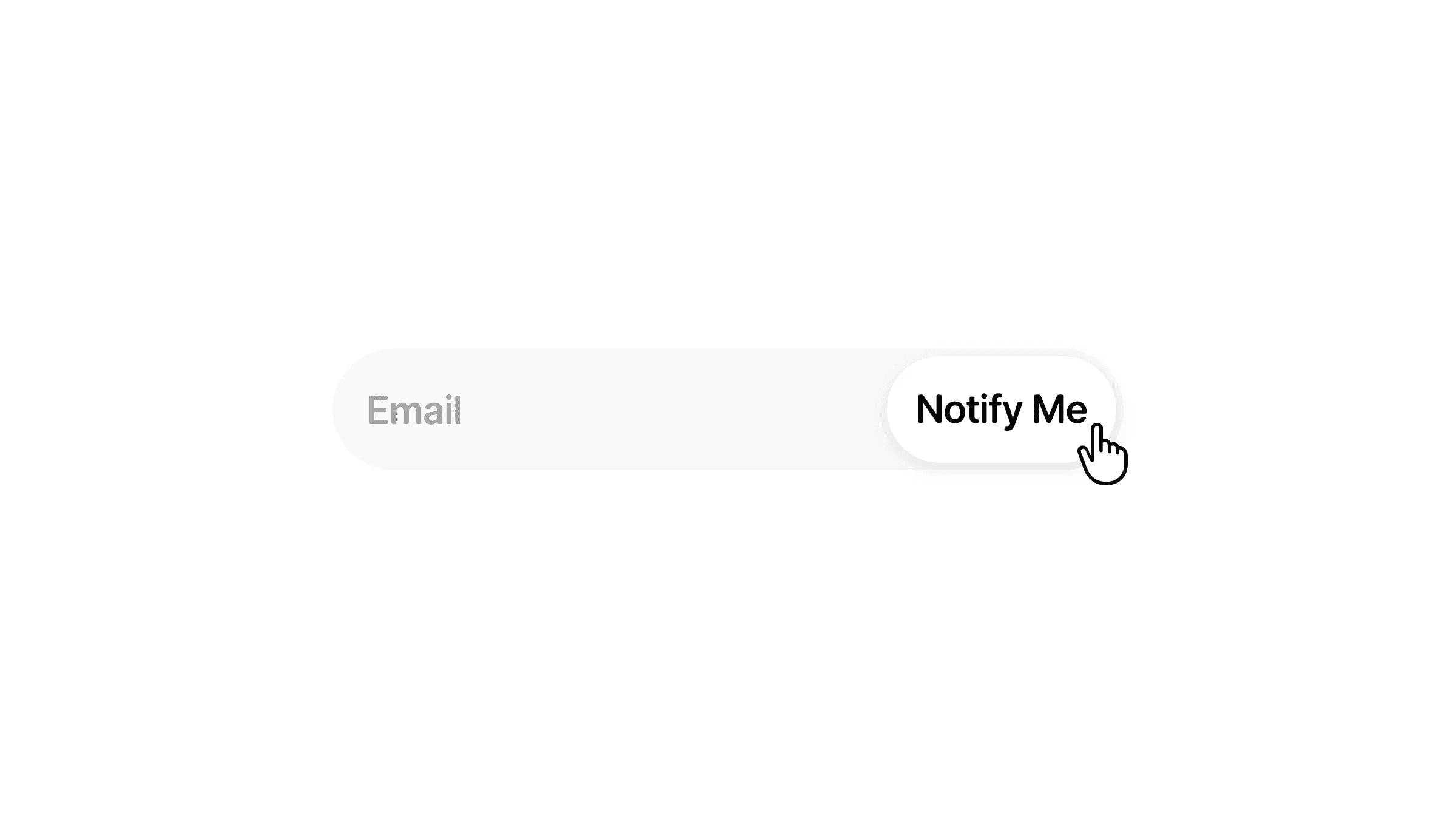
This is a morphing waitlist input component for Framer, built using the native form builder, recreated from Nitish’s original work. Remix it to see how the morphing waitlist is built in Framer without any code.



About the resource
To create the morphing waitlist resource as a no-code component, I used Framer’s native form builder so the input field and button can be fully customized visually. I first created a button component with four variants, default, hover, clicked, and success, to handle all button states. Then I combined the input field and button into a single waitlist component with three variants: default, waitlist, and success.
For the interaction, the initial trigger button switches the component to the waitlist variant, and once the field is filled and the button is clicked, the component switches to the success variant, all using Framer’s built-in interactions without any code.
About the resource
To create the morphing waitlist resource as a no-code component, I used Framer’s native form builder so the input field and button can be fully customized visually. I first created a button component with four variants, default, hover, clicked, and success, to handle all button states. Then I combined the input field and button into a single waitlist component with three variants: default, waitlist, and success.
For the interaction, the initial trigger button switches the component to the waitlist variant, and once the field is filled and the button is clicked, the component switches to the success variant, all using Framer’s built-in interactions without any code.
About the resource
To create the morphing waitlist resource as a no-code component, I used Framer’s native form builder so the input field and button can be fully customized visually. I first created a button component with four variants, default, hover, clicked, and success, to handle all button states. Then I combined the input field and button into a single waitlist component with three variants: default, waitlist, and success.
For the interaction, the initial trigger button switches the component to the waitlist variant, and once the field is filled and the button is clicked, the component switches to the success variant, all using Framer’s built-in interactions without any code.
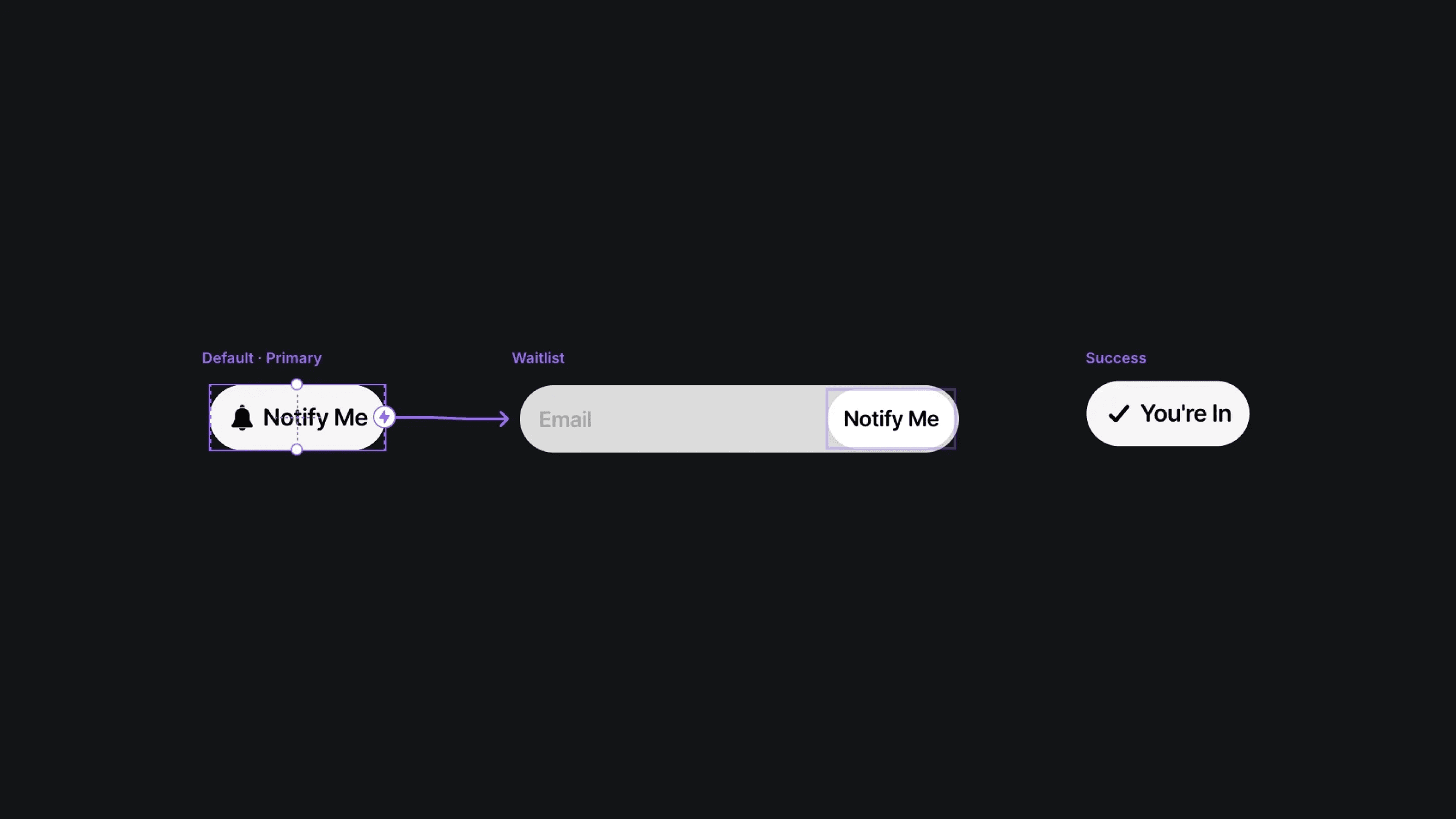
The three variants of the morphing waitlist component.
The three variants of the morphing waitlist component.
The three variants of the morphing waitlist component.


