
Component
Mobile Haptics in Framer
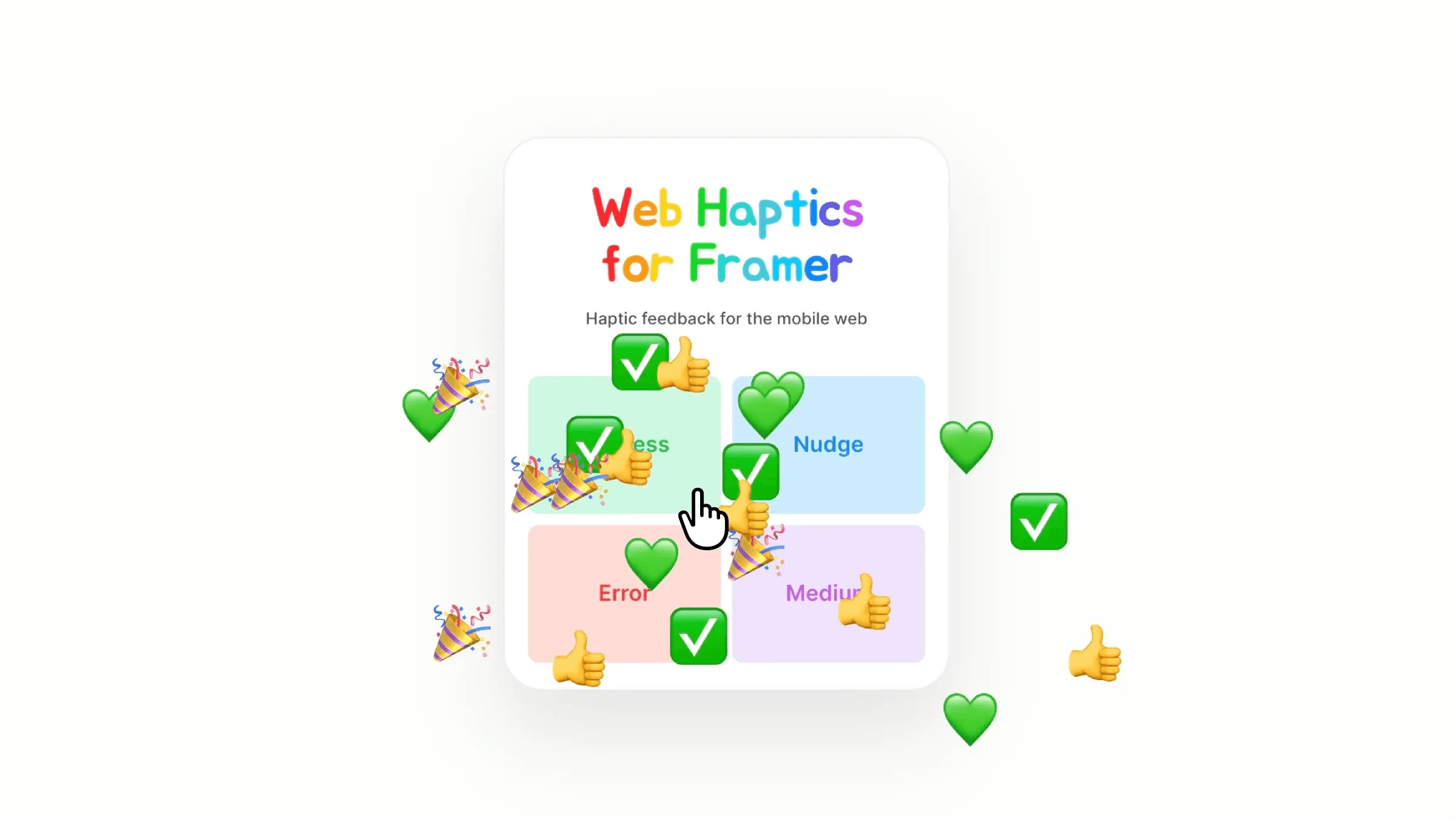
This is a Mobile Haptics component for Framer, recreated from Lochie's goated work. Copy and paste it into your projects, choose a preset or build a custom pattern at haptics.lochie.me, and tweak the controls to get the feel you want.




About the resource
To use this component, drop it into your Framer project and choose a Mode, either Preset or Custom. If you go with Preset, pick one of the eight built-in patterns like Success, Nudge, or Heavy from the dropdown. If you want something more tailored, switch to Custom and paste in your pattern code, you can build that over at haptics.lochie.me, which gives you a visual editor to design and export your sequence.
Since haptics only fire on a real device, there's a Debug control to help you test on desktop. Set it to Sound and your pattern will play back as audio so you can at least hear the rhythm of it. Flip it to Silent if you'd rather not hear anything while you work.
About the resource
To use this component, drop it into your Framer project and choose a Mode, either Preset or Custom. If you go with Preset, pick one of the eight built-in patterns like Success, Nudge, or Heavy from the dropdown. If you want something more tailored, switch to Custom and paste in your pattern code, you can build that over at haptics.lochie.me, which gives you a visual editor to design and export your sequence.
Since haptics only fire on a real device, there's a Debug control to help you test on desktop. Set it to Sound and your pattern will play back as audio so you can at least hear the rhythm of it. Flip it to Silent if you'd rather not hear anything while you work.
About the resource
To use this component, drop it into your Framer project and choose a Mode, either Preset or Custom. If you go with Preset, pick one of the eight built-in patterns like Success, Nudge, or Heavy from the dropdown. If you want something more tailored, switch to Custom and paste in your pattern code, you can build that over at haptics.lochie.me, which gives you a visual editor to design and export your sequence.
Since haptics only fire on a real device, there's a Debug control to help you test on desktop. Set it to Sound and your pattern will play back as audio so you can at least hear the rhythm of it. Flip it to Silent if you'd rather not hear anything while you work.
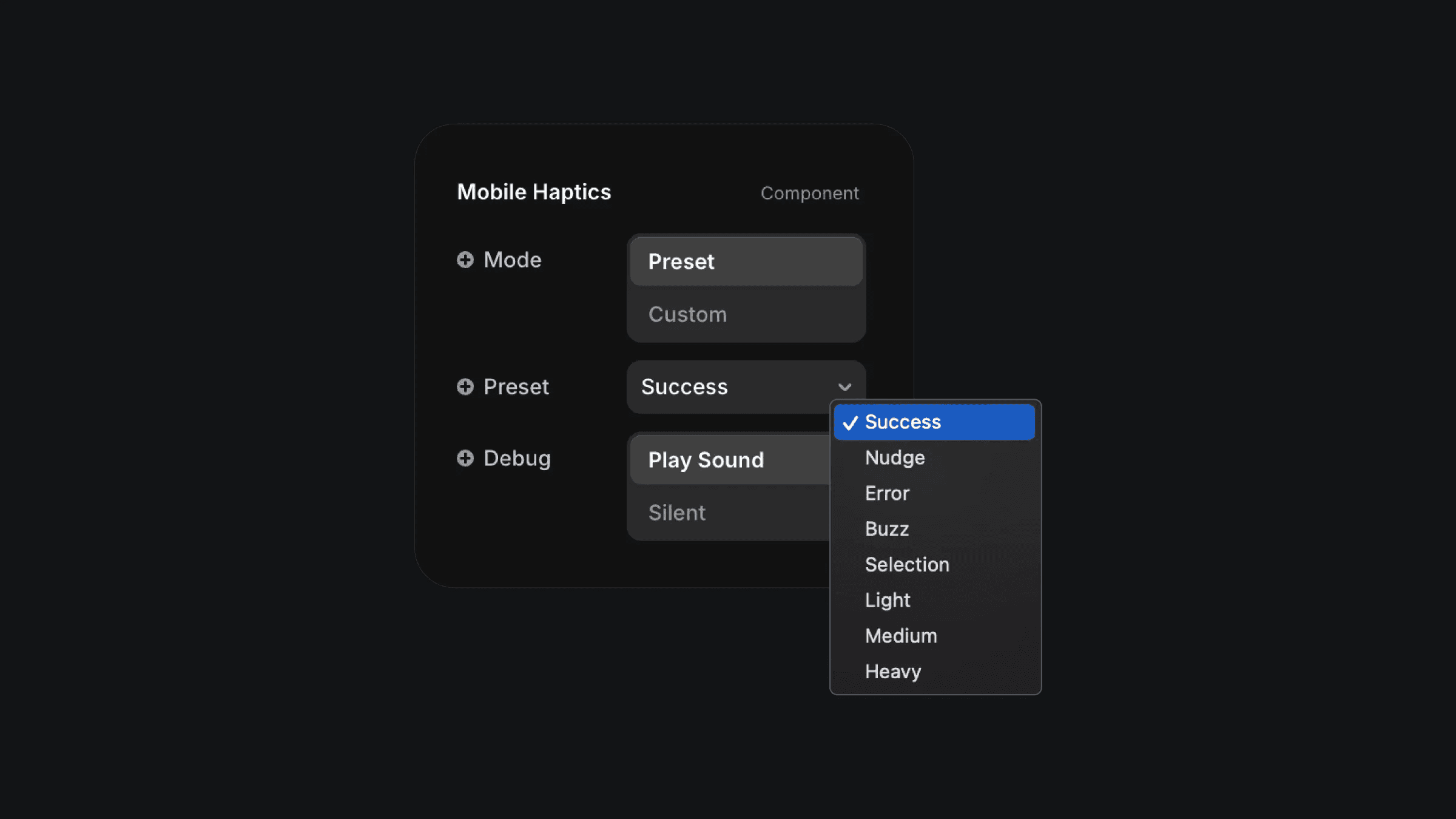
The mobile haptics componenet properties in Framer.
The mobile haptics componenet properties in Framer.
The mobile haptics componenet properties in Framer.


