
Component
Inline Toast Interaction in Framer
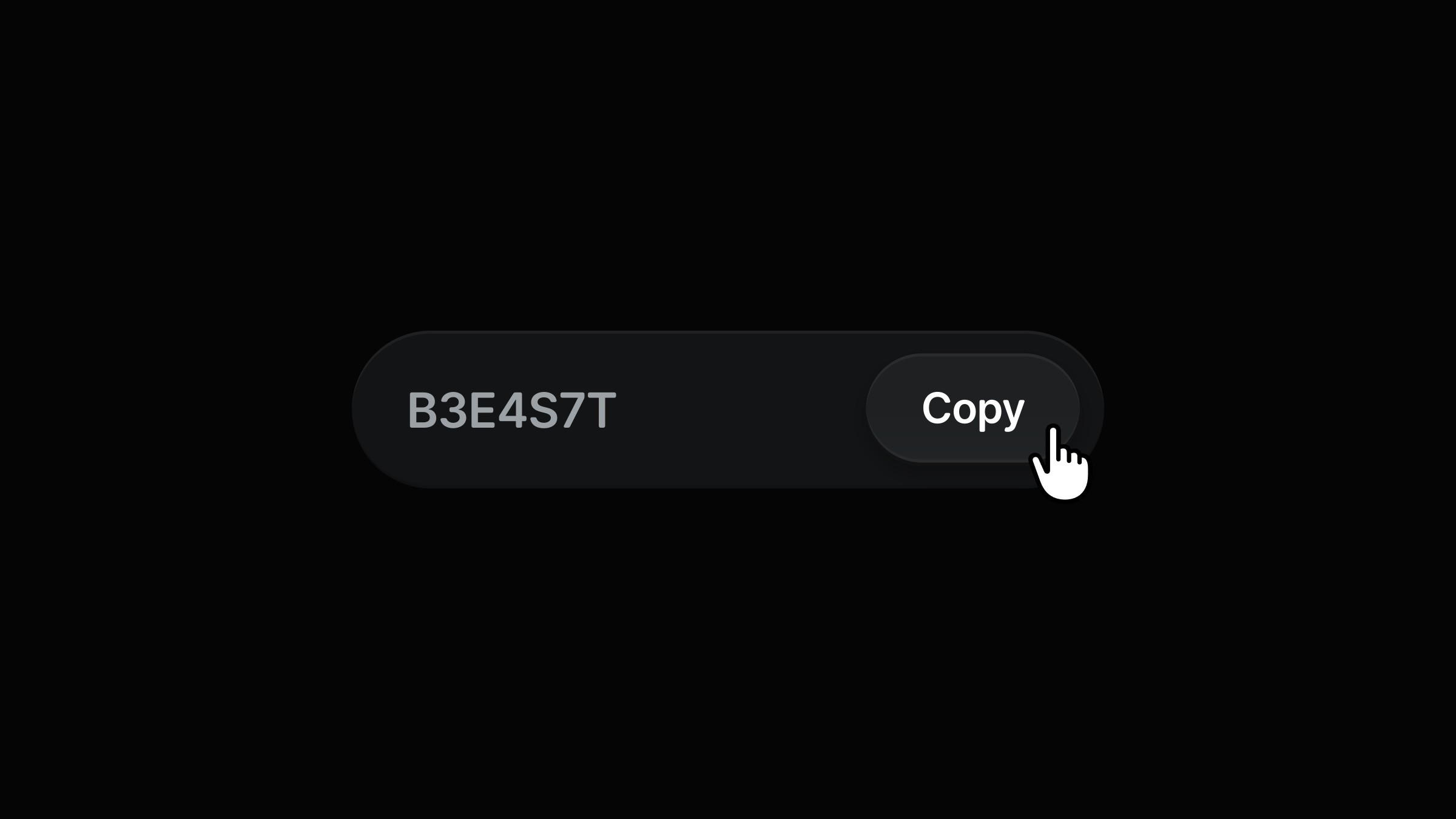
This is an inline toast interaction recreated in Framer, from the original work of Nitish Khagwal. Feel free to remix the project to see how this interaction can be built in Framer without writing any code.



About the resource
To create this interaction, I built it using two components: a button and the inline toast. The button includes a pressed state and a copy button component inside it to copy the code.
The toast itself has two variants: default and clicked. On click, the frame pinned to the left expands, changes its width, and re-pins to the right. From there, the button inside the toast triggers a transition to the clicked variant. This transition runs for 0.8s, while the fill frame that shows the time left to copy the code uses a linear transition overridden to 4s. Once the timer ends, an appear interaction brings the toast back to the default variant.
About the resource
To create this interaction, I built it using two components: a button and the inline toast. The button includes a pressed state and a copy button component inside it to copy the code.
The toast itself has two variants: default and clicked. On click, the frame pinned to the left expands, changes its width, and re-pins to the right. From there, the button inside the toast triggers a transition to the clicked variant. This transition runs for 0.8s, while the fill frame that shows the time left to copy the code uses a linear transition overridden to 4s. Once the timer ends, an appear interaction brings the toast back to the default variant.
About the resource
To create this interaction, I built it using two components: a button and the inline toast. The button includes a pressed state and a copy button component inside it to copy the code.
The toast itself has two variants: default and clicked. On click, the frame pinned to the left expands, changes its width, and re-pins to the right. From there, the button inside the toast triggers a transition to the clicked variant. This transition runs for 0.8s, while the fill frame that shows the time left to copy the code uses a linear transition overridden to 4s. Once the timer ends, an appear interaction brings the toast back to the default variant.
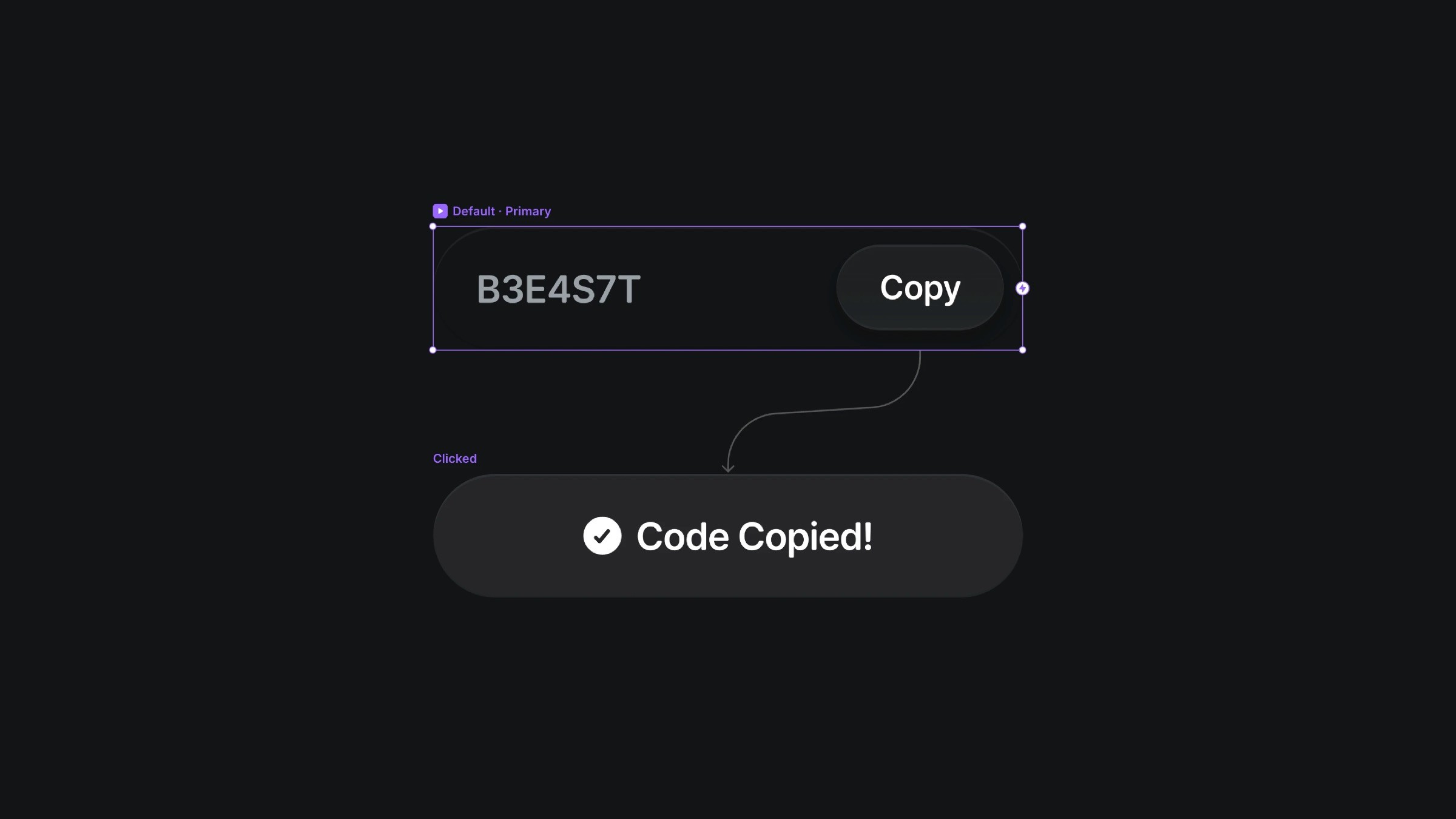
The two variants of the toast interaction component.
The two variants of the toast interaction component.
The two variants of the toast interaction component.


