
Component
Image Scratch Component in Framer
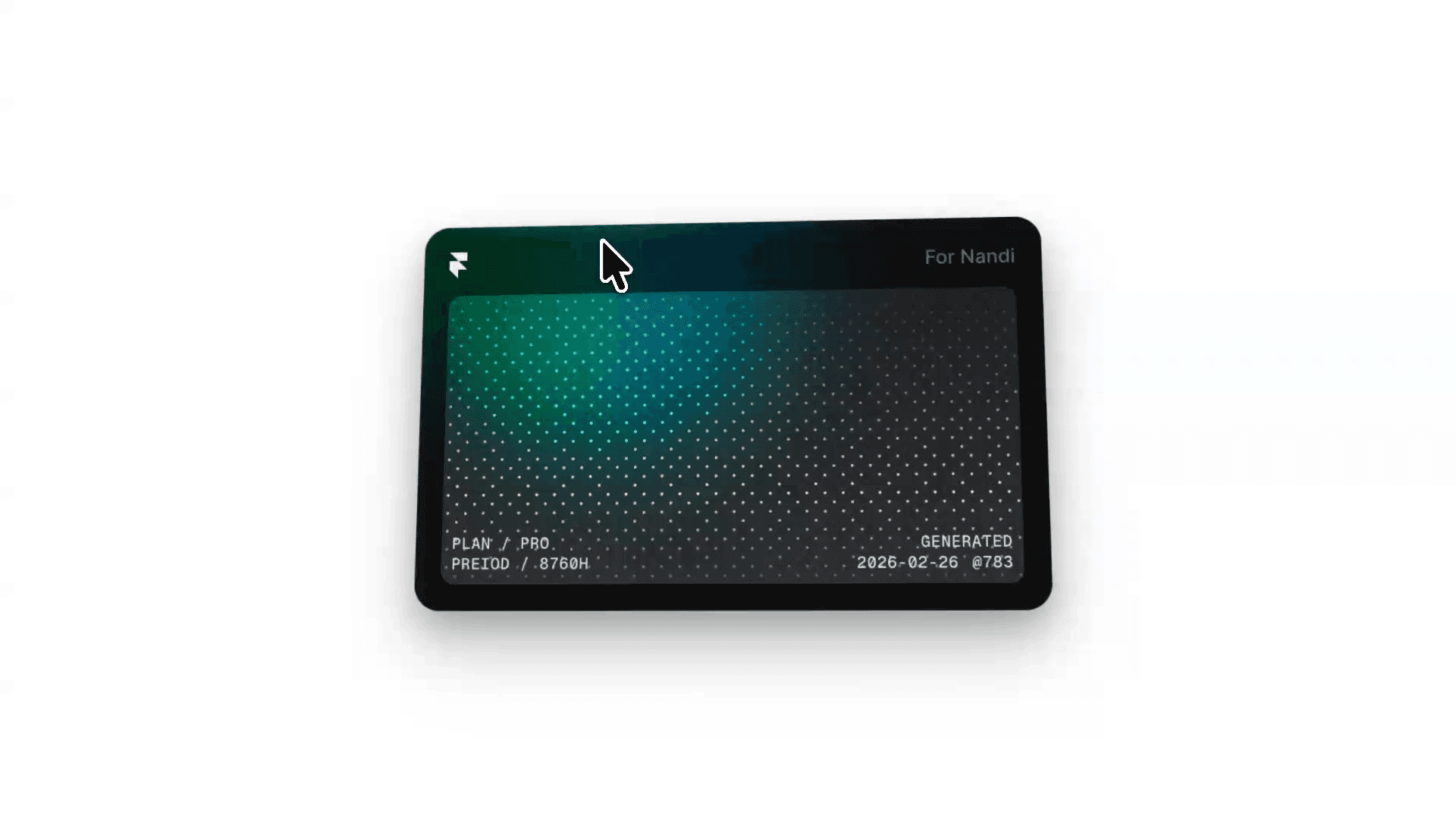
This is an image scratch component, recreated from Josh Puckett’s work as a fully customizable Framer component. Copy and paste it into your projects and start playing around with it like a crazy little kid who just got a new toy.


About the resource
The main goal of this component to allow you to set a color or an image, and be able to scratch it off by clicking and dragging, kinda when you’re scratching off a lottery ticket to see if you’ve won big.
As you’re scratching, content placed below the component reveals as it becomes visible.
As you can see it below, the component is packed with easy to customize properties to make sure you can really tweak it until it’s fully yours.
About the resource
The main goal of this component to allow you to set a color or an image, and be able to scratch it off by clicking and dragging, kinda when you’re scratching off a lottery ticket to see if you’ve won big.
As you’re scratching, content placed below the component reveals as it becomes visible.
As you can see it below, the component is packed with easy to customize properties to make sure you can really tweak it until it’s fully yours.
About the resource
The main goal of this component to allow you to set a color or an image, and be able to scratch it off by clicking and dragging, kinda when you’re scratching off a lottery ticket to see if you’ve won big.
As you’re scratching, content placed below the component reveals as it becomes visible.
As you can see it below, the component is packed with easy to customize properties to make sure you can really tweak it until it’s fully yours.
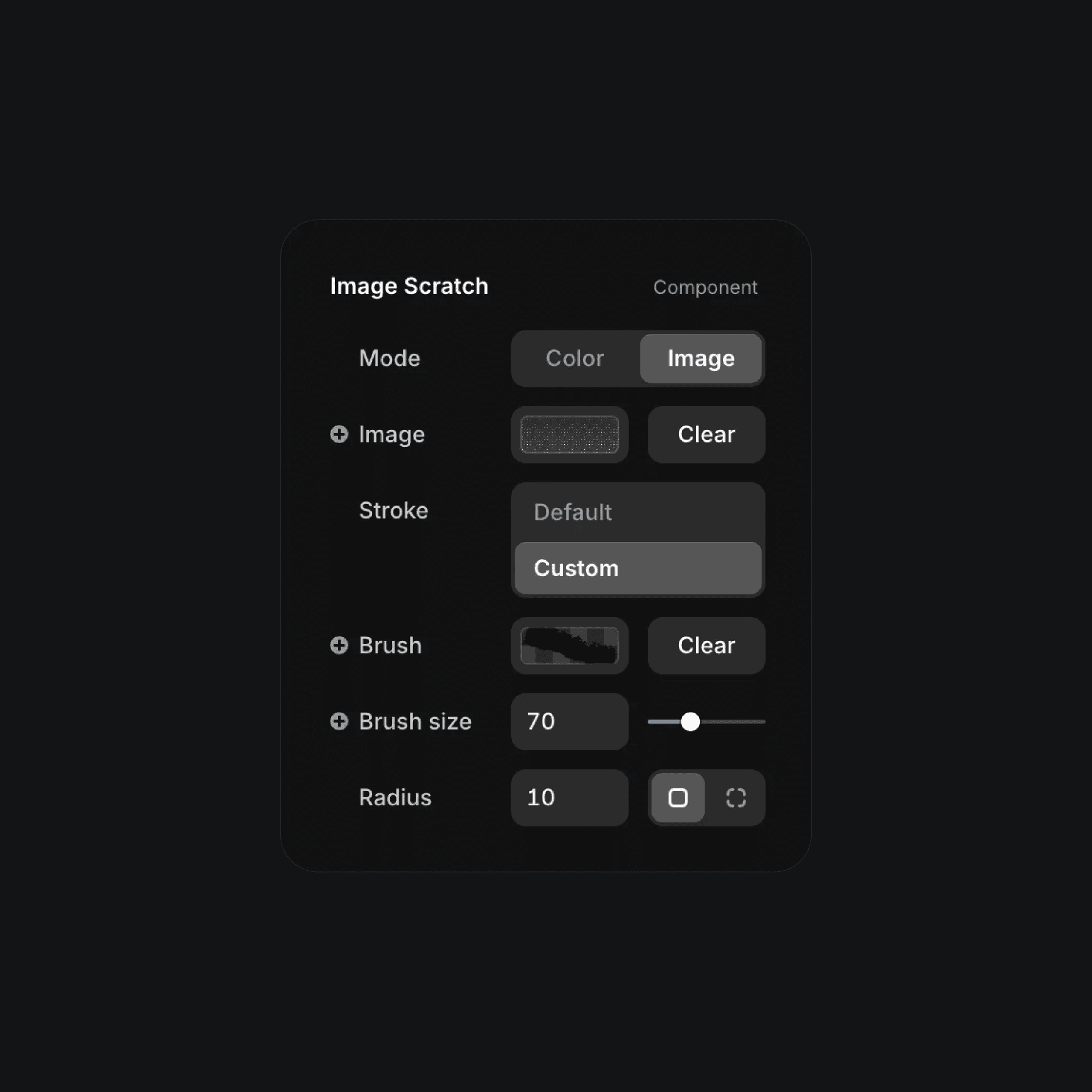
The properties of the image scratch component.
The properties of the image scratch component.
The properties of the image scratch component.
To create a unique effect, I recommend creating a transparent PNG with a black brush design and uploading it to the custom stroke option. This is how you change the look and feel of the scratching effect. Alternatively, you can just use the default stroke options like circle, square, triangle, and more.
To create a unique effect, I recommend creating a transparent PNG with a black brush design and uploading it to the custom stroke option. This is how you change the look and feel of the scratching effect. Alternatively, you can just use the default stroke options like circle, square, triangle, and more.
To create a unique effect, I recommend creating a transparent PNG with a black brush design and uploading it to the custom stroke option. This is how you change the look and feel of the scratching effect. Alternatively, you can just use the default stroke options like circle, square, triangle, and more.


