Expand Activities Animation in Framer

Copy component

Expand Activities Animation in Framer

Copy component

Nandi Muzsik

How can I improve Framer Uni?

Let me know if there’s a missing feature or something that could be improved.

Share feedback

Nandi Muzsik

How can I improve Framer Uni?

Let me know if there’s a missing feature or something that could be improved.

Share feedback

New

New

New

Component

Expand Activities Animation in Framer

This is a expand activities animation recreated in Framer from Shawn’s original work. You can dive into the file to see how everything comes together, or just grab the component and drop it straight into your own workflow.

image of Nandi Muzsik
image of Prianca S.
Image of Shawn

Created by

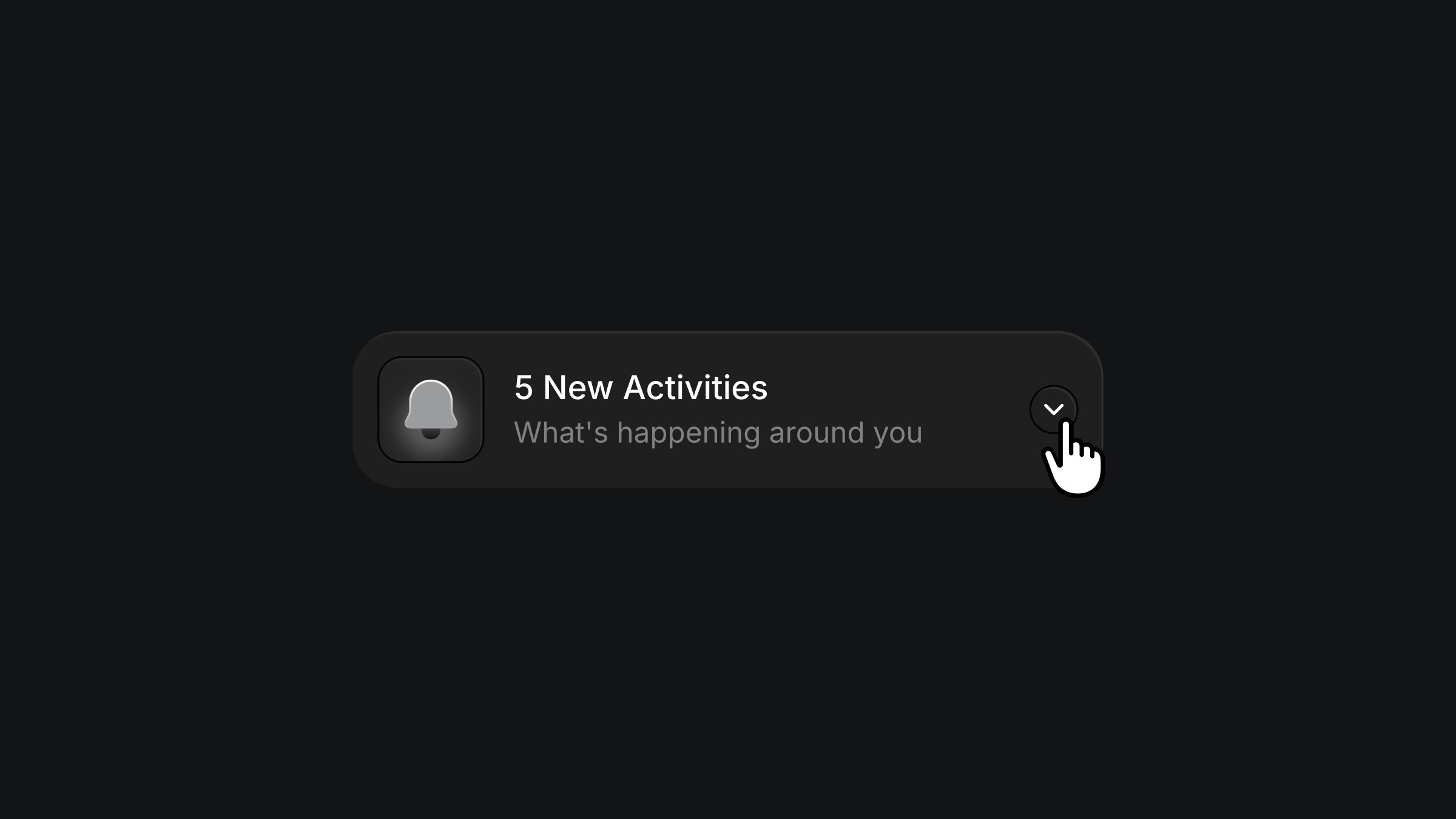
Activity notification card with bell icon and expand arrow

About the resource

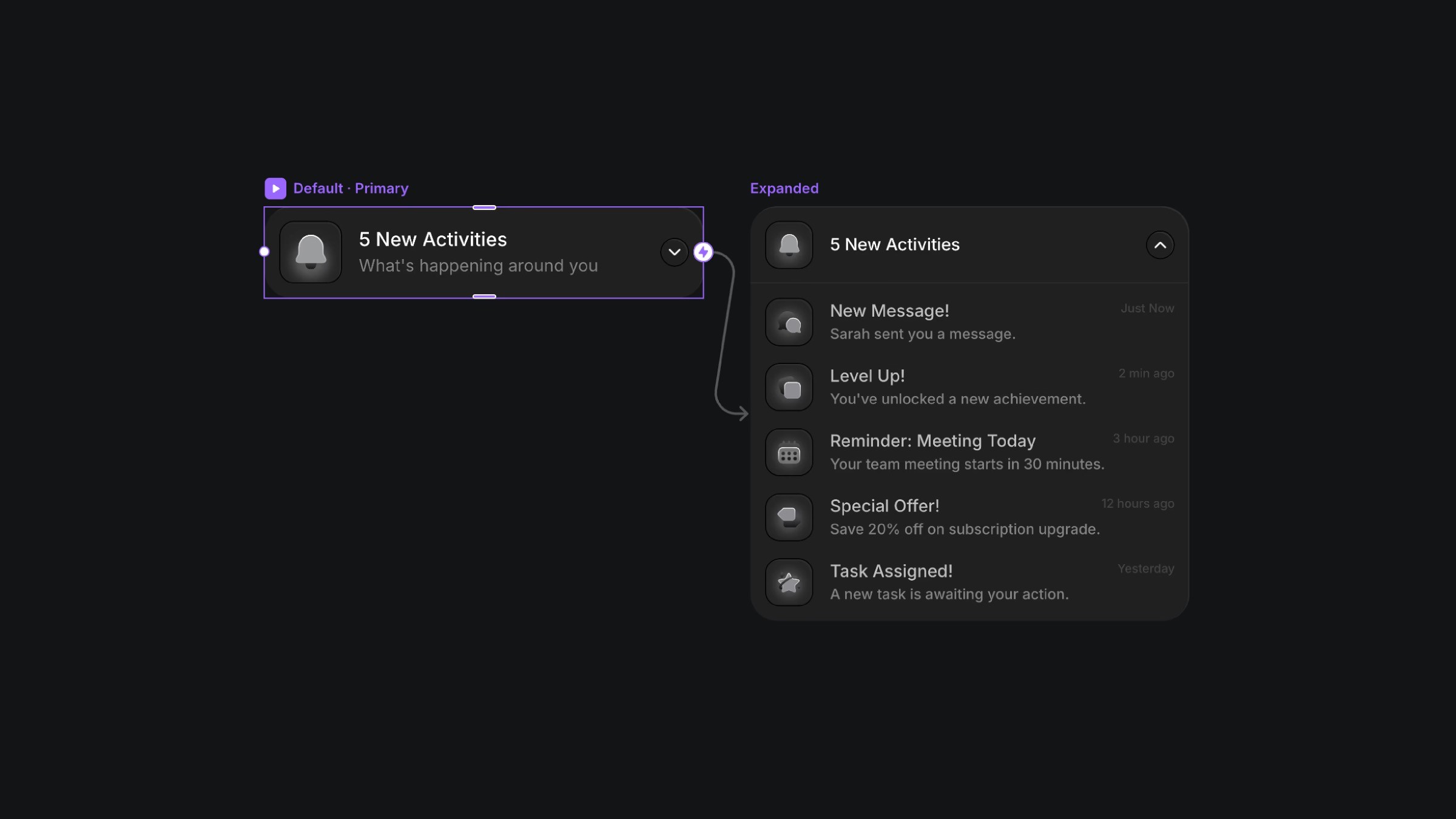
To create this activities dropdown panel, I built a component with just two variants, a compact default state and an expanded state that reveals all the activity items. In the default state, all the activity items are sitting there quietly in the background with a blur and 0 opacity, positioned absolutely and basically waiting for the trigger. Once the variant is transitioned, they fade in to full opacity.

The interaction is just a clean switch between the two variants, with a large invisible close trigger layered behind the expanded view, so clicking anywhere on the canvas takes you right back to the default state.
About the resource

To create this activities dropdown panel, I built a component with just two variants, a compact default state and an expanded state that reveals all the activity items. In the default state, all the activity items are sitting there quietly in the background with a blur and 0 opacity, positioned absolutely and basically waiting for the trigger. Once the variant is transitioned, they fade in to full opacity.

The interaction is just a clean switch between the two variants, with a large invisible close trigger layered behind the expanded view, so clicking anywhere on the canvas takes you right back to the default state.

About the resource

To create this activities dropdown panel, I built a component with just two variants, a compact default state and an expanded state that reveals all the activity items. In the default state, all the activity items are sitting there quietly in the background with a blur and 0 opacity, positioned absolutely and basically waiting for the trigger. Once the variant is transitioned, they fade in to full opacity.

The interaction is just a clean switch between the two variants, with a large invisible close trigger layered behind the expanded view, so clicking anywhere on the canvas takes you right back to the default state.

Expanded activity panel showing recent notifications list

The expand activities component and its variant.

Expanded activity panel showing recent notifications list

The expand activities component and its variant.

Expanded activity panel showing recent notifications list

The expand activities component and its variant.

Framer Navigator

Learn the fundamentals of Framer for free.

Build your ideas with ease by learning the basics of website building with Framer.

Nandi portrait's background
Nandi's portrait

Framer Navigator

Learn the fundamentals of Framer for free.

Build your ideas with ease by learning the basics of website building with Framer.

Nandi portrait's background
Nandi's portrait

Framer Navigator

Learn the fundamentals of Framer for free.

Build your ideas with ease by learning the basics of website building with Framer.

Nandi portrait's background
Nandi's portrait

More resources

More resources

  • Saving button with loading indicator and cursor click

    Save Button Micro-Interaction in Framer

    Component

    Saving button with loading indicator and cursor click

    Save Button Micro-Interaction in Framer

    Component

    Saving button with loading indicator and cursor click

    Save Button Micro-Interaction in Framer

    Component

  • Abstract photography gallery collage on black background

    Infinite Canvas Component for Framer

    Component

    Abstract photography gallery collage on black background

    Infinite Canvas Component for Framer

    Component

    Abstract photography gallery collage on black background

    Infinite Canvas Component for Framer

    Component