
Component
Delete Button Interaction in Framer
This is a delete button interaction recreated in Framer, inspired from Yanis’s original work. You can copy the component into your own projects or remix it to explore the setup and understand how the entire interaction is built without code.



About the resource
To create this interaction, I use two components, a button component with four variants and a Number Flow component for the countdown. The main animation happens inside the circular element that contains the icons and the number flow.
I start with a default state where the circle sits next to the Delete text, the trash icon is visible, the check icon is hidden, and the number flow component is not visible. On click, the button scales down into a pressed state and moves into the second variant.
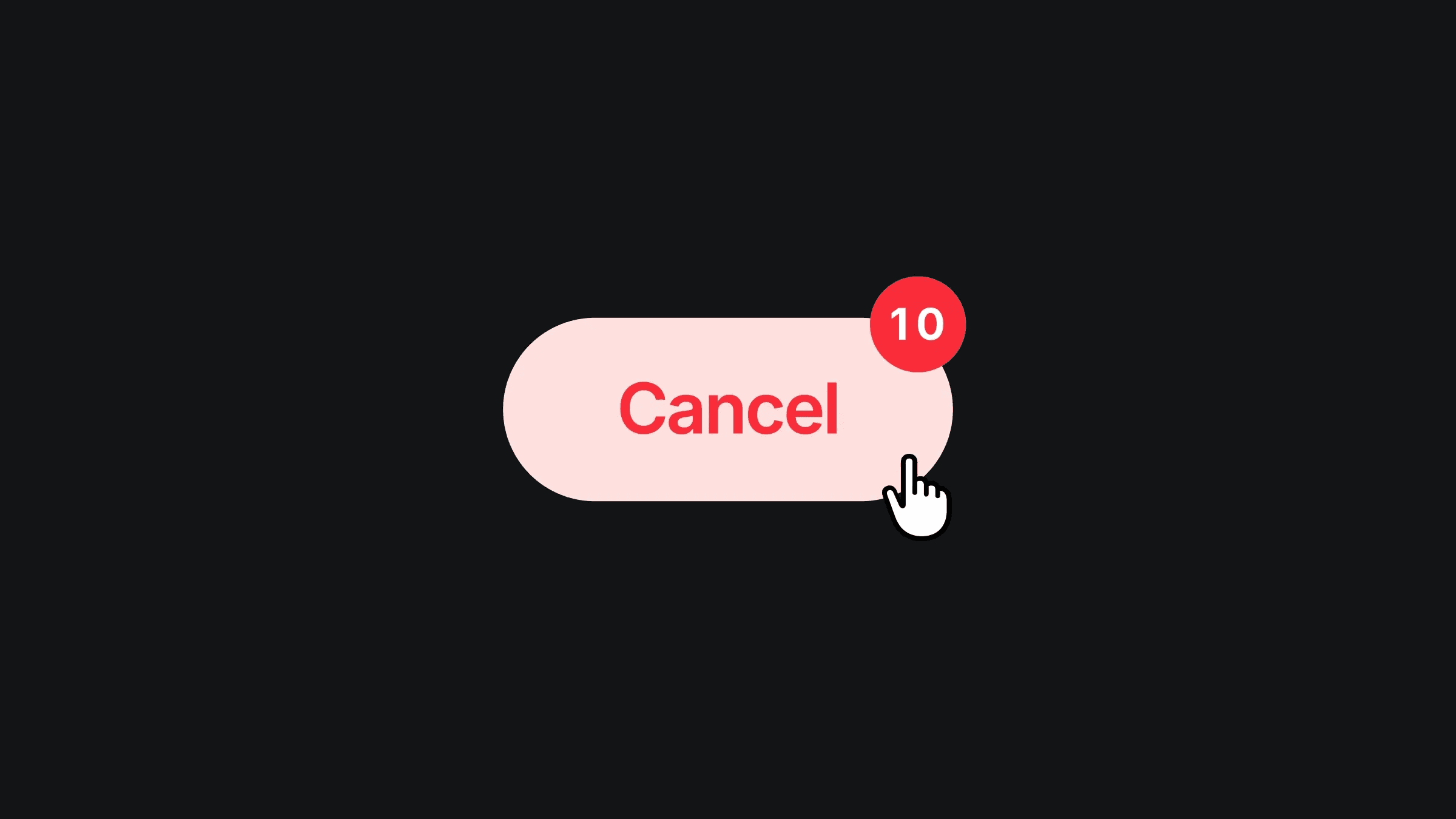
In the second variant, I scale up the Cancel text, reposition the circle to the top-right of the button, and reveal the number flow component, which animates from 10 to 00. When the countdown completes, I switch to the final variant with appear interaction where the text changes to Done, the check icon appears, the circle moves back beside the text, and the button color updates. This creates a clear delete-to-done flow using only variants and timed interactions in Framer.
About the resource
To create this interaction, I use two components, a button component with four variants and a Number Flow component for the countdown. The main animation happens inside the circular element that contains the icons and the number flow.
I start with a default state where the circle sits next to the Delete text, the trash icon is visible, the check icon is hidden, and the number flow component is not visible. On click, the button scales down into a pressed state and moves into the second variant.
In the second variant, I scale up the Cancel text, reposition the circle to the top-right of the button, and reveal the number flow component, which animates from 10 to 00. When the countdown completes, I switch to the final variant with appear interaction where the text changes to Done, the check icon appears, the circle moves back beside the text, and the button color updates. This creates a clear delete-to-done flow using only variants and timed interactions in Framer.
About the resource
To create this interaction, I use two components, a button component with four variants and a Number Flow component for the countdown. The main animation happens inside the circular element that contains the icons and the number flow.
I start with a default state where the circle sits next to the Delete text, the trash icon is visible, the check icon is hidden, and the number flow component is not visible. On click, the button scales down into a pressed state and moves into the second variant.
In the second variant, I scale up the Cancel text, reposition the circle to the top-right of the button, and reveal the number flow component, which animates from 10 to 00. When the countdown completes, I switch to the final variant with appear interaction where the text changes to Done, the check icon appears, the circle moves back beside the text, and the button color updates. This creates a clear delete-to-done flow using only variants and timed interactions in Framer.
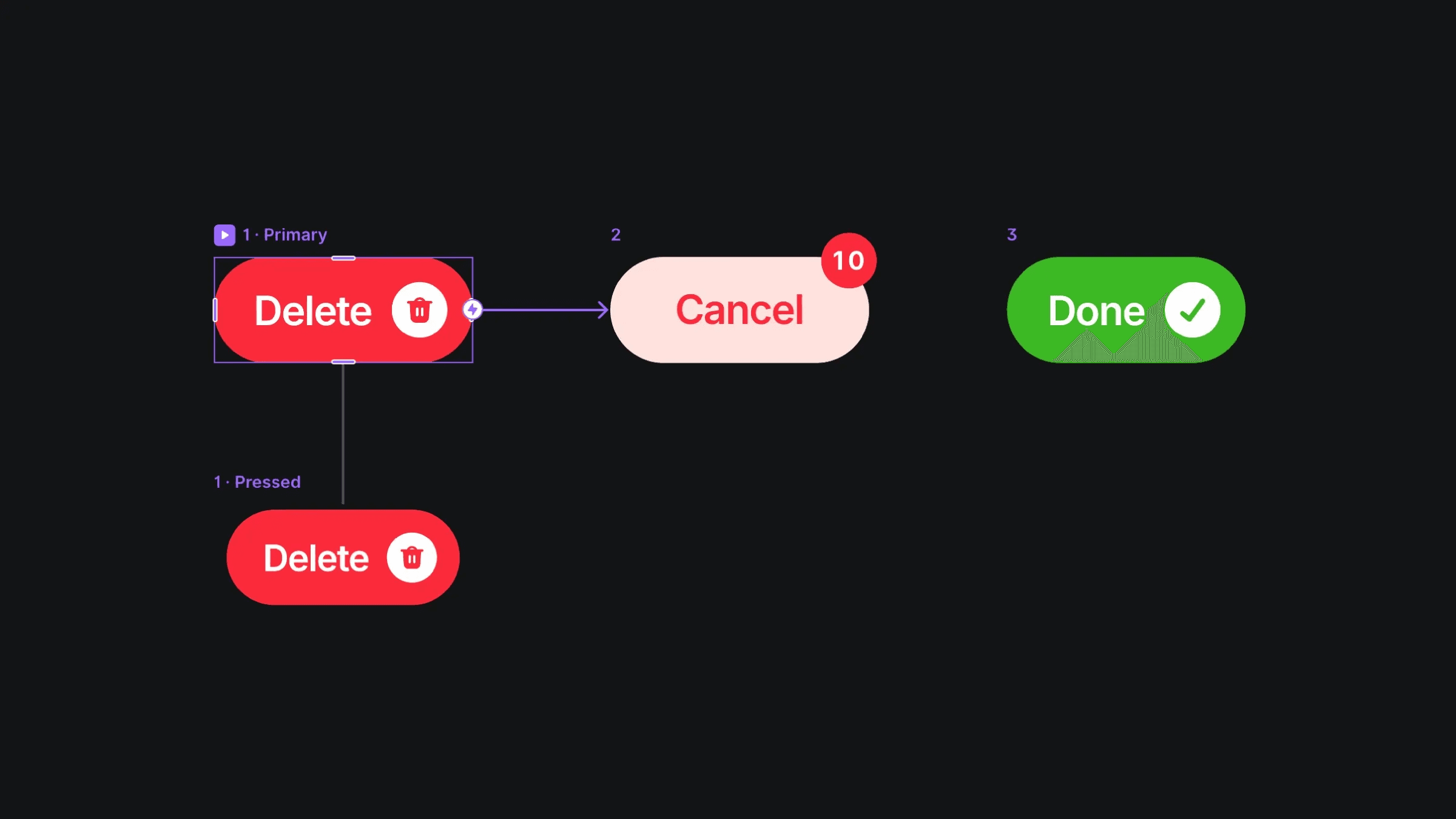
The four variants of the delete button component.
The four variants of the delete button component.
The four variants of the delete button component.


