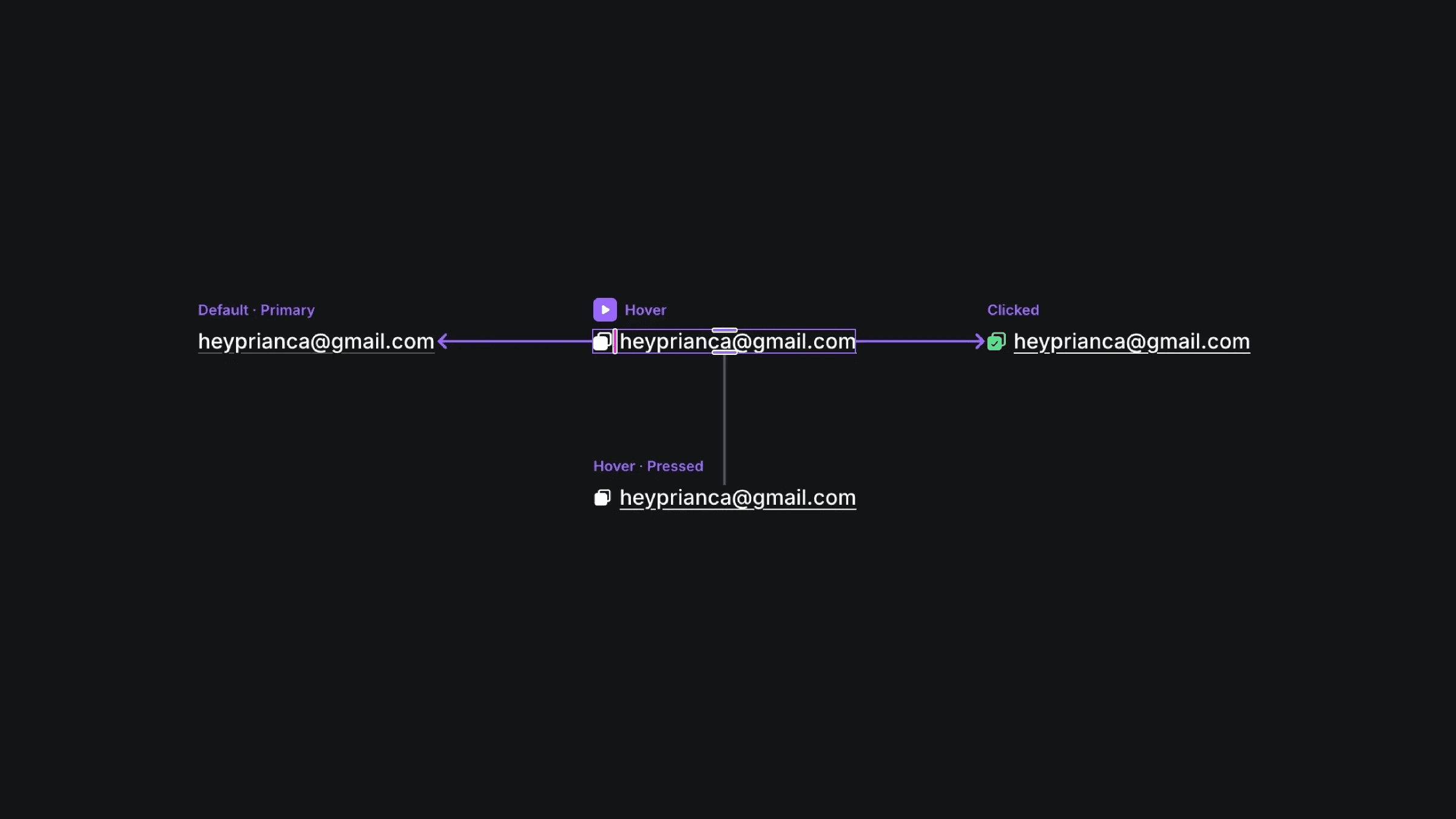
Click to Copy Email in Framer

Copy component

Copy component

Click to Copy Email in Framer

Copy component

Nandi Muzsik

How can I improve Framer Uni?

Let me know if there’s a missing feature or something that could be improved.

Share feedback

Component

Click to Copy Email in Framer

This is a Copy Email Button component for Framer, recreated from Soren’s original work. You can remix the project to explore how the hover, pressed, and confirmation states are structured, or copy the component straight into your site to add a clear, satisfying copy interaction.

image of Nandi Muzsik
image of Prianca S.
Image of Soren

Created by

⁠Contact email link hover: heyprianca@gmail.com

About the resource

To create this, I set up a component with four variants: default, hover, pressed, and clicked. On hover, the icon transitions from hidden to visible. In the pressed state, the icon scales down slightly to give tactile feedback. On click, the variant switches to a confirmation state, instantly indicating that the email has been copied.

To handle the click to copy interaction, I used the Copy to Clipboard component, keeping everything no-code and easy to reuse.


About the resource

To create this, I set up a component with four variants: default, hover, pressed, and clicked. On hover, the icon transitions from hidden to visible. In the pressed state, the icon scales down slightly to give tactile feedback. On click, the variant switches to a confirmation state, instantly indicating that the email has been copied.

To handle the click to copy interaction, I used the Copy to Clipboard component, keeping everything no-code and easy to reuse.

About the resource

To create this, I set up a component with four variants: default, hover, pressed, and clicked. On hover, the icon transitions from hidden to visible. In the pressed state, the icon scales down slightly to give tactile feedback. On click, the variant switches to a confirmation state, instantly indicating that the email has been copied.

To handle the click to copy interaction, I used the Copy to Clipboard component, keeping everything no-code and easy to reuse.
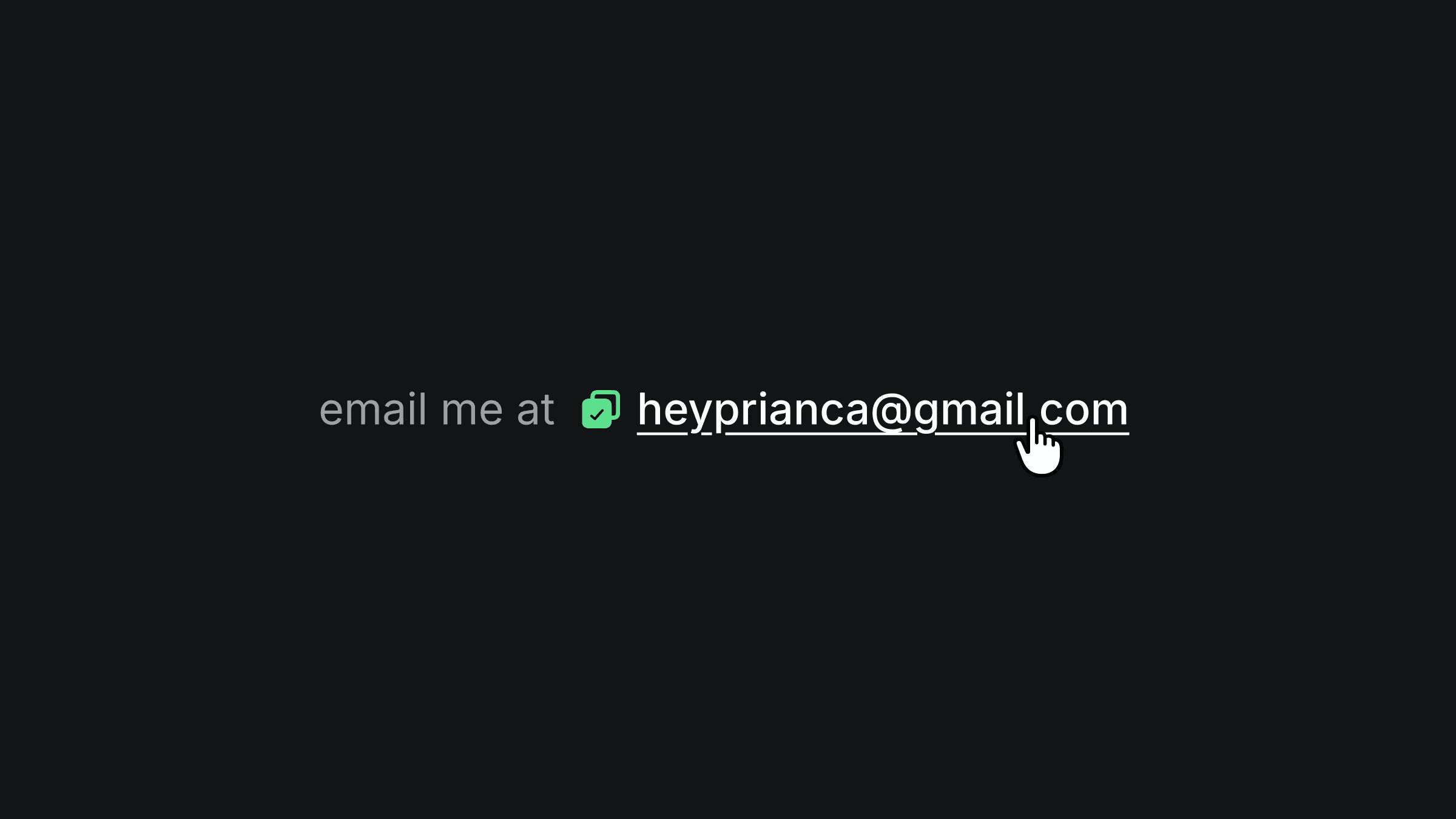
Email link interaction states: default, hover, pressed, clicked

The four variants of the copy email component.

Email link interaction states: default, hover, pressed, clicked

The four variants of the copy email component.

Email link interaction states: default, hover, pressed, clicked

The four variants of the copy email component.

Framer Navigator

Learn the fundamentals of Framer for free.

Build your ideas with ease by learning the basics of website building with Framer.

Nandi portrait's background
Nandi's portrait

Framer Navigator

Learn the fundamentals of Framer for free.

Build your ideas with ease by learning the basics of website building with Framer.

Nandi portrait's background
Nandi's portrait

Framer Navigator

Learn the fundamentals of Framer for free.

Build your ideas with ease by learning the basics of website building with Framer.

Nandi portrait's background
Nandi's portrait

More resources

More resources

  • ⁠Futuristic neon blue head silhouettes on grid background

    X-Ray Hover Effect in Framer

    Component

    ⁠Futuristic neon blue head silhouettes on grid background

    X-Ray Hover Effect in Framer

    Component

  • Framer digital membership card with cursor

    Image Scratch Component in Framer

    Component

    Framer digital membership card with cursor

    Image Scratch Component in Framer

    Component