
Component
Clean Folder Animation in Framer
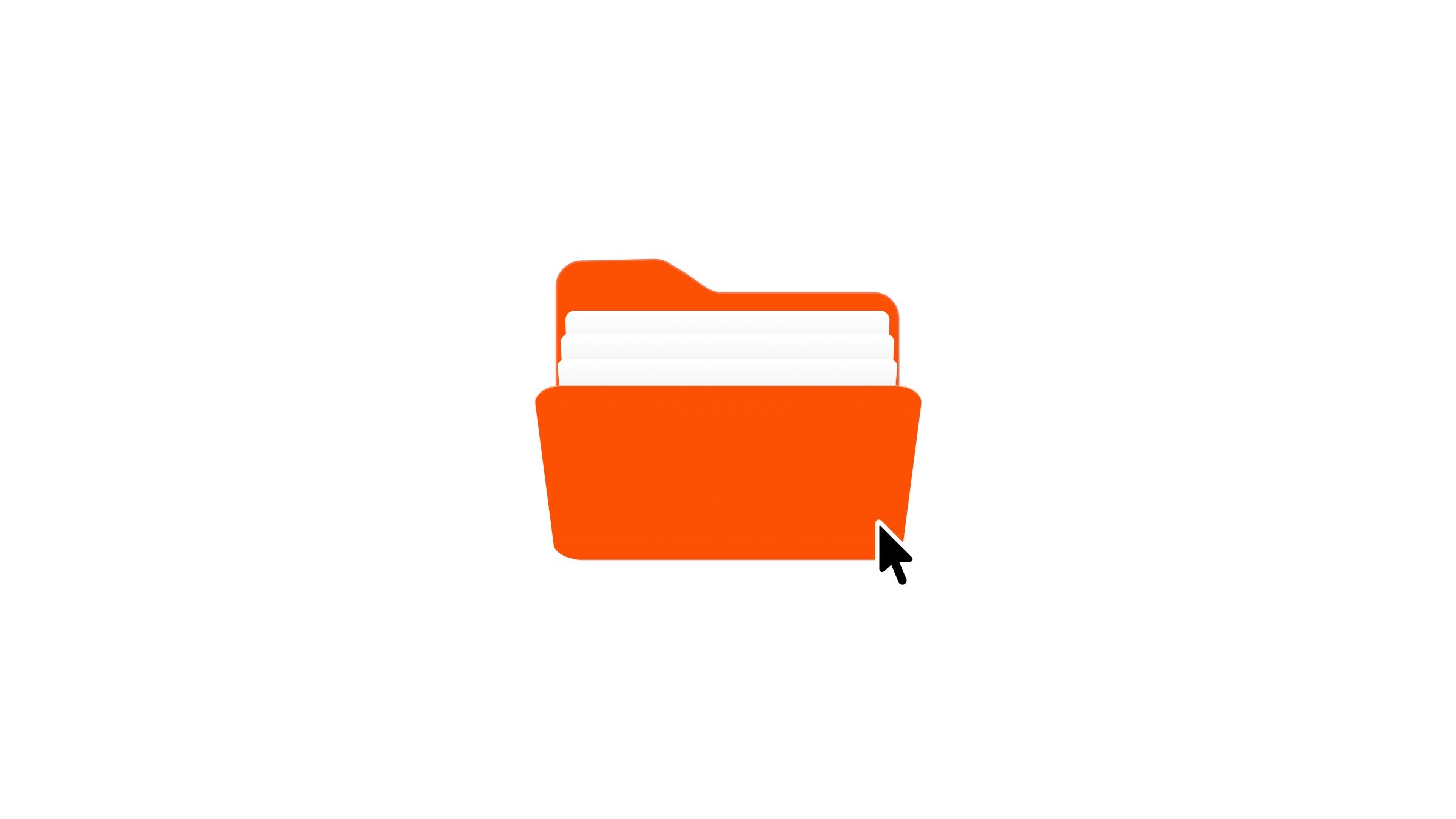
This is a clean folder animation recreated in Framer, from the original work by Outpace studios. You can explore how it’s built or copy it straight into your own projects.



About the resource
To build this folder animation, I started by creating the folder itself with a front, back, and three paper layers inside. Then I added 3D transforms to place everything into a 3D space. I adjusted the perspective and origin so the folder rotates naturally from the bottom, and once that felt right, I turned it into a component.
For the hover variant, I rotated the paper layers along with the front cover. Finally, I linked the variants with a hover interaction and applied an easing transition to keep the animation smooth.
About the resource
To build this folder animation, I started by creating the folder itself with a front, back, and three paper layers inside. Then I added 3D transforms to place everything into a 3D space. I adjusted the perspective and origin so the folder rotates naturally from the bottom, and once that felt right, I turned it into a component.
For the hover variant, I rotated the paper layers along with the front cover. Finally, I linked the variants with a hover interaction and applied an easing transition to keep the animation smooth.
About the resource
To build this folder animation, I started by creating the folder itself with a front, back, and three paper layers inside. Then I added 3D transforms to place everything into a 3D space. I adjusted the perspective and origin so the folder rotates naturally from the bottom, and once that felt right, I turned it into a component.
For the hover variant, I rotated the paper layers along with the front cover. Finally, I linked the variants with a hover interaction and applied an easing transition to keep the animation smooth.

The default and hover variants of the 3D folder component.
The default and hover variants of the 3D folder component.
The default and hover variants of the 3D folder component.


