
Component
Circle Mask Hover in Framer
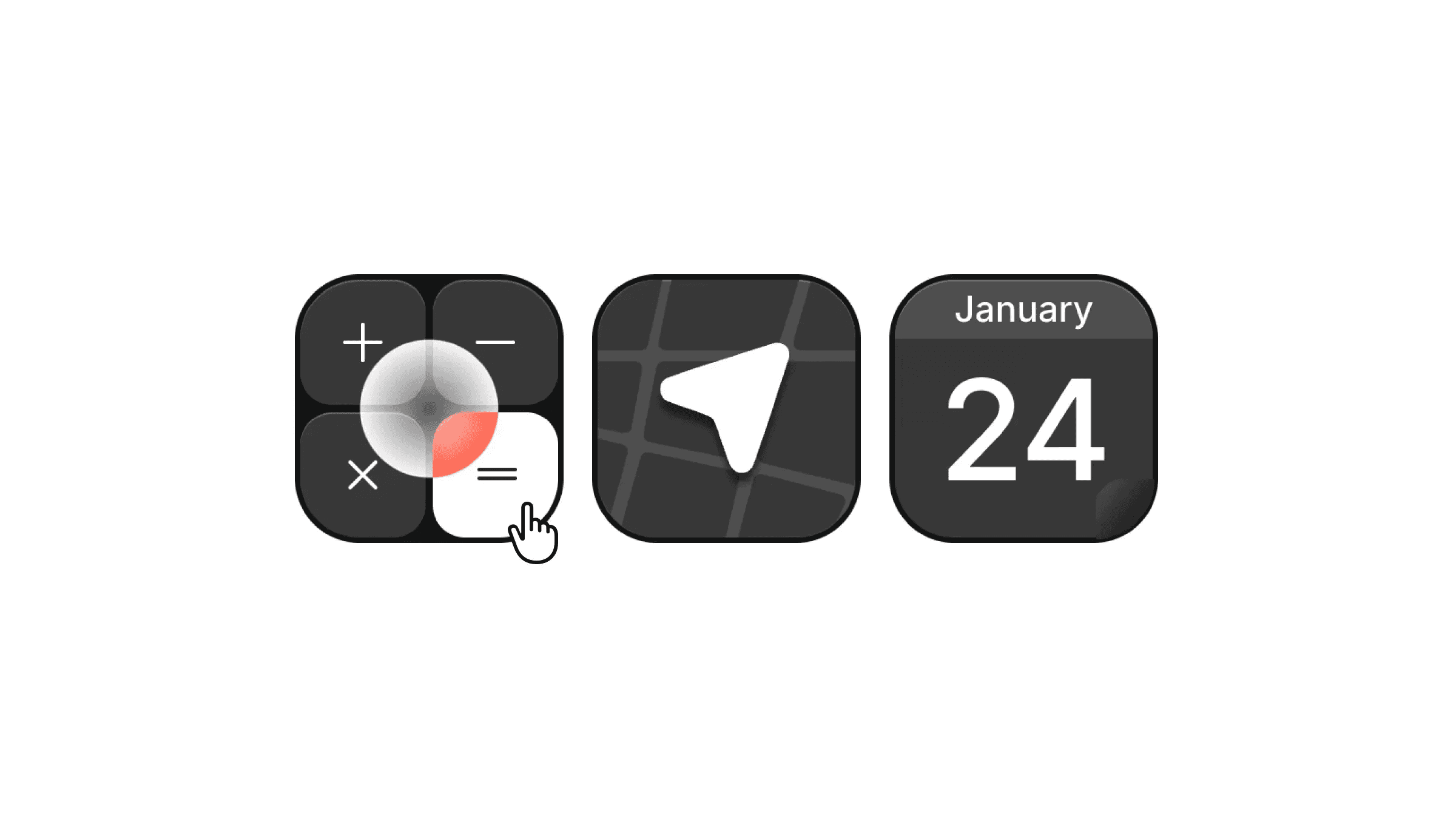
This is a circle mask hover animation recreated in Framer, from Hypeople’s original work. Remix it to see how the masking hover interaction is built without code, or copy the component into your project and tweak it to fit your layout.


About the resource
To create this, I used a single component with two default and hover variants. On default, the dark version sits below, and the light version is placed above inside the masking layer.
The radial mask is set up in a way that the light version stays hidden. I used four mask points, 2 with 0% alpha and 2 with 100% alpha for sharpness. On hover, the mask points are adjusted to expand the radial mask, revealing the light version smoothly. The mask is intentionally larger than the component itself, which gives the hover interaction a clean, full circular reveal.
About the resource
To create this, I used a single component with two default and hover variants. On default, the dark version sits below, and the light version is placed above inside the masking layer.
The radial mask is set up in a way that the light version stays hidden. I used four mask points, 2 with 0% alpha and 2 with 100% alpha for sharpness. On hover, the mask points are adjusted to expand the radial mask, revealing the light version smoothly. The mask is intentionally larger than the component itself, which gives the hover interaction a clean, full circular reveal.
About the resource
To create this, I used a single component with two default and hover variants. On default, the dark version sits below, and the light version is placed above inside the masking layer.
The radial mask is set up in a way that the light version stays hidden. I used four mask points, 2 with 0% alpha and 2 with 100% alpha for sharpness. On hover, the mask points are adjusted to expand the radial mask, revealing the light version smoothly. The mask is intentionally larger than the component itself, which gives the hover interaction a clean, full circular reveal.
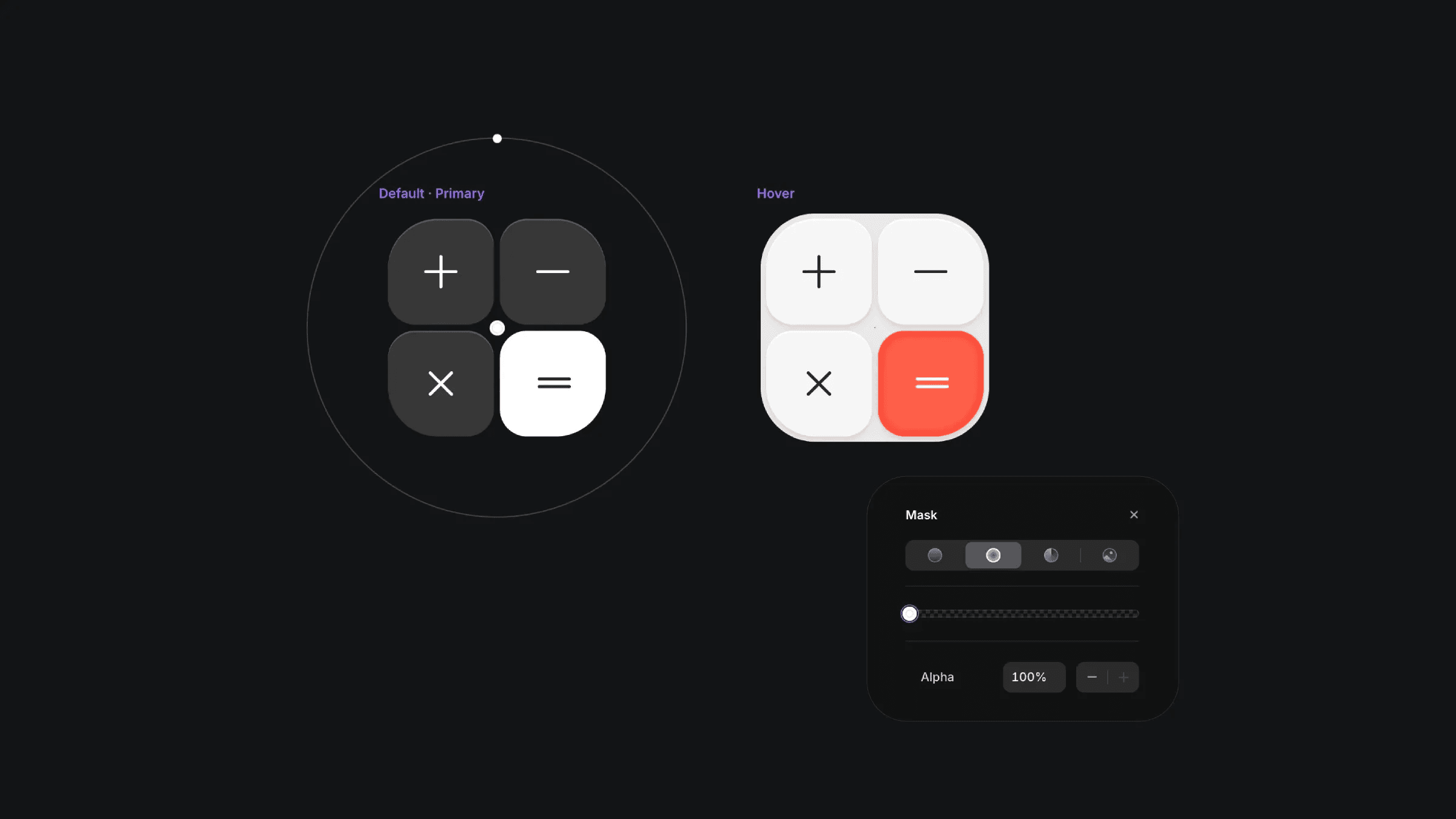
The two default and hover variants of the calculator component with mask layer.
The two default and hover variants of the calculator component with mask layer.
The two default and hover variants of the calculator component with mask layer.


