
Component
Case Study Hover Interaction in Framer
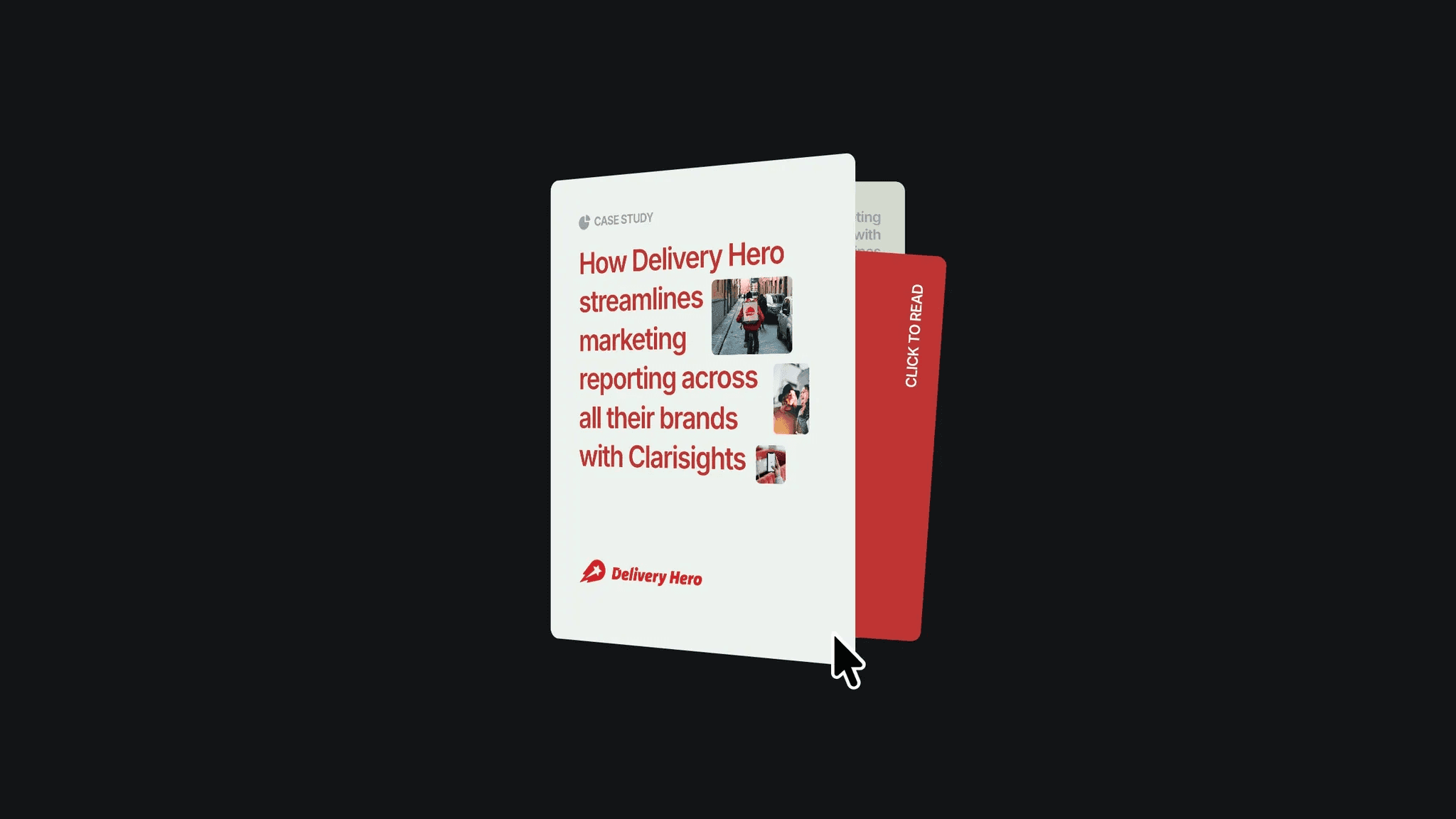
This is a Framer recreation of a case study hover interaction inspired by Yash Arora’s original work. You can remix the project or copy the component directly to use it in your own designs.



About the resource
To create this hover interaction, I built a component with variants. In the default state, I set up a front layer, a back layer, and a card placed between them. These were grouped inside a wrapper frame, where I applied 3D transforms. I added content to each layer, arranged them by depth, and set the origin so the layers rotate like a book.
On hover, the front layer rotates along the Y-axis while the inner card pops out through rotation and position adjustments. Finally, I connected the two variants with hover interactions triggered by mouse enter and mouse leave.
About the resource
To create this hover interaction, I built a component with variants. In the default state, I set up a front layer, a back layer, and a card placed between them. These were grouped inside a wrapper frame, where I applied 3D transforms. I added content to each layer, arranged them by depth, and set the origin so the layers rotate like a book.
On hover, the front layer rotates along the Y-axis while the inner card pops out through rotation and position adjustments. Finally, I connected the two variants with hover interactions triggered by mouse enter and mouse leave.
About the resource
To create this hover interaction, I built a component with variants. In the default state, I set up a front layer, a back layer, and a card placed between them. These were grouped inside a wrapper frame, where I applied 3D transforms. I added content to each layer, arranged them by depth, and set the origin so the layers rotate like a book.
On hover, the front layer rotates along the Y-axis while the inner card pops out through rotation and position adjustments. Finally, I connected the two variants with hover interactions triggered by mouse enter and mouse leave.
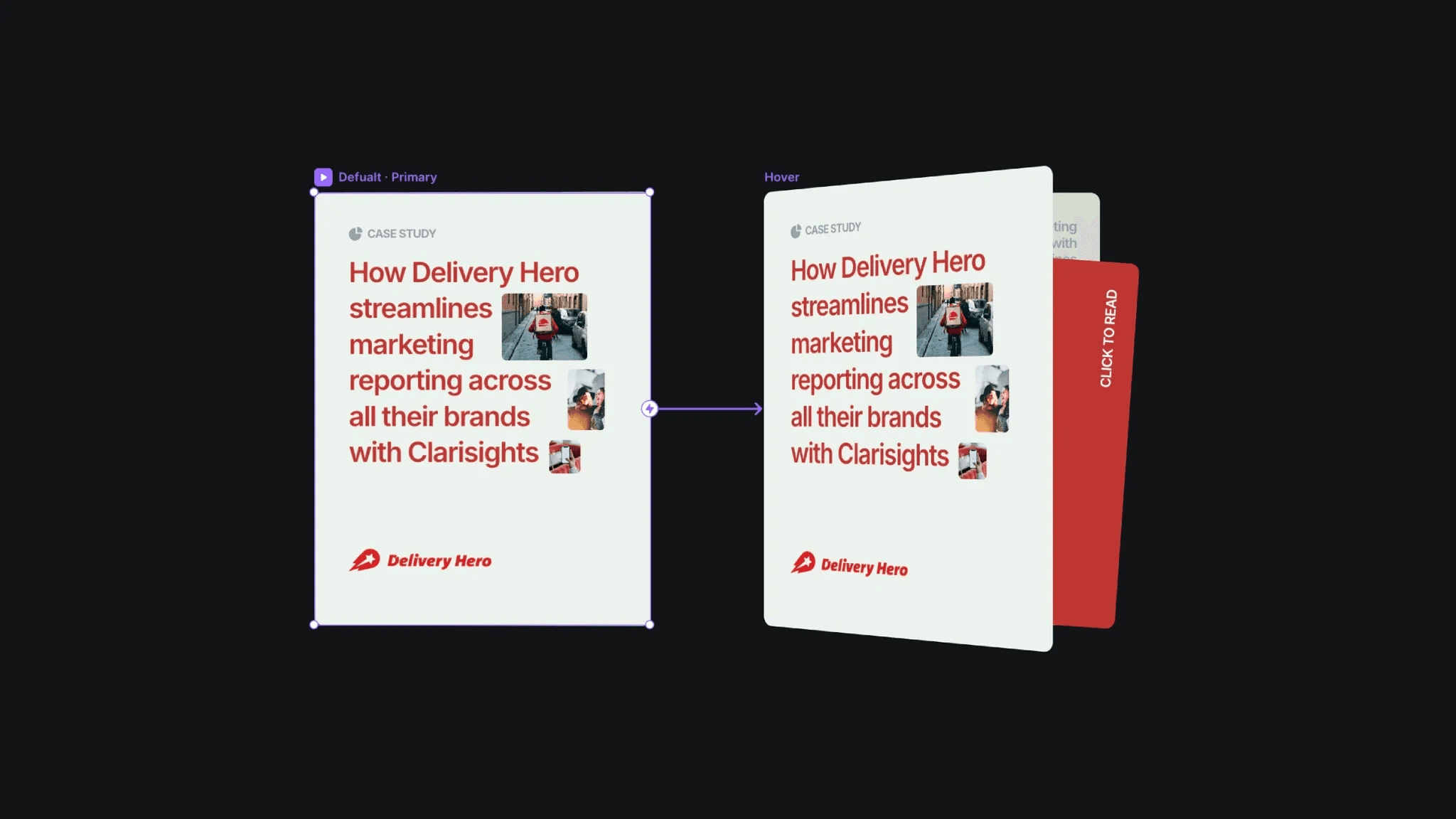
The default and hover variants of the case study component.
The default and hover variants of the case study component.
The default and hover variants of the case study component.


