
Component
Burn Transition Component for Framer
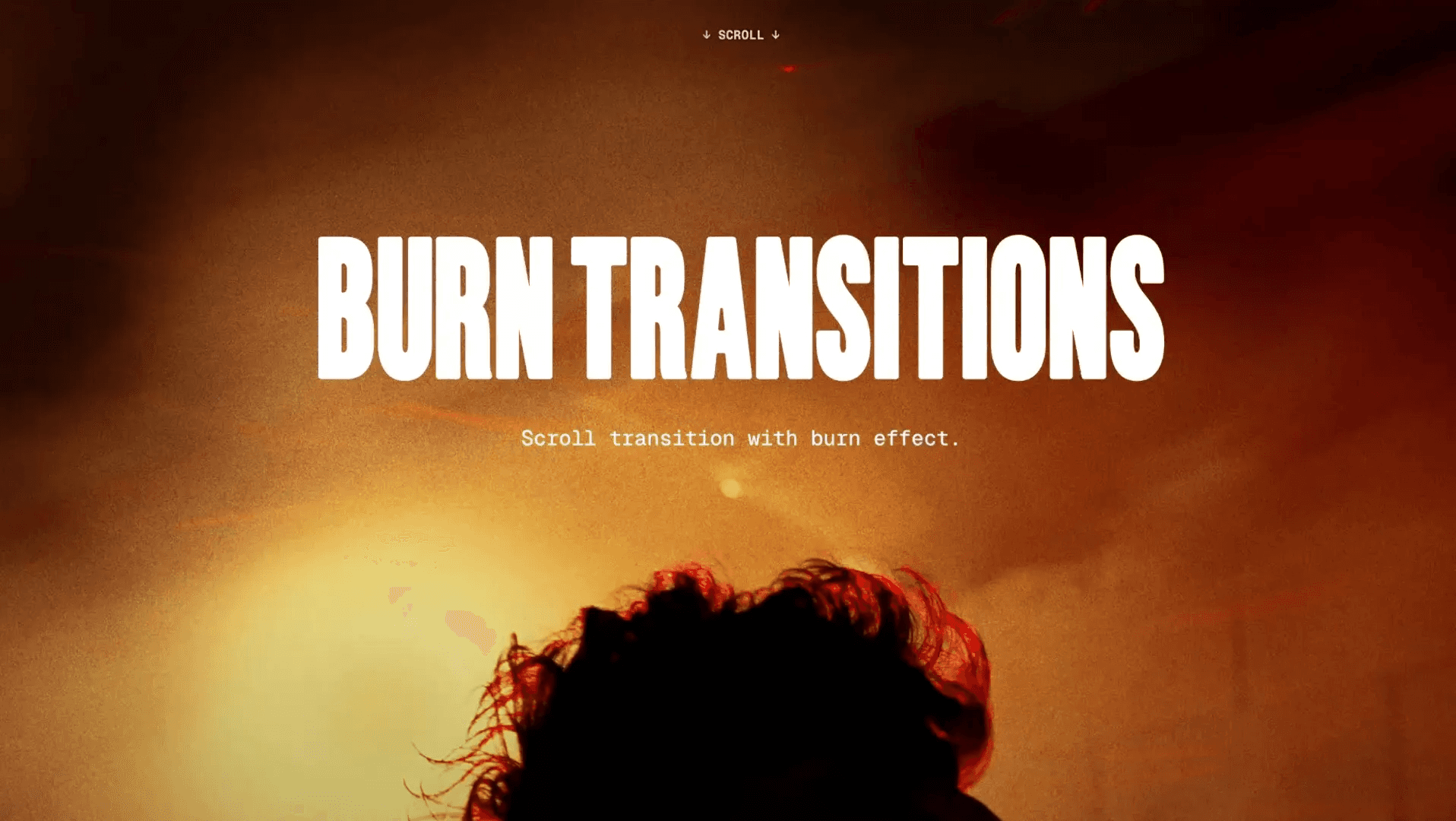
This component creates animated burn transitions with torn, glowing edges. It’s a rebuilt version of a striking effect from Shopify's website. Drop it into your project, adjust properties like color, edge, noise, bloom, and movement, and create scroll- and animation-driven burn transitions that stand out.



About the resource
To use this burn transition component, you get full control over how the burn edge looks, moves, and reacts to scroll inside Framer. Preview lets you turn the animation on or off directly in the canvas, so you can freeze a frame or watch it play while you fine-tune the effect. Color sets the solid base of the burn, and Transition defines the torn edge between that color and transparency, letting you move from clean wipes to rough, organic burns using simple color values or Framer tokens.
Scale and Noise shape the personality of the edge. Scale changes how large or tight the tear pattern feels, while Noisecontrols how messy or smooth that edge becomes. Lower values give you subtle, controlled cuts, and higher values create bold, uneven burns. Edge then adjusts how thick and soft the transition zone is, so you can push the look from sharp and graphic to wide and blended.
Scroll and Base Speed decide how the animation behaves over time. Scroll ties the burn to your page movement for a more interactive feel, while Base Speed keeps the effect alive even when nothing is scrolling. Parallax links the edge to the component’s position in the viewport, adding a depth-like movement as the page moves.
Bloom and Bloom Width add a glow around the torn edge when you want the transition to feel hotter or more luminous. Movement controls the overall direction and evolution of the effect, with horizontal flow for left-to-right or right-to-left burns and vertical variation to make the noise pattern evolve as it animates. Together, these controls let you build everything from subtle page wipes to bold burn transitions entirely inside Framer.
About the resource
To use this burn transition component, you get full control over how the burn edge looks, moves, and reacts to scroll inside Framer. Preview lets you turn the animation on or off directly in the canvas, so you can freeze a frame or watch it play while you fine-tune the effect. Color sets the solid base of the burn, and Transition defines the torn edge between that color and transparency, letting you move from clean wipes to rough, organic burns using simple color values or Framer tokens.
Scale and Noise shape the personality of the edge. Scale changes how large or tight the tear pattern feels, while Noisecontrols how messy or smooth that edge becomes. Lower values give you subtle, controlled cuts, and higher values create bold, uneven burns. Edge then adjusts how thick and soft the transition zone is, so you can push the look from sharp and graphic to wide and blended.
Scroll and Base Speed decide how the animation behaves over time. Scroll ties the burn to your page movement for a more interactive feel, while Base Speed keeps the effect alive even when nothing is scrolling. Parallax links the edge to the component’s position in the viewport, adding a depth-like movement as the page moves.
Bloom and Bloom Width add a glow around the torn edge when you want the transition to feel hotter or more luminous. Movement controls the overall direction and evolution of the effect, with horizontal flow for left-to-right or right-to-left burns and vertical variation to make the noise pattern evolve as it animates. Together, these controls let you build everything from subtle page wipes to bold burn transitions entirely inside Framer.
About the resource
To use this burn transition component, you get full control over how the burn edge looks, moves, and reacts to scroll inside Framer. Preview lets you turn the animation on or off directly in the canvas, so you can freeze a frame or watch it play while you fine-tune the effect. Color sets the solid base of the burn, and Transition defines the torn edge between that color and transparency, letting you move from clean wipes to rough, organic burns using simple color values or Framer tokens.
Scale and Noise shape the personality of the edge. Scale changes how large or tight the tear pattern feels, while Noisecontrols how messy or smooth that edge becomes. Lower values give you subtle, controlled cuts, and higher values create bold, uneven burns. Edge then adjusts how thick and soft the transition zone is, so you can push the look from sharp and graphic to wide and blended.
Scroll and Base Speed decide how the animation behaves over time. Scroll ties the burn to your page movement for a more interactive feel, while Base Speed keeps the effect alive even when nothing is scrolling. Parallax links the edge to the component’s position in the viewport, adding a depth-like movement as the page moves.
Bloom and Bloom Width add a glow around the torn edge when you want the transition to feel hotter or more luminous. Movement controls the overall direction and evolution of the effect, with horizontal flow for left-to-right or right-to-left burns and vertical variation to make the noise pattern evolve as it animates. Together, these controls let you build everything from subtle page wipes to bold burn transitions entirely inside Framer.

The burn transition component properties in Framer.
The burn transition component properties in Framer.
The burn transition component properties in Framer.


