
Component
Blinds Reveal Interaction in Framer
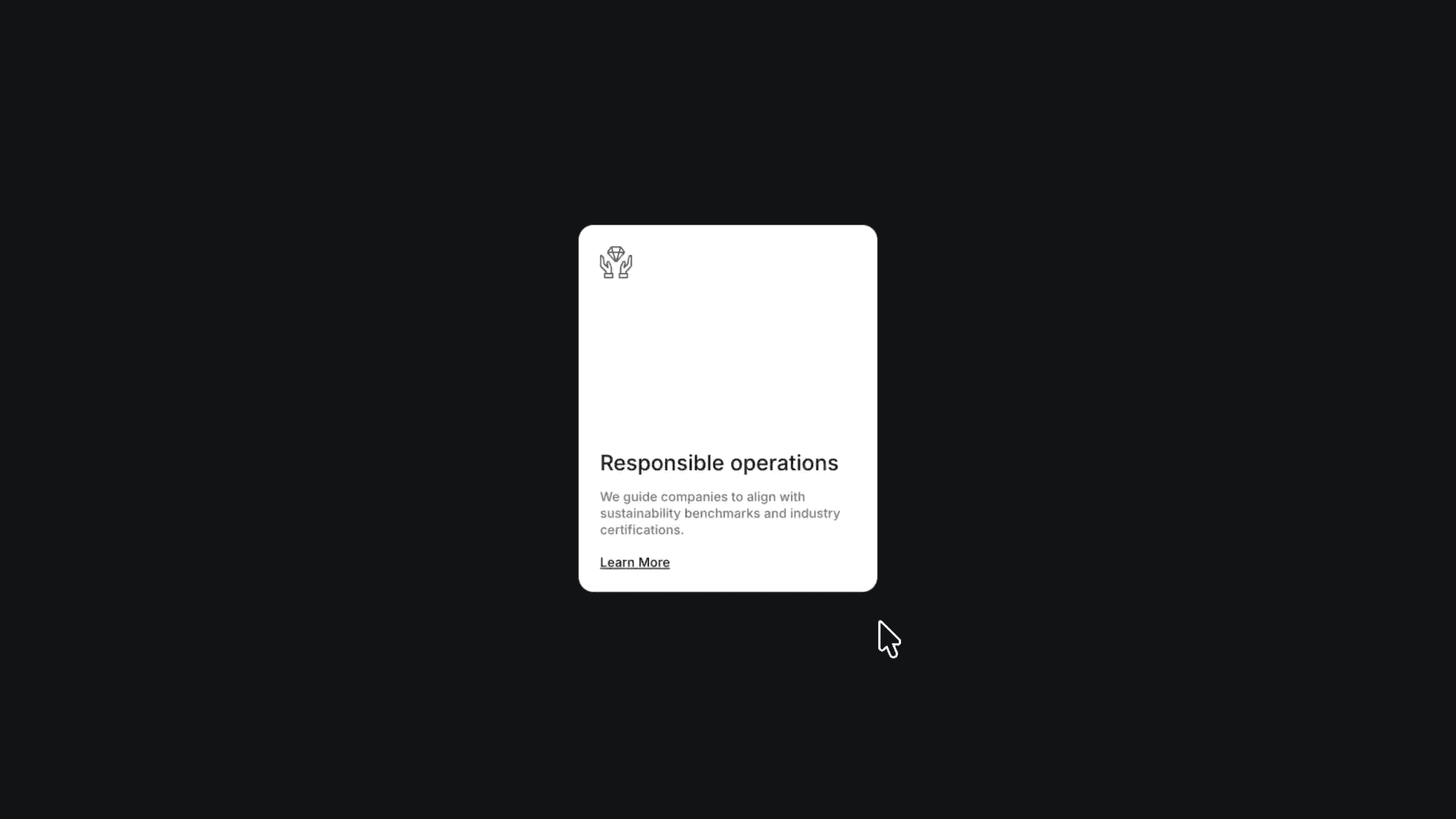
This is a blinds reveal card interaction recreated in Framer from Bashar’s original work. Feel free to remix the project to explore how a layered, multi-step hover interaction like this is built entirely in Framer without any code.



About the resource
To recreate this blinds reveal interaction, I built a card reveal component with six variants to control each stage of the animation clearly inside Framer. I start by setting up a card frame and adding six vertical bars inside a layer named cover. Each bar has a height set to 100% (relative) and a width set to 1fr fill, with the image placed inside the bars. Above this, I add another layer that holds the actual card content.
In the default variant, the cover layer is set to opacity 0, so the bars are hidden and the image visibility is turned off. On the first hover variant, the cover opacity changes to 1, making the bars appear. On the next hover step, the image visibility is switched on. In the final hover variant, the bar heights animate from 100% down to 1%, revealing the image through the blinds effect.
For the reverse interaction, the bars animate back to 100% height, then the image visibility is turned off, and finally the component transitions back to the default variant. The interaction is wired so that on mouse enter, the animation moves from the default state through the appear transitions up to the final hover state, and on mouse leave, it reverses smoothly through the back interactions to return to default.
About the resource
To recreate this blinds reveal interaction, I built a card reveal component with six variants to control each stage of the animation clearly inside Framer. I start by setting up a card frame and adding six vertical bars inside a layer named cover. Each bar has a height set to 100% (relative) and a width set to 1fr fill, with the image placed inside the bars. Above this, I add another layer that holds the actual card content.
In the default variant, the cover layer is set to opacity 0, so the bars are hidden and the image visibility is turned off. On the first hover variant, the cover opacity changes to 1, making the bars appear. On the next hover step, the image visibility is switched on. In the final hover variant, the bar heights animate from 100% down to 1%, revealing the image through the blinds effect.
For the reverse interaction, the bars animate back to 100% height, then the image visibility is turned off, and finally the component transitions back to the default variant. The interaction is wired so that on mouse enter, the animation moves from the default state through the appear transitions up to the final hover state, and on mouse leave, it reverses smoothly through the back interactions to return to default.
About the resource
To recreate this blinds reveal interaction, I built a card reveal component with six variants to control each stage of the animation clearly inside Framer. I start by setting up a card frame and adding six vertical bars inside a layer named cover. Each bar has a height set to 100% (relative) and a width set to 1fr fill, with the image placed inside the bars. Above this, I add another layer that holds the actual card content.
In the default variant, the cover layer is set to opacity 0, so the bars are hidden and the image visibility is turned off. On the first hover variant, the cover opacity changes to 1, making the bars appear. On the next hover step, the image visibility is switched on. In the final hover variant, the bar heights animate from 100% down to 1%, revealing the image through the blinds effect.
For the reverse interaction, the bars animate back to 100% height, then the image visibility is turned off, and finally the component transitions back to the default variant. The interaction is wired so that on mouse enter, the animation moves from the default state through the appear transitions up to the final hover state, and on mouse leave, it reverses smoothly through the back interactions to return to default.
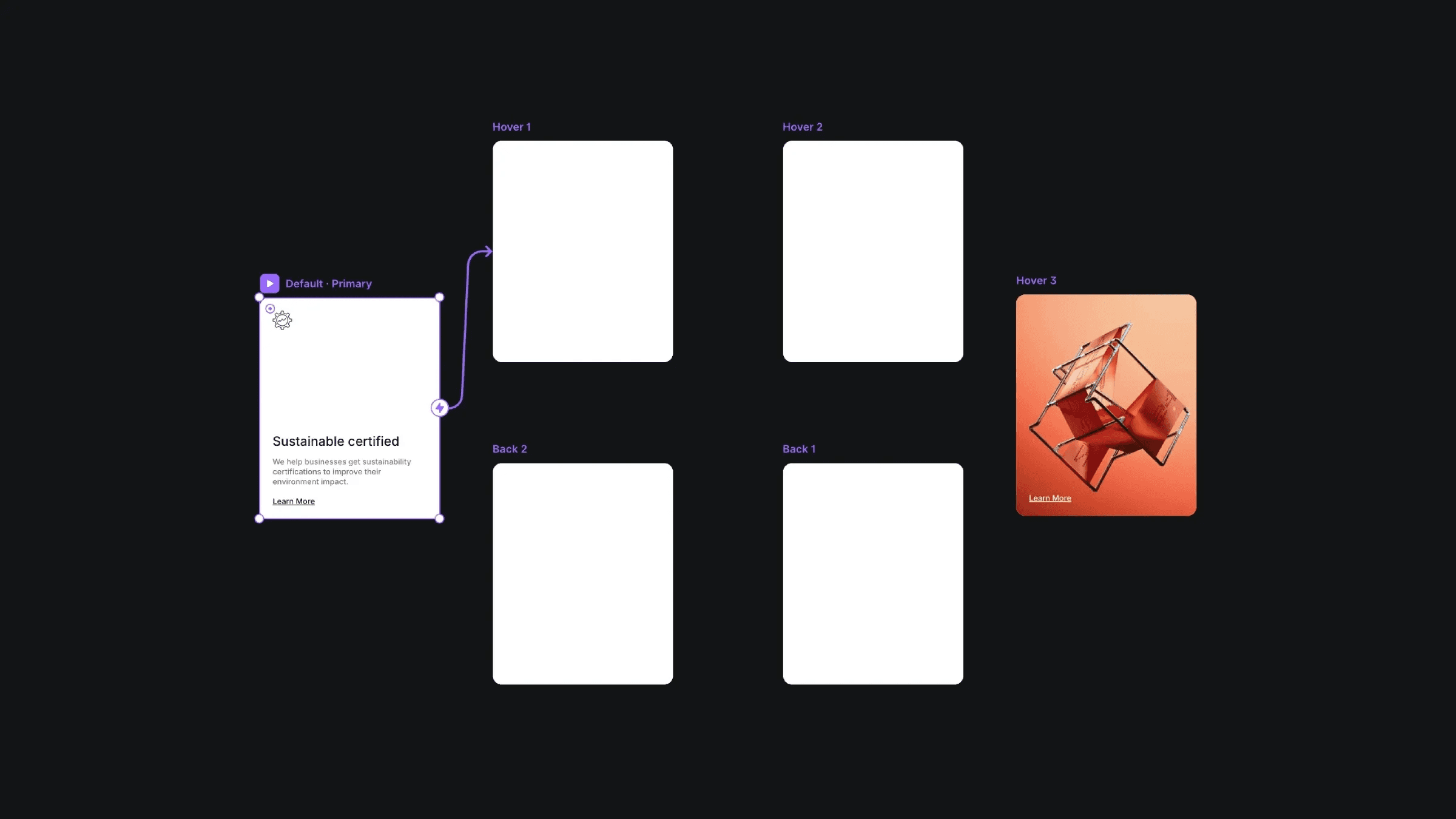
The multiple variants of the card reveal component.
The multiple variants of the card reveal component.
The multiple variants of the card reveal component.


