
Component
Animated Text Wall Background in Framer
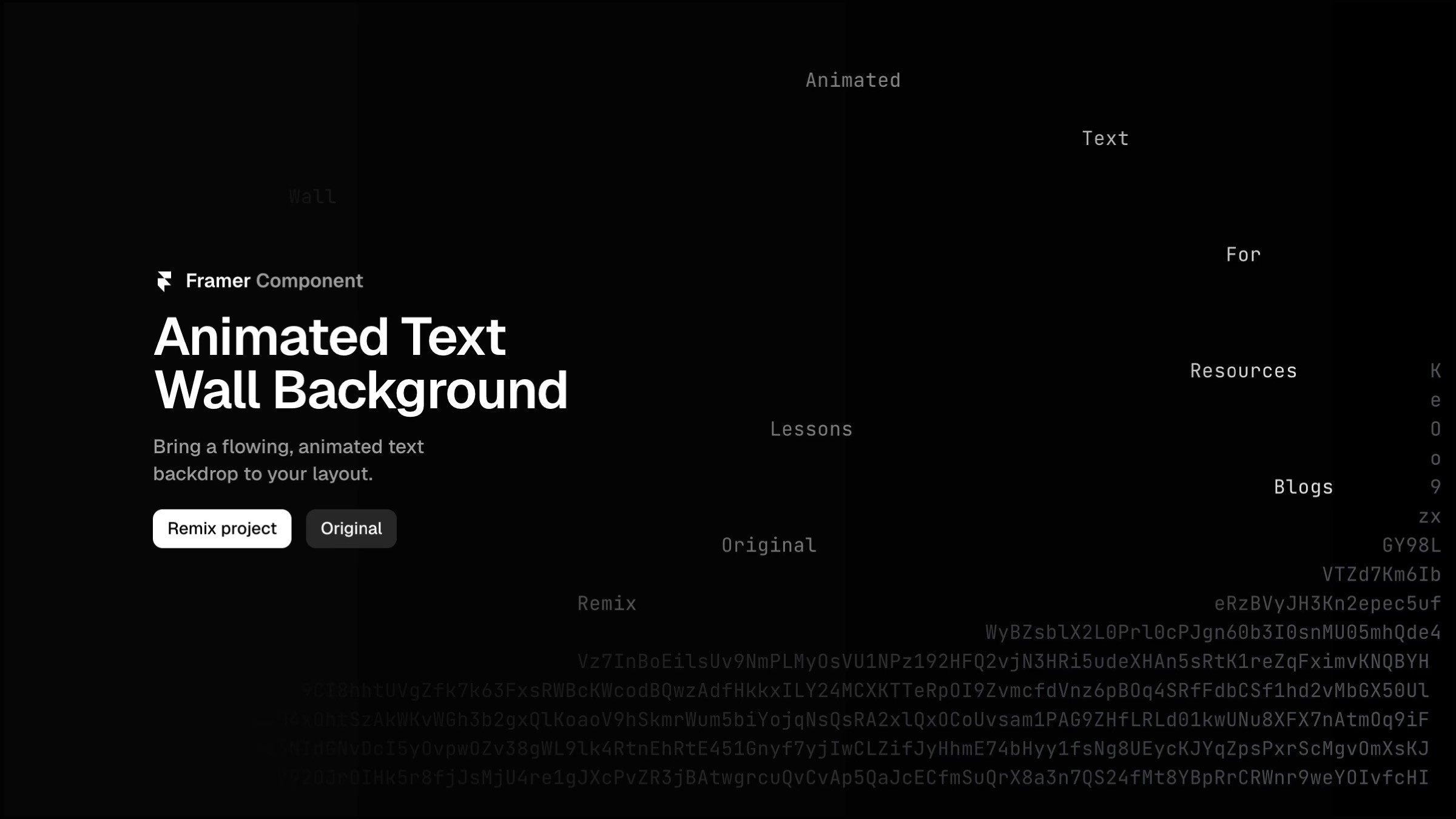
This is an animated text wall code component for Framer, recreated from Ryou Ikeda’s website ikeryou. It creates a looping, randomized text layout with cascading line reveals, giving your background a terminal-style feel. Fully customizable through property controls, you can adjust words, colors, spacing, and timing to fit your layout.




About the resource
To use use the component which is pretty straight-forward, the property controls give you full control over how it looks and behaves. You can toggle Preview on or off to see the animation directly in the Framer canvas while you’re editing. With Loop enabled, the animation keeps cycling — revealing the text, holding it, hiding it, and then regenerating a fresh random layout each time.
The Words field lets you define the set of words that get randomly placed across the wall, mixed in with random characters for that hacker-terminal feel. Empty controls how many lines at the top and bottom stay blank, helping you fine-tune the vertical spread of the words. You can style the look using Text Color for the random characters, Words color for the highlighted words, and an optional Background color if you don’t want it transparent.
Typography and spacing are handled through Font, Line Gap, and Padding, so it’s easy to fit the component into any layout. For motion control, Duration sets how long each line takes to reveal, Stagger adds a delay between lines for a cascading effect, and Pause defines how long the animation waits before starting the next loop.
About the resource
To use use the component which is pretty straight-forward, the property controls give you full control over how it looks and behaves. You can toggle Preview on or off to see the animation directly in the Framer canvas while you’re editing. With Loop enabled, the animation keeps cycling — revealing the text, holding it, hiding it, and then regenerating a fresh random layout each time.
The Words field lets you define the set of words that get randomly placed across the wall, mixed in with random characters for that hacker-terminal feel. Empty controls how many lines at the top and bottom stay blank, helping you fine-tune the vertical spread of the words. You can style the look using Text Color for the random characters, Words color for the highlighted words, and an optional Background color if you don’t want it transparent.
Typography and spacing are handled through Font, Line Gap, and Padding, so it’s easy to fit the component into any layout. For motion control, Duration sets how long each line takes to reveal, Stagger adds a delay between lines for a cascading effect, and Pause defines how long the animation waits before starting the next loop.
About the resource
To use use the component which is pretty straight-forward, the property controls give you full control over how it looks and behaves. You can toggle Preview on or off to see the animation directly in the Framer canvas while you’re editing. With Loop enabled, the animation keeps cycling — revealing the text, holding it, hiding it, and then regenerating a fresh random layout each time.
The Words field lets you define the set of words that get randomly placed across the wall, mixed in with random characters for that hacker-terminal feel. Empty controls how many lines at the top and bottom stay blank, helping you fine-tune the vertical spread of the words. You can style the look using Text Color for the random characters, Words color for the highlighted words, and an optional Background color if you don’t want it transparent.
Typography and spacing are handled through Font, Line Gap, and Padding, so it’s easy to fit the component into any layout. For motion control, Duration sets how long each line takes to reveal, Stagger adds a delay between lines for a cascading effect, and Pause defines how long the animation waits before starting the next loop.
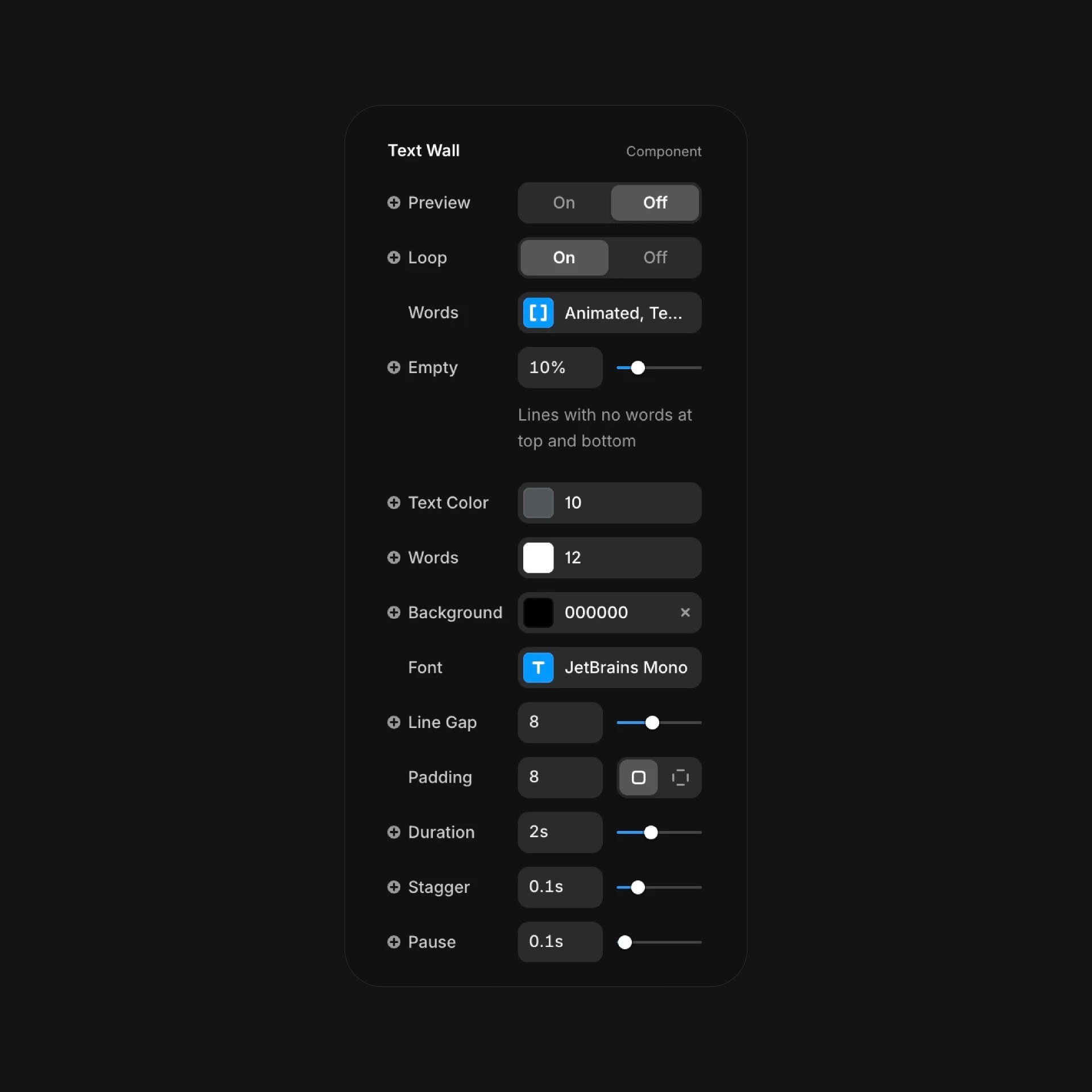
The animated text wall component properties in Framer.
The animated text wall component properties in Framer.
The animated text wall component properties in Framer.


