
Component
3D Sphere Button in Framer
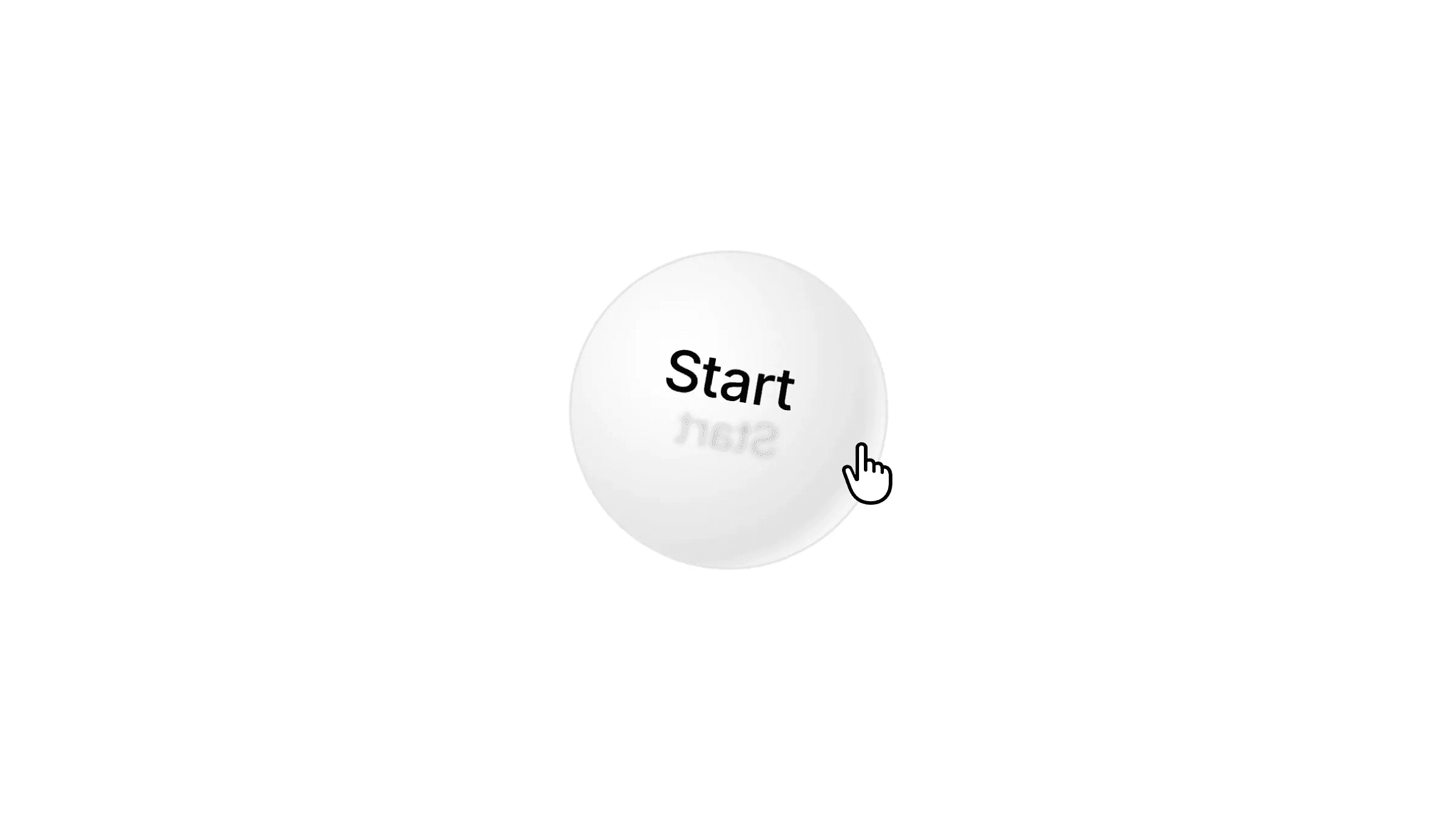
This is a Framer recreation of a 3D Sphere Button built entirely without code, inspired by Open Purpose. Remix the file to explore how such 3D visual interactions are set up, or feel free to copy the component and use it directly in your own projects.


About the resource
To create this 3D Sphere Button in Framer, I set up a component with a 3D sphere at its core. I added a layer inside the sphere with a radial color fill and inner shadows to give it depth and a realistic look.
For the rotating text, I created a separate “arm” layer, rotated it along the x and z axes, and made sure 3D is preserved. Inside that, I added an “arm frame” with two text layers, positioned absolutely and rotated along the y-axis at 90° and -90° so they face opposite directions.
On hover, the main frame scales up a little for an interactive feel, and the text rotation loops continuously on the arm layers, giving the sphere a smooth, infinite spinning motion.
About the resource
To create this 3D Sphere Button in Framer, I set up a component with a 3D sphere at its core. I added a layer inside the sphere with a radial color fill and inner shadows to give it depth and a realistic look.
For the rotating text, I created a separate “arm” layer, rotated it along the x and z axes, and made sure 3D is preserved. Inside that, I added an “arm frame” with two text layers, positioned absolutely and rotated along the y-axis at 90° and -90° so they face opposite directions.
On hover, the main frame scales up a little for an interactive feel, and the text rotation loops continuously on the arm layers, giving the sphere a smooth, infinite spinning motion.
About the resource
To create this 3D Sphere Button in Framer, I set up a component with a 3D sphere at its core. I added a layer inside the sphere with a radial color fill and inner shadows to give it depth and a realistic look.
For the rotating text, I created a separate “arm” layer, rotated it along the x and z axes, and made sure 3D is preserved. Inside that, I added an “arm frame” with two text layers, positioned absolutely and rotated along the y-axis at 90° and -90° so they face opposite directions.
On hover, the main frame scales up a little for an interactive feel, and the text rotation loops continuously on the arm layers, giving the sphere a smooth, infinite spinning motion.
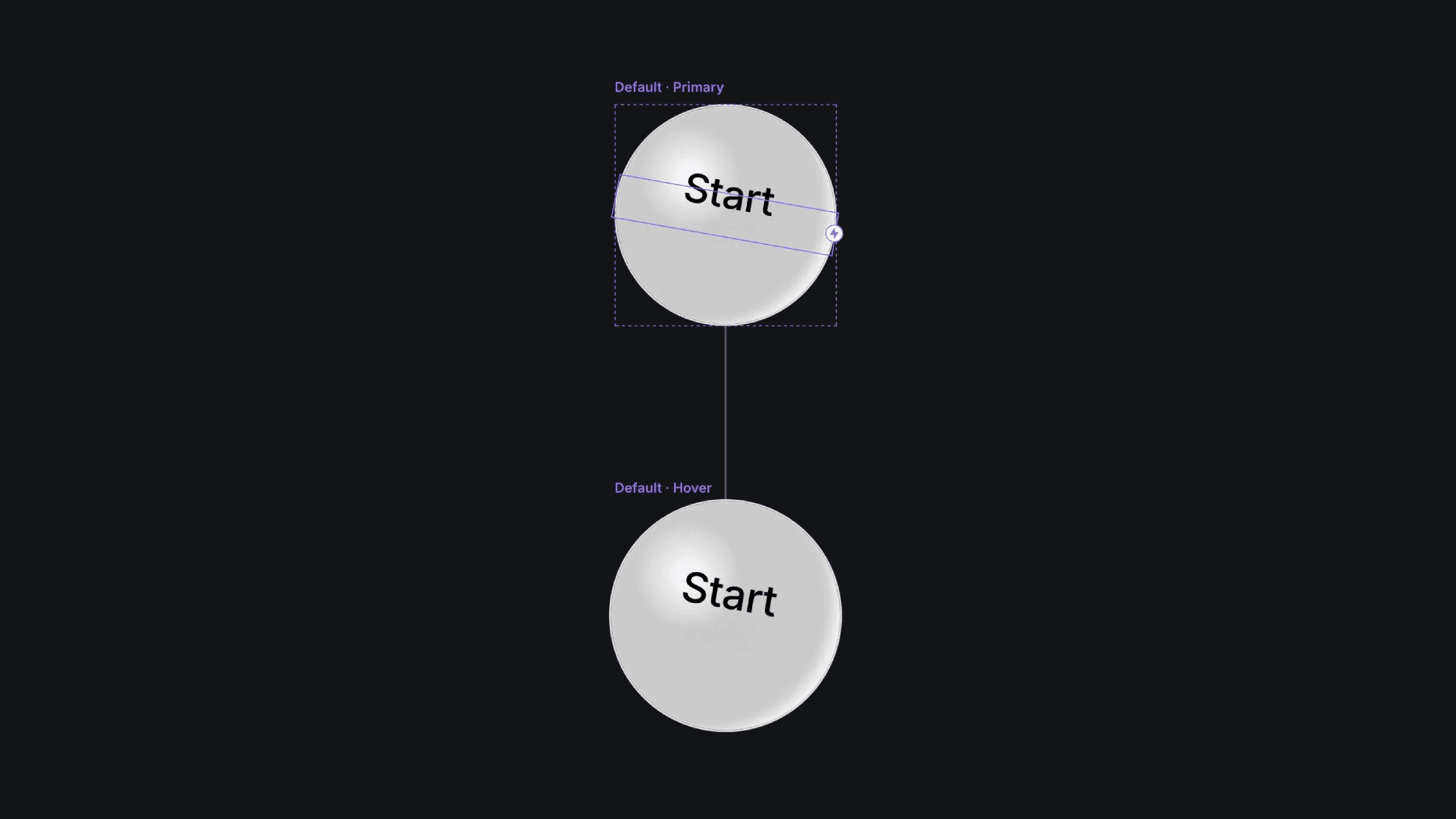
The default and hover variant of the sphere button component.
The default and hover variant of the sphere button component.
The default and hover variant of the sphere button component.


