Let me know if there’s a missing feature or something that could be improved.
Share feedback
Animation
Superlink Scroll Animation in Framer
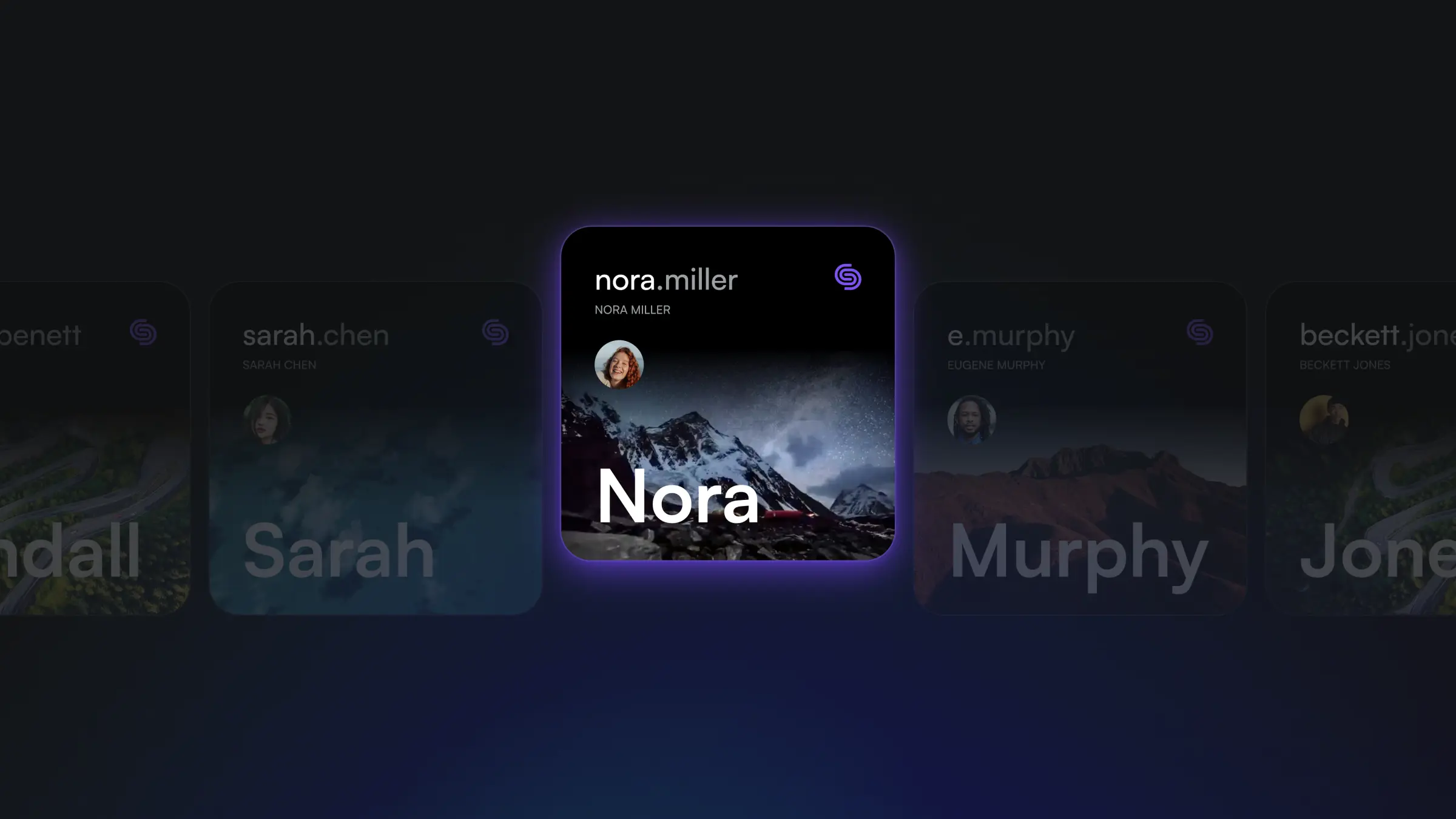
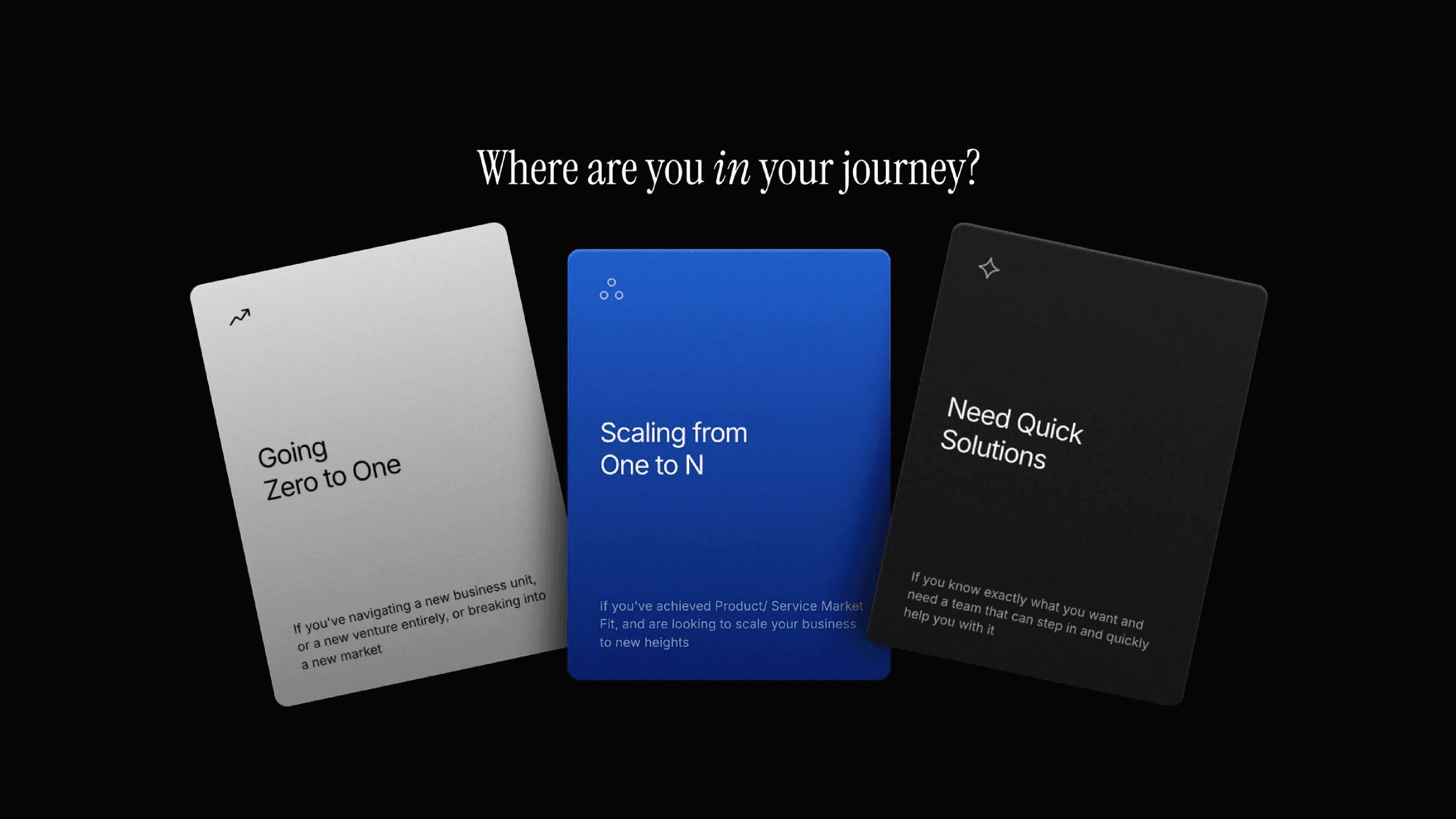
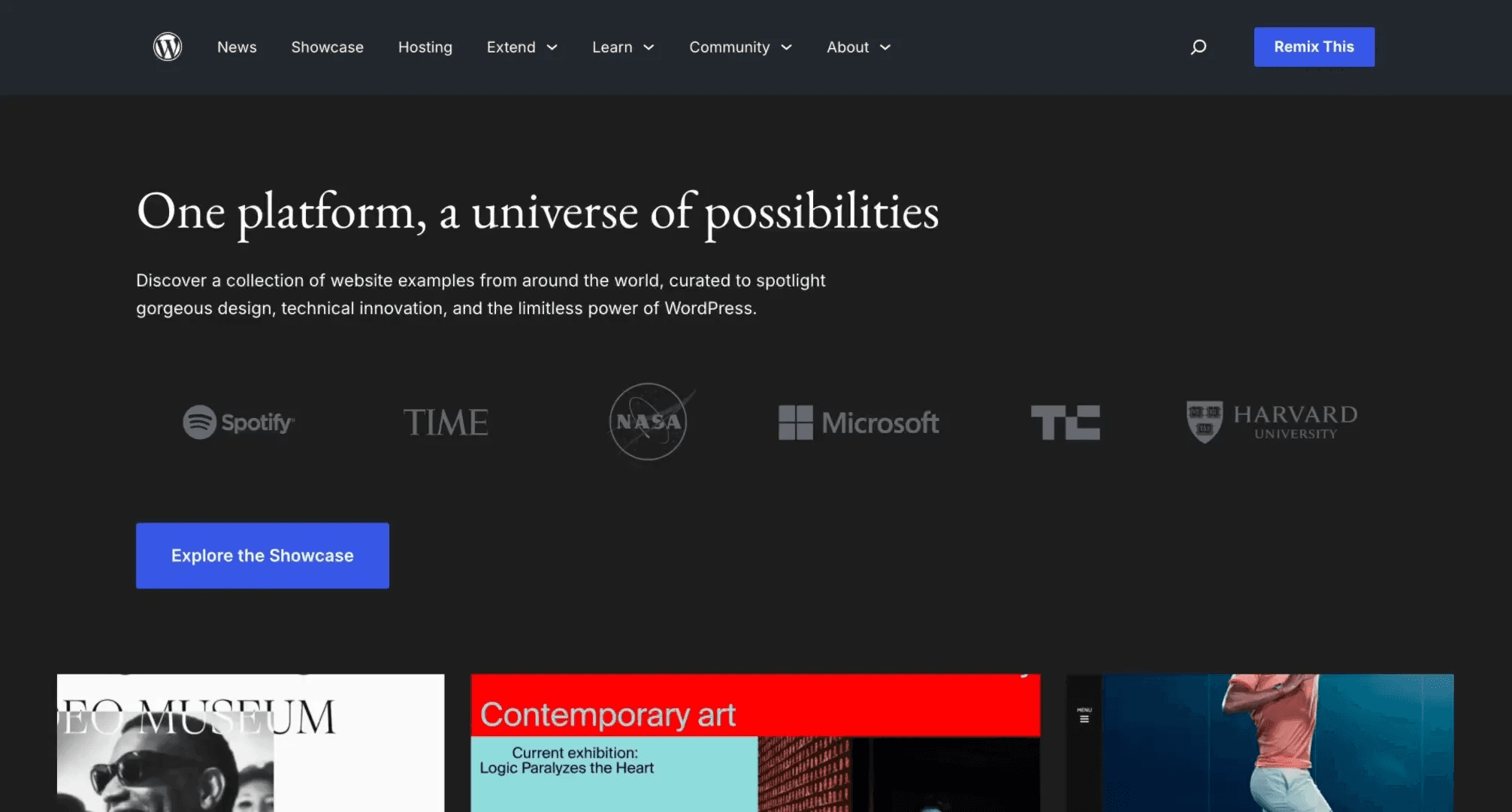
This is the scroll animation from the Superlink website, created in Framer. Feel free to remix it and see how these scroll animations can be achieved without writing any code.
The trick with this scroll animation is that I've divided the hero into several sections: there's the "container," which houses the text and side cards, the "card" that's the main feature in the middle, and "behind" for the text that'll be revealed from behind the hero.
Then I can assign different scroll speed values to these layers, which gives us this captivating scroll animation.
The trick with this scroll animation is that I've divided the hero into several sections: there's the "container," which houses the text and side cards, the "card" that's the main feature in the middle, and "behind" for the text that'll be revealed from behind the hero.
Then I can assign different scroll speed values to these layers, which gives us this captivating scroll animation.
The trick with this scroll animation is that I've divided the hero into several sections: there's the "container," which houses the text and side cards, the "card" that's the main feature in the middle, and "behind" for the text that'll be revealed from behind the hero.
Then I can assign different scroll speed values to these layers, which gives us this captivating scroll animation.
Learn how can one go from 0 to $11.5k with Framer in 60 days.
From no followers, no portfolio, no reputation, to making thousands with a profitable Framer business.