Animation
Insane Parallax Animation in Framer
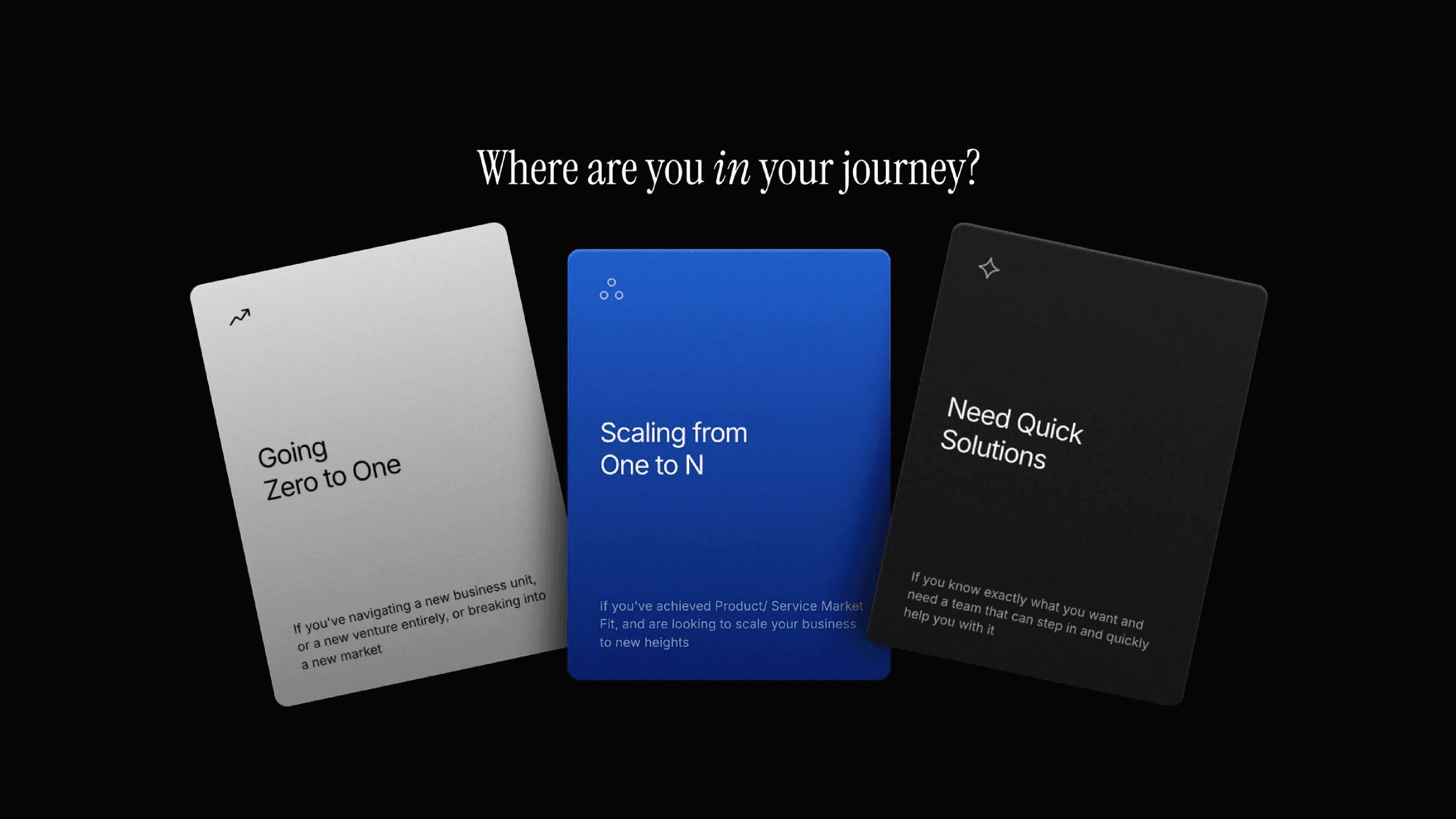
This is an insane parallax animation in Framer, recreated from Structured money website. Feel free to remix the project and explore how such animation is structured and built in Framer without writing any code.



About the resource
To build this parallax scroll animation, I used a combination of strategic layering, scroll transforms, sticky positioning, and variant transitions.
Inside the hero, the content contains the main text animated using text effects, followed by a button component with a hover variant. Below that sits the big text, which uses a scroll transform with Y offset along with an appear effect to ease it into view.
Next comes the scroll container. Inside it, a sticky frame holds the card, and both are wrapped inside an absolute frame. The card itself is a component with four variants. The default variant is masked using a linear mask, and as you scroll, it switches to another variant that animates the card opening using scroll-based variant transitions.
Below this sits the images container. The images uses a scroll speed effect to create that parallax depth, while the tree image additionally uses an appear effect and also appears in the hero section for continuity.
At the end, a timeline is used to place trigger frames that control when scroll variant transforms are activated. That’s how this parallax scroll animation comes together!
About the resource
To build this parallax scroll animation, I used a combination of strategic layering, scroll transforms, sticky positioning, and variant transitions.
Inside the hero, the content contains the main text animated using text effects, followed by a button component with a hover variant. Below that sits the big text, which uses a scroll transform with Y offset along with an appear effect to ease it into view.
Next comes the scroll container. Inside it, a sticky frame holds the card, and both are wrapped inside an absolute frame. The card itself is a component with four variants. The default variant is masked using a linear mask, and as you scroll, it switches to another variant that animates the card opening using scroll-based variant transitions.
Below this sits the images container. The images uses a scroll speed effect to create that parallax depth, while the tree image additionally uses an appear effect and also appears in the hero section for continuity.
At the end, a timeline is used to place trigger frames that control when scroll variant transforms are activated. That’s how this parallax scroll animation comes together!
About the resource
To build this parallax scroll animation, I used a combination of strategic layering, scroll transforms, sticky positioning, and variant transitions.
Inside the hero, the content contains the main text animated using text effects, followed by a button component with a hover variant. Below that sits the big text, which uses a scroll transform with Y offset along with an appear effect to ease it into view.
Next comes the scroll container. Inside it, a sticky frame holds the card, and both are wrapped inside an absolute frame. The card itself is a component with four variants. The default variant is masked using a linear mask, and as you scroll, it switches to another variant that animates the card opening using scroll-based variant transitions.
Below this sits the images container. The images uses a scroll speed effect to create that parallax depth, while the tree image additionally uses an appear effect and also appears in the hero section for continuity.
At the end, a timeline is used to place trigger frames that control when scroll variant transforms are activated. That’s how this parallax scroll animation comes together!
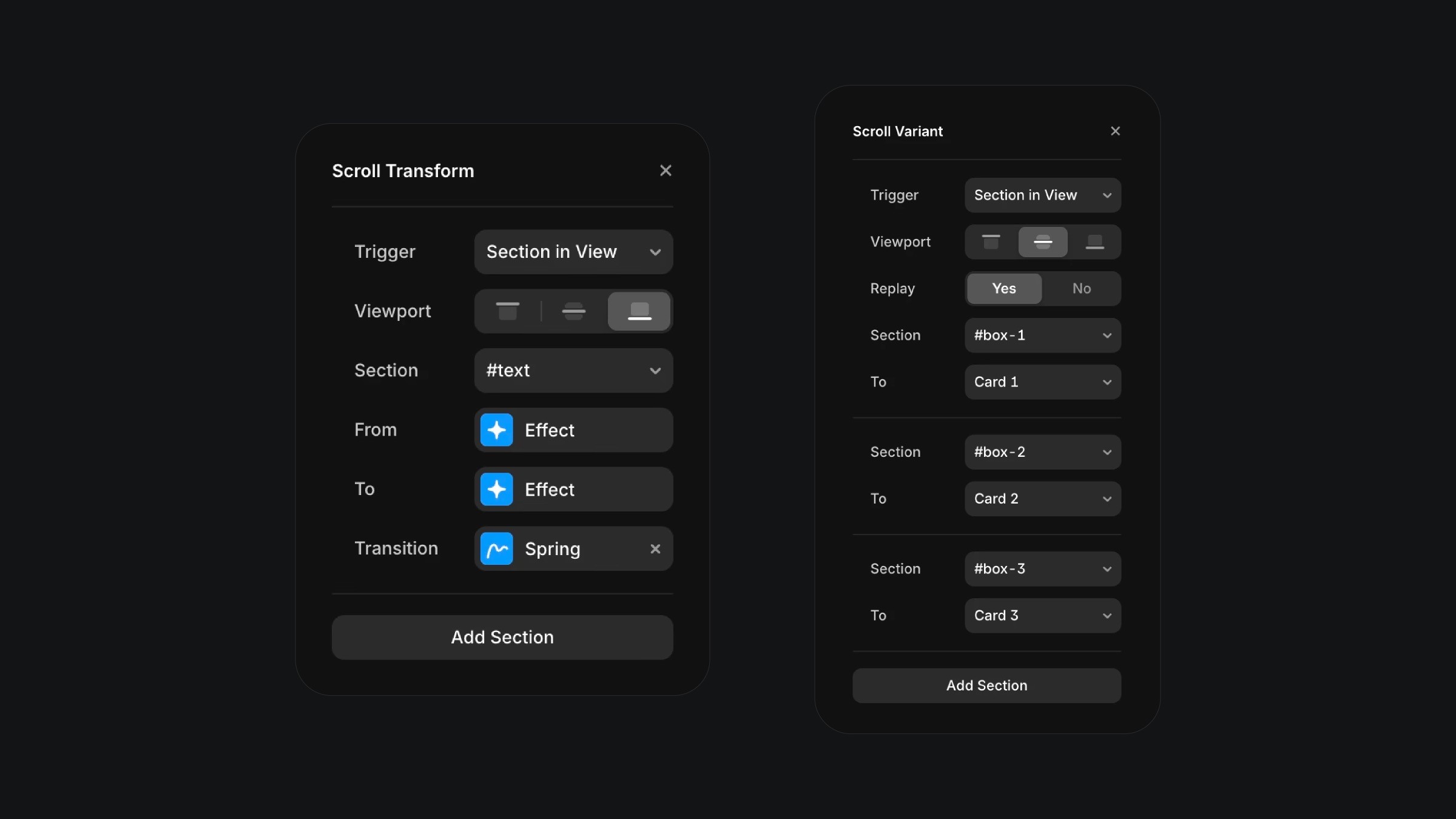
The scroll transform and variant effects in Framer.
The scroll transform and variant effects in Framer.
The scroll transform and variant effects in Framer.