Animation
3D Image Split Scroll Animation in Framer
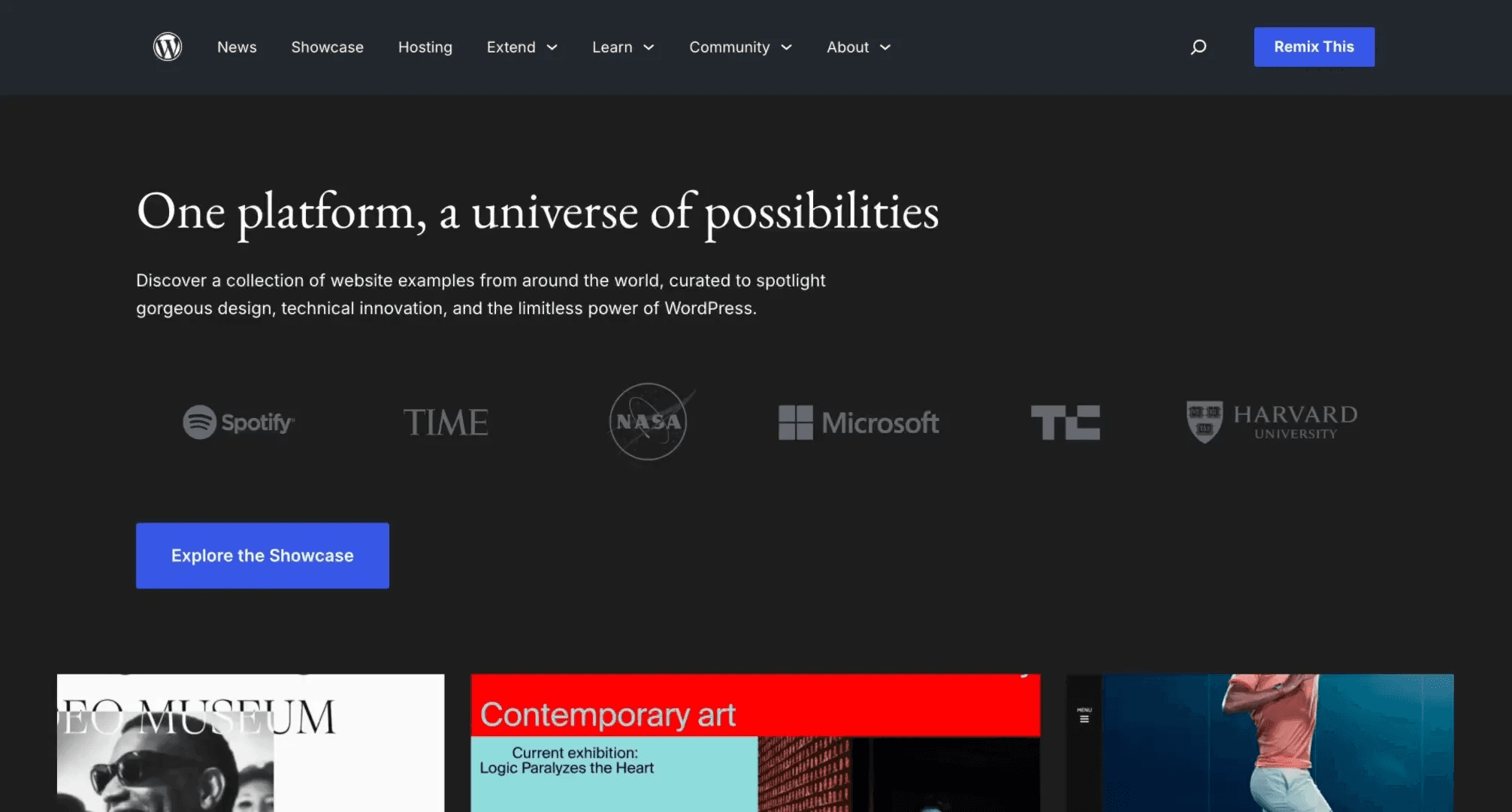
This is a 3D image split scroll animation in Framer, recreated from an interaction on the Redo Media website. Feel free to remix the project to explore how the entire interaction is structured in Framer without using any code.



About the resource
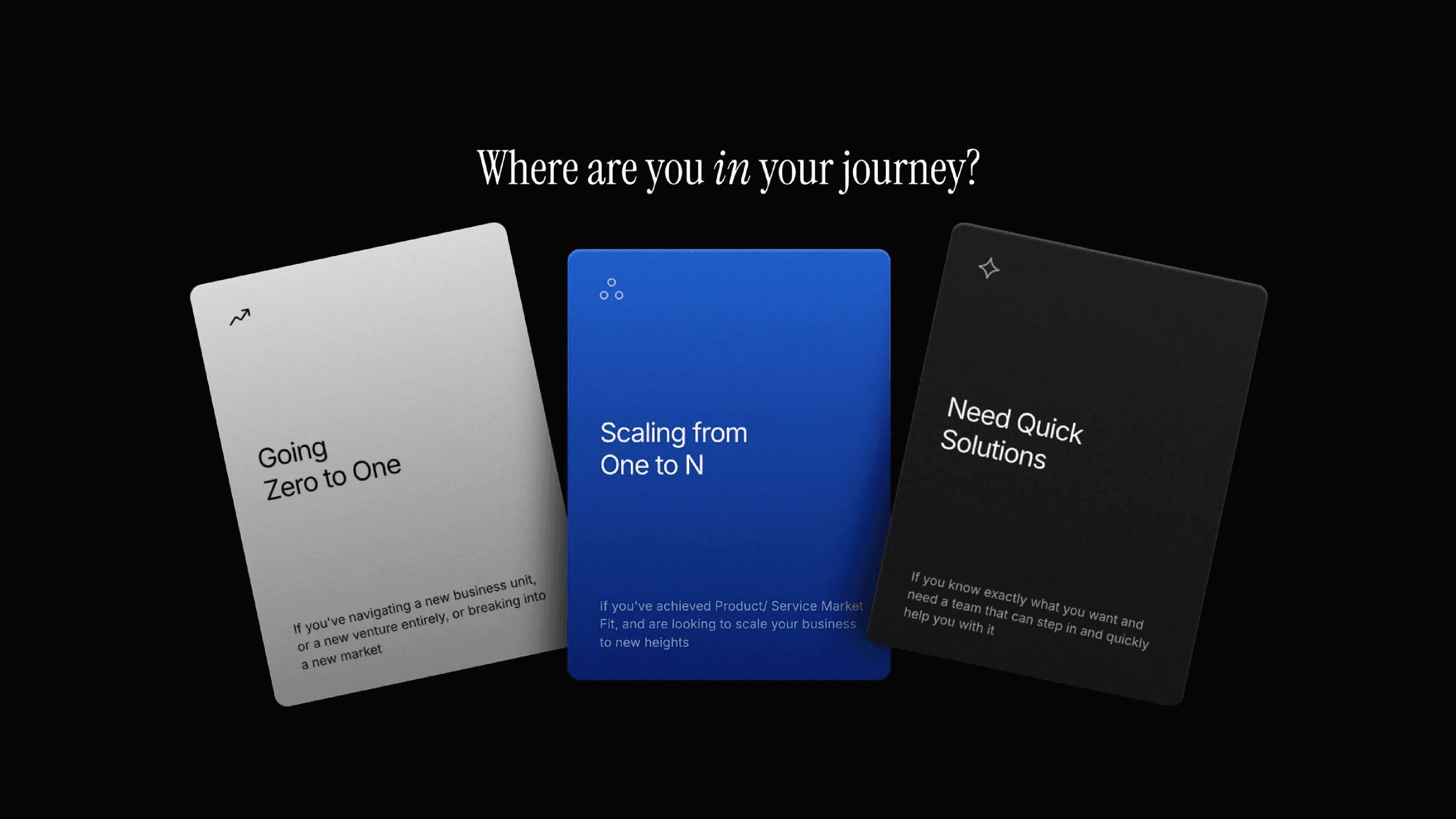
To recreate this 3D image split scroll animation, I set up a component with three variants: default, expand, and flip. In the default state, the image appears as a single frame. In the expand variant, the image splits into three separate cards.
In the flip variant, each card rotates in 3D to reveal the backside of the cards, creating the second stage of the effect.
The transition between these states is controlled using the scroll variant effect, which switches the component from default to expand and then to flip as the user scrolls. This makes the whole interaction feel much more complex than it actually is.
About the resource
To recreate this 3D image split scroll animation, I set up a component with three variants: default, expand, and flip. In the default state, the image appears as a single frame. In the expand variant, the image splits into three separate cards.
In the flip variant, each card rotates in 3D to reveal the backside of the cards, creating the second stage of the effect.
The transition between these states is controlled using the scroll variant effect, which switches the component from default to expand and then to flip as the user scrolls. This makes the whole interaction feel much more complex than it actually is.
About the resource
To recreate this 3D image split scroll animation, I set up a component with three variants: default, expand, and flip. In the default state, the image appears as a single frame. In the expand variant, the image splits into three separate cards.
In the flip variant, each card rotates in 3D to reveal the backside of the cards, creating the second stage of the effect.
The transition between these states is controlled using the scroll variant effect, which switches the component from default to expand and then to flip as the user scrolls. This makes the whole interaction feel much more complex than it actually is.
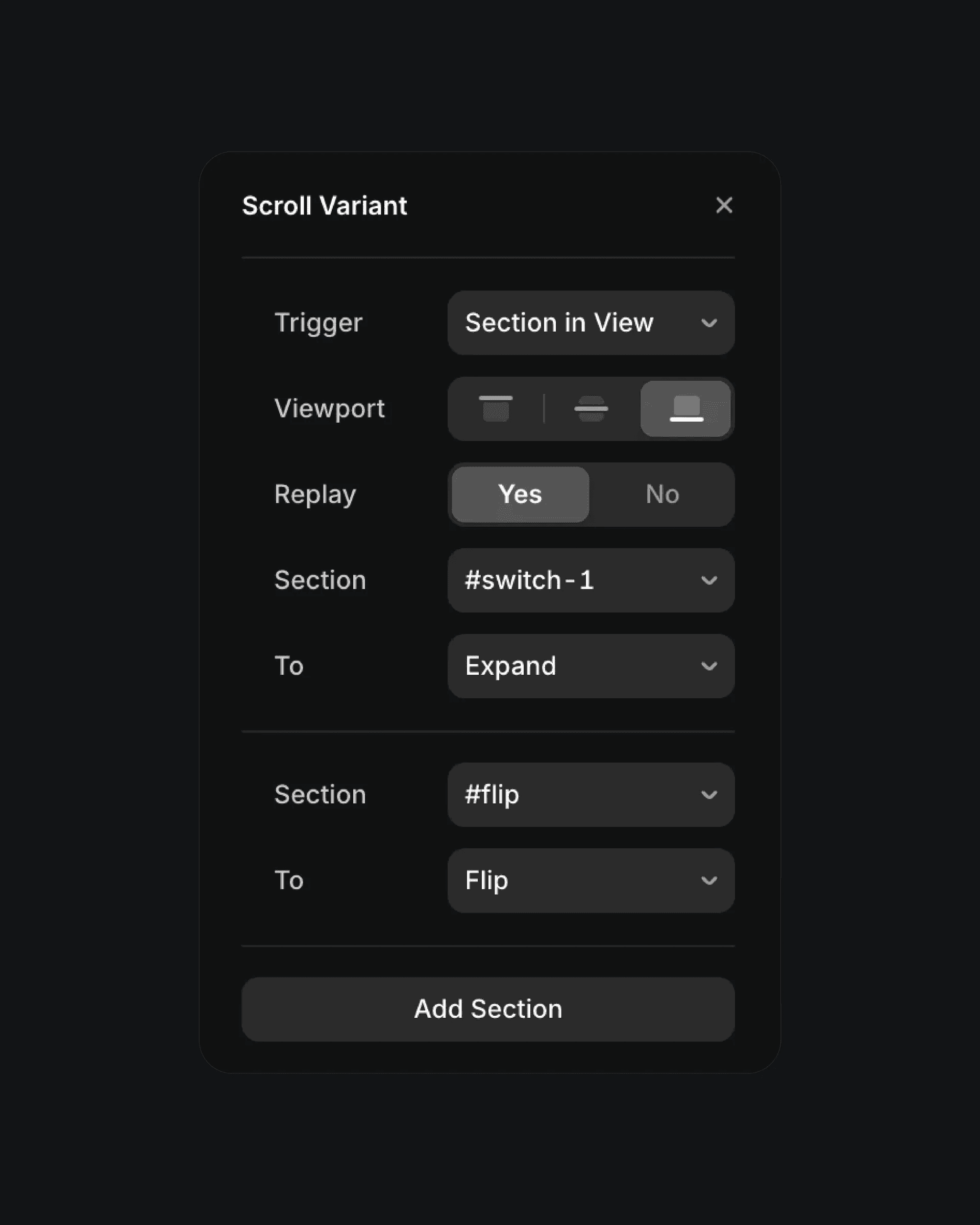
The scroll variant effect in Framer.
The scroll variant effect in Framer.
The scroll variant effect in Framer.