Animation
Image Sequence Scroll Animation in Framer
This is an image sequence scroll animation in Framer, recreated from the Farm Minerals’s website originally built by the super talented team at adelt agency. Remix the project to explore how this scroll animation is structured and built in Framer without writing any code.




About the resource
To create this Image Sequence Scroll Animation in Framer, I started by setting up a scroll container with two main layers: one set to absolute and another for sections set to relative. Inside the absolute layer, I placed a sticky frame within the scroll media component and uploaded the full image sequence, around 154 images and adjusted the properties to fit the animation. This sticky frame stays pinned during scroll, allowing the images to progress based on scroll position.
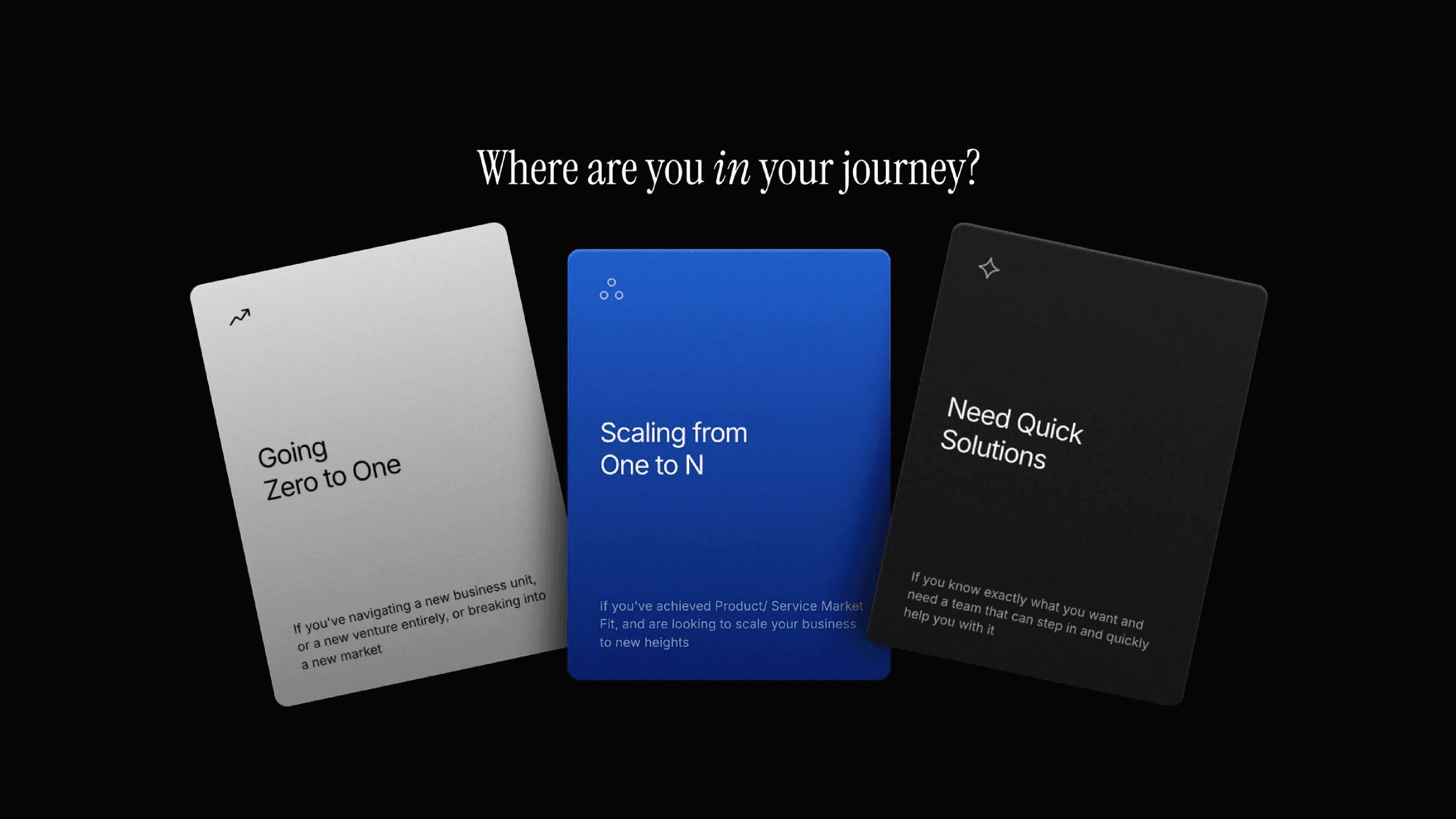
Below this, the sections layer is divided into multiple sections. Section 1 and Section 2 stay in the normal flow, with Section 2 using a card component made up of three cards. These cards use scroll transform with a y offset. Section 3 and Section 4 sit inside the sticky frame, with Section 4 set to absolute. Both sections also use scroll transforms, keeping their movement in sync with the image sequence as the page scrolls.
About the resource
To create this Image Sequence Scroll Animation in Framer, I started by setting up a scroll container with two main layers: one set to absolute and another for sections set to relative. Inside the absolute layer, I placed a sticky frame within the scroll media component and uploaded the full image sequence, around 154 images and adjusted the properties to fit the animation. This sticky frame stays pinned during scroll, allowing the images to progress based on scroll position.
Below this, the sections layer is divided into multiple sections. Section 1 and Section 2 stay in the normal flow, with Section 2 using a card component made up of three cards. These cards use scroll transform with a y offset. Section 3 and Section 4 sit inside the sticky frame, with Section 4 set to absolute. Both sections also use scroll transforms, keeping their movement in sync with the image sequence as the page scrolls.
About the resource
To create this Image Sequence Scroll Animation in Framer, I started by setting up a scroll container with two main layers: one set to absolute and another for sections set to relative. Inside the absolute layer, I placed a sticky frame within the scroll media component and uploaded the full image sequence, around 154 images and adjusted the properties to fit the animation. This sticky frame stays pinned during scroll, allowing the images to progress based on scroll position.
Below this, the sections layer is divided into multiple sections. Section 1 and Section 2 stay in the normal flow, with Section 2 using a card component made up of three cards. These cards use scroll transform with a y offset. Section 3 and Section 4 sit inside the sticky frame, with Section 4 set to absolute. Both sections also use scroll transforms, keeping their movement in sync with the image sequence as the page scrolls.
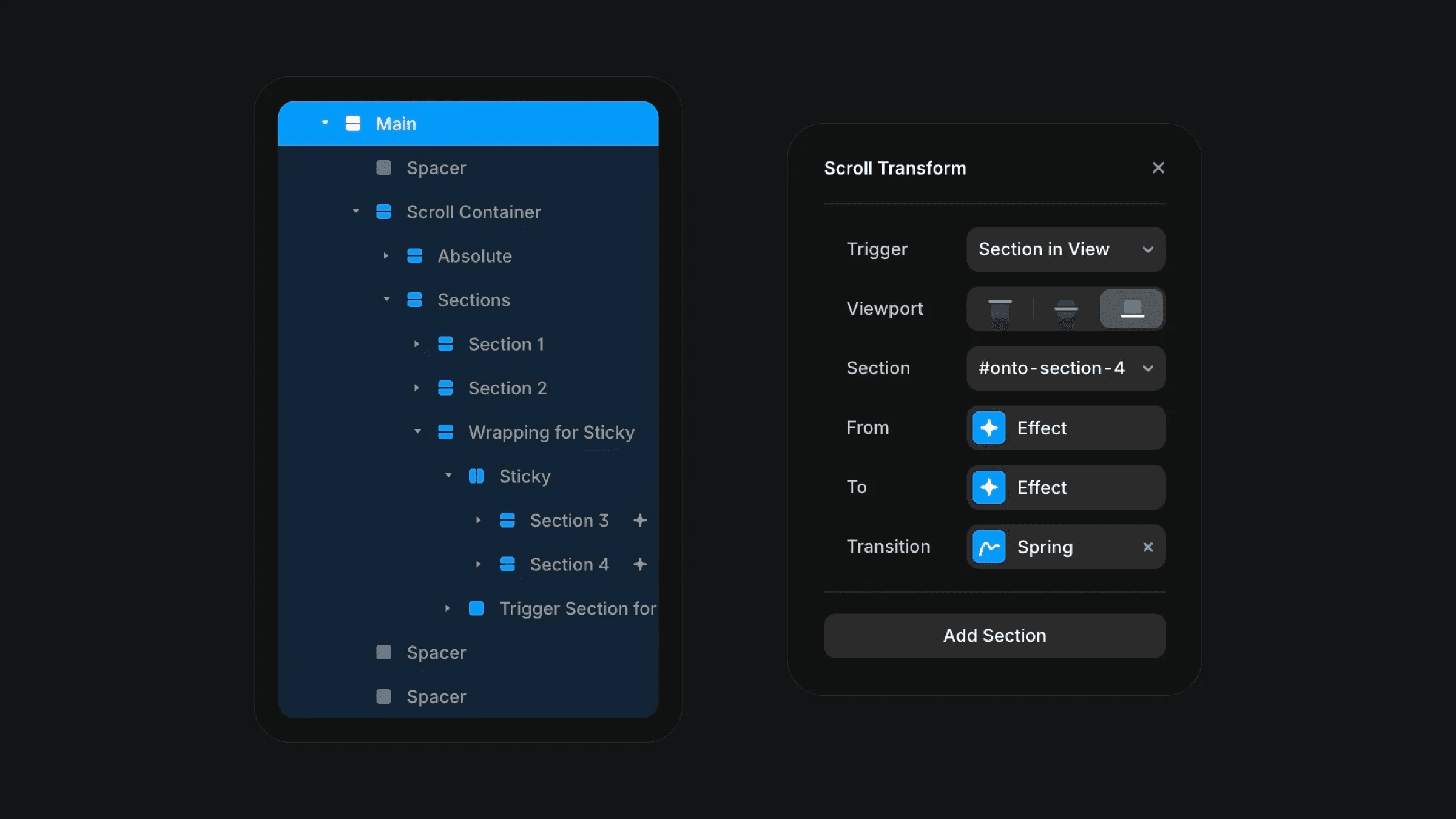
The structure behind the website layout and scroll transform effect in Framer.
The structure behind the website layout and scroll transform effect in Framer.
The structure behind the website layout and scroll transform effect in Framer.