Animation
Card Shuffle Scroll Animation
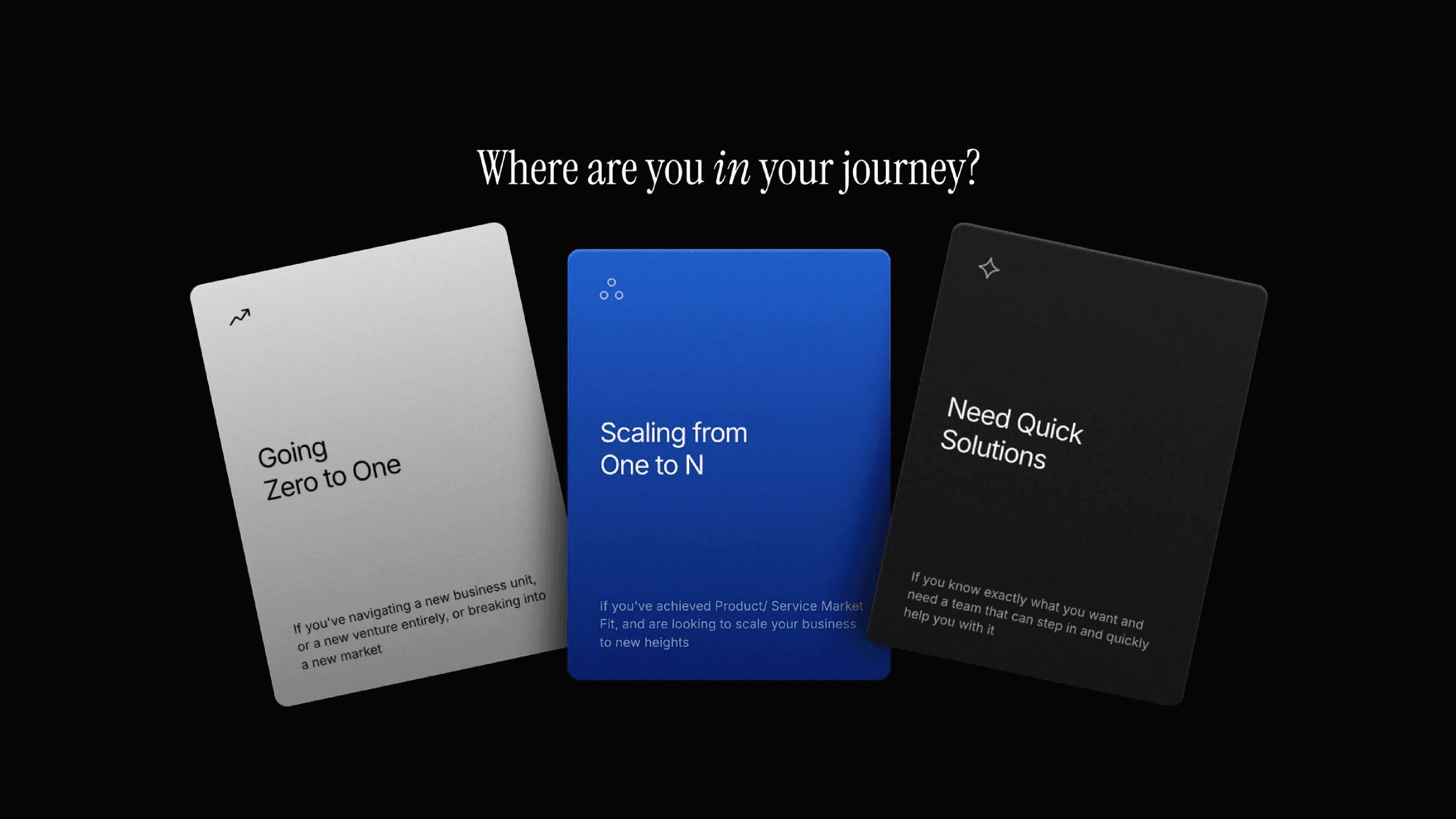
This is a card shuffle scroll animation recreated in Framer from the original work by Bruce Cao, Karissa, Emmi, and Rachel. It uses multiple scroll triggers to control how each card enters, layers, and exits the flow. Remix the project to explore how this kind of multi-stage scroll transform can be built entirely without code.





About the resource
To create this card shuffle scroll animation, I set up a multiple scroll transform structure with five trigger sections. The animation begins with a single image fully covering the screen. As you scroll into the first trigger, all four images scale down and reposition to form a structured grid layout by setting the offset values.
In the second trigger, I re-position two images to move vertically, sliding over the other two images that remain static. This creates a layered shuffle where only two images remain visually prominent. In the third trigger, all images move toward the center, with two positioned above and two below. On screen, only the two center images appear to be moving, while the images behind continue transforming.
In the fourth trigger, all images collapse into the center and stack behind one another based on their layer order. In the final trigger, the topmost image scales up to cover most screen sizes, bringing the animation to a smooth close.
To keep each transformation readable, I spaced the trigger sections with large gaps so the scroll effects have room to play out without feeling rushed or mixed together.
About the resource
To create this card shuffle scroll animation, I set up a multiple scroll transform structure with five trigger sections. The animation begins with a single image fully covering the screen. As you scroll into the first trigger, all four images scale down and reposition to form a structured grid layout by setting the offset values.
In the second trigger, I re-position two images to move vertically, sliding over the other two images that remain static. This creates a layered shuffle where only two images remain visually prominent. In the third trigger, all images move toward the center, with two positioned above and two below. On screen, only the two center images appear to be moving, while the images behind continue transforming.
In the fourth trigger, all images collapse into the center and stack behind one another based on their layer order. In the final trigger, the topmost image scales up to cover most screen sizes, bringing the animation to a smooth close.
To keep each transformation readable, I spaced the trigger sections with large gaps so the scroll effects have room to play out without feeling rushed or mixed together.
About the resource
To create this card shuffle scroll animation, I set up a multiple scroll transform structure with five trigger sections. The animation begins with a single image fully covering the screen. As you scroll into the first trigger, all four images scale down and reposition to form a structured grid layout by setting the offset values.
In the second trigger, I re-position two images to move vertically, sliding over the other two images that remain static. This creates a layered shuffle where only two images remain visually prominent. In the third trigger, all images move toward the center, with two positioned above and two below. On screen, only the two center images appear to be moving, while the images behind continue transforming.
In the fourth trigger, all images collapse into the center and stack behind one another based on their layer order. In the final trigger, the topmost image scales up to cover most screen sizes, bringing the animation to a smooth close.
To keep each transformation readable, I spaced the trigger sections with large gaps so the scroll effects have room to play out without feeling rushed or mixed together.
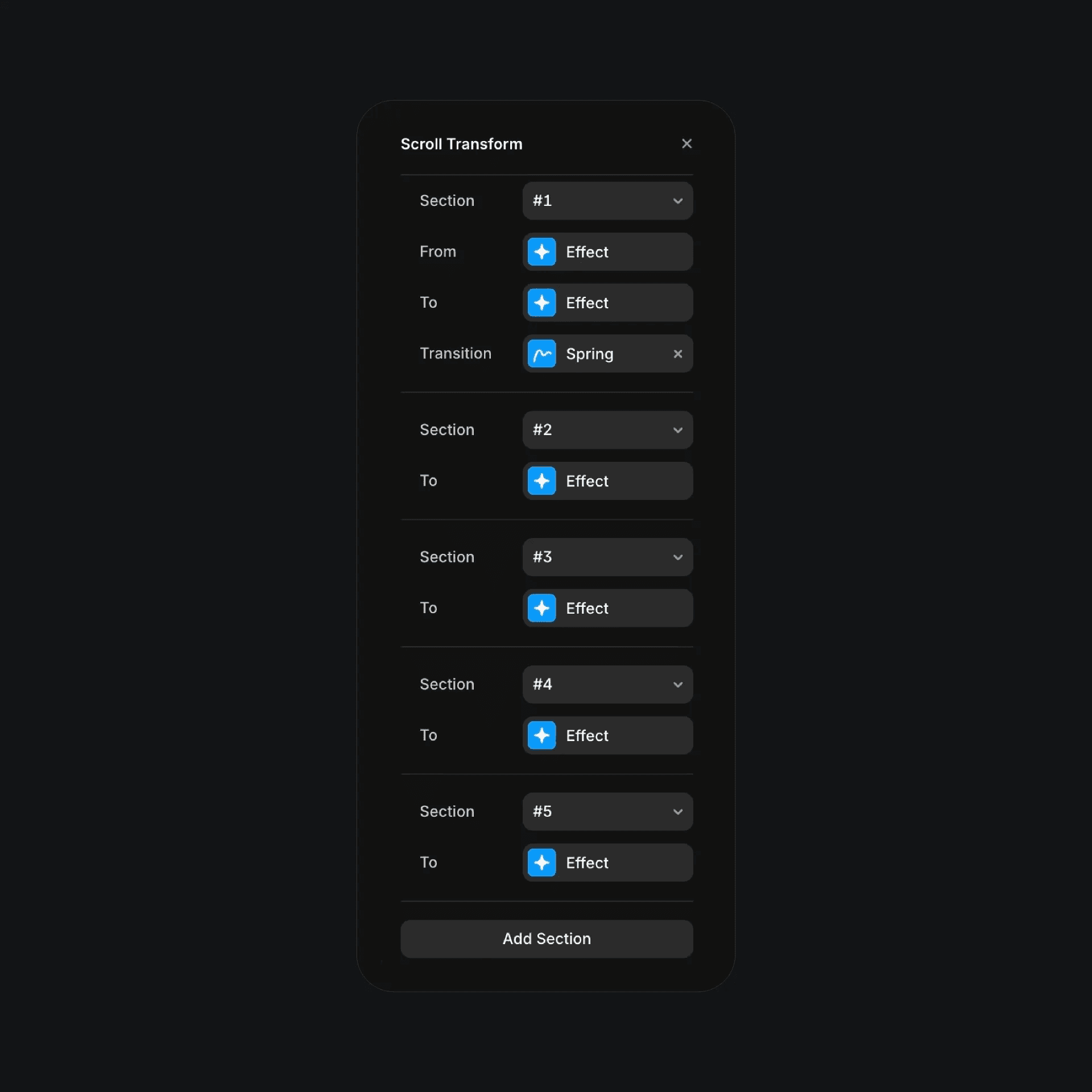
The scroll trasform effects with multiple sections in Framer.
The scroll trasform effects with multiple sections in Framer.
The scroll trasform effects with multiple sections in Framer.