Animation
Card Draw Scroll Animation in Framer
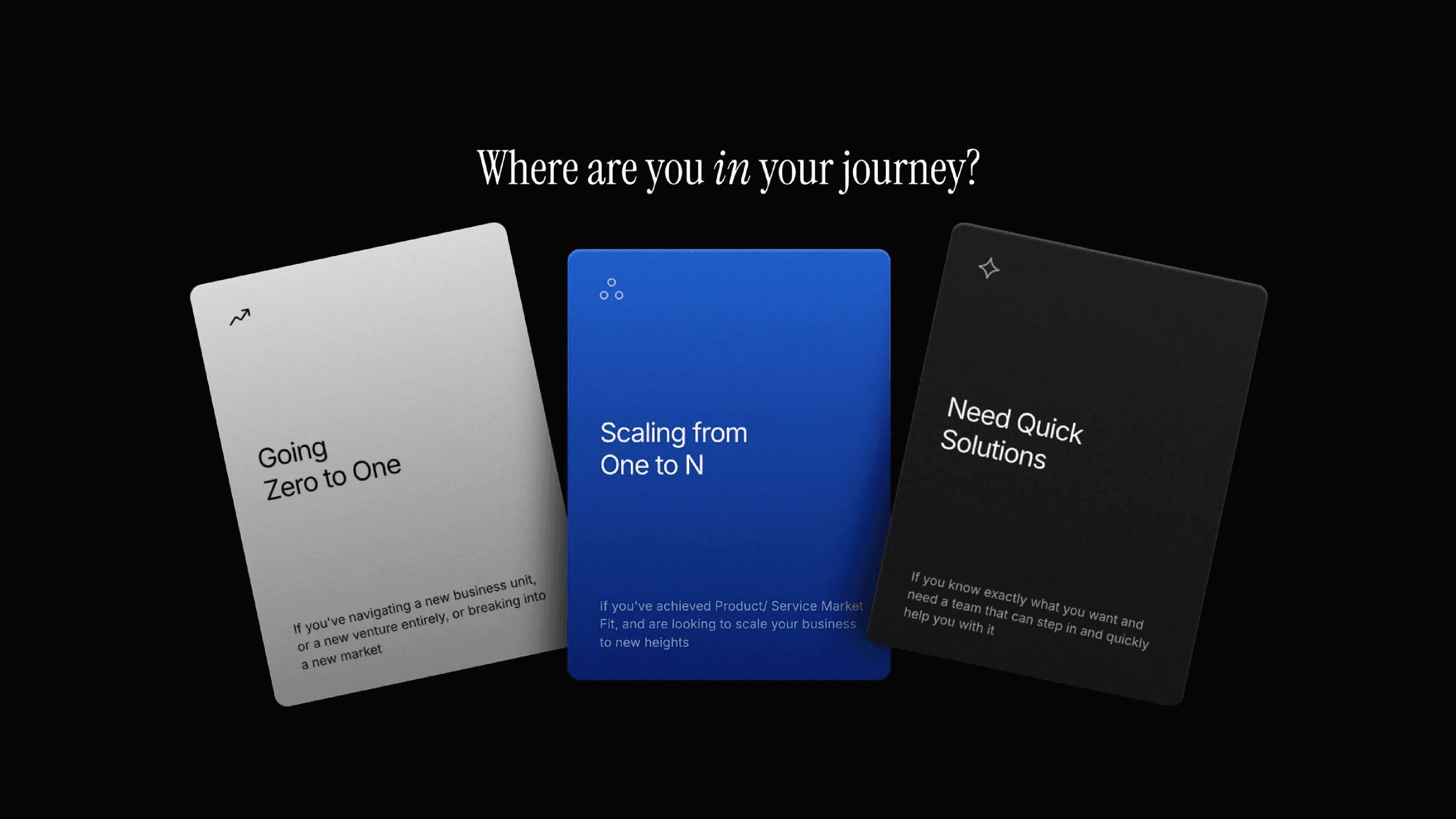
This is a card draw scroll animation recreated in Framer using scroll transforms, from the original work by Samit Kapoor. You can remix the file to explore how it’s built or simply copy the component into your project.



About the resource
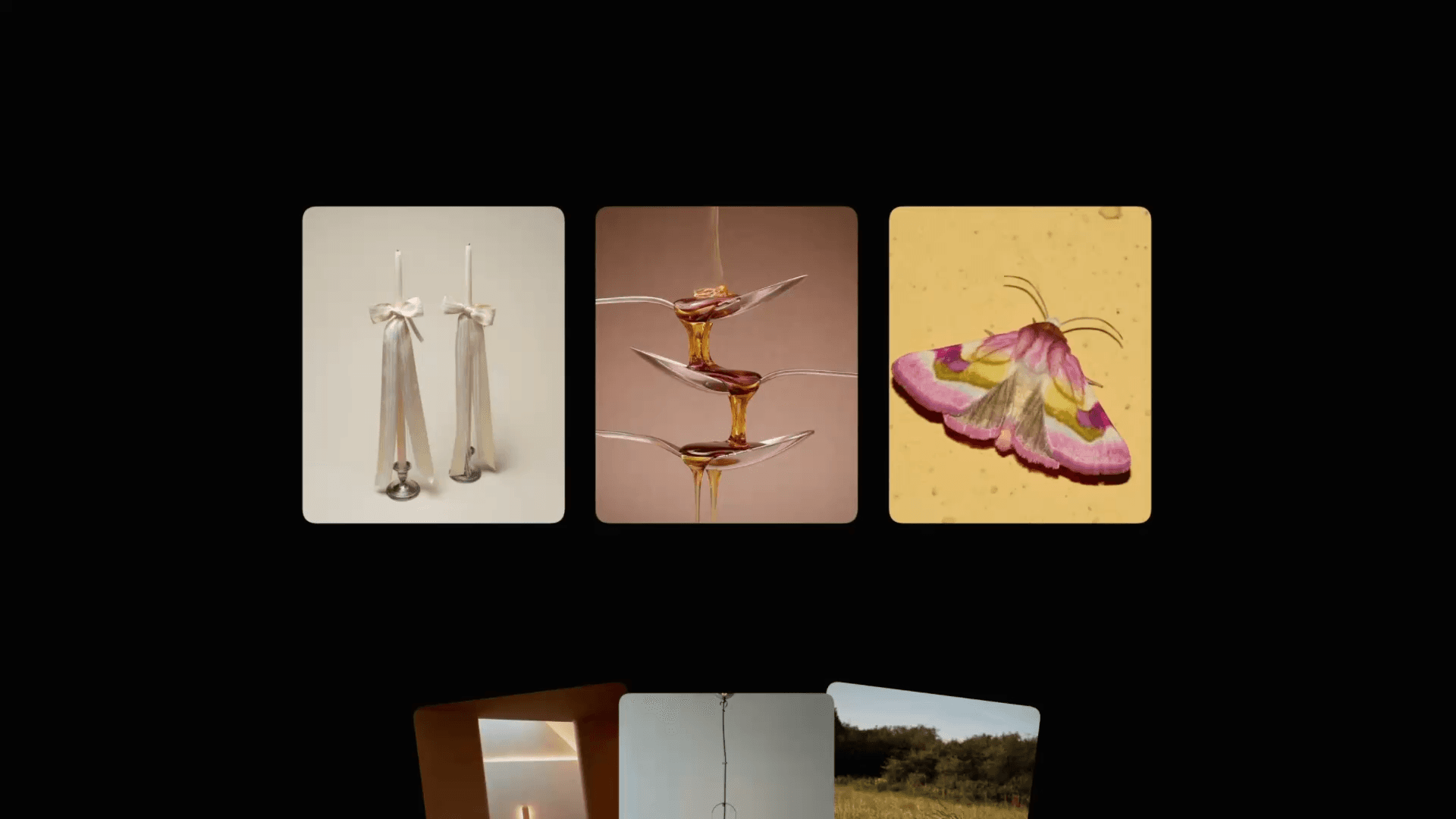
This is a card-draw scroll animation recreated in Framer using scroll transforms. The setup is built with a stack of five image wraps. Three images live inside the image-wrap stack, along with a trigger section that drives the animation as you scroll through five trigger sections in sequence. Each image goes through two distinct transforms.
In the first transform, the images begin scaled down, slightly rotated, and offset on both the x and y axis, as if rising from below. As you scroll, they scale up to 1, straighten out, and settle back into their natural position.
In the second transform, the images scale down subtly once more and move upward along the y axis, creating a clean card-draw motion that continues smoothly as you scroll.
About the resource
This is a card-draw scroll animation recreated in Framer using scroll transforms. The setup is built with a stack of five image wraps. Three images live inside the image-wrap stack, along with a trigger section that drives the animation as you scroll through five trigger sections in sequence. Each image goes through two distinct transforms.
In the first transform, the images begin scaled down, slightly rotated, and offset on both the x and y axis, as if rising from below. As you scroll, they scale up to 1, straighten out, and settle back into their natural position.
In the second transform, the images scale down subtly once more and move upward along the y axis, creating a clean card-draw motion that continues smoothly as you scroll.
About the resource
This is a card-draw scroll animation recreated in Framer using scroll transforms. The setup is built with a stack of five image wraps. Three images live inside the image-wrap stack, along with a trigger section that drives the animation as you scroll through five trigger sections in sequence. Each image goes through two distinct transforms.
In the first transform, the images begin scaled down, slightly rotated, and offset on both the x and y axis, as if rising from below. As you scroll, they scale up to 1, straighten out, and settle back into their natural position.
In the second transform, the images scale down subtly once more and move upward along the y axis, creating a clean card-draw motion that continues smoothly as you scroll.
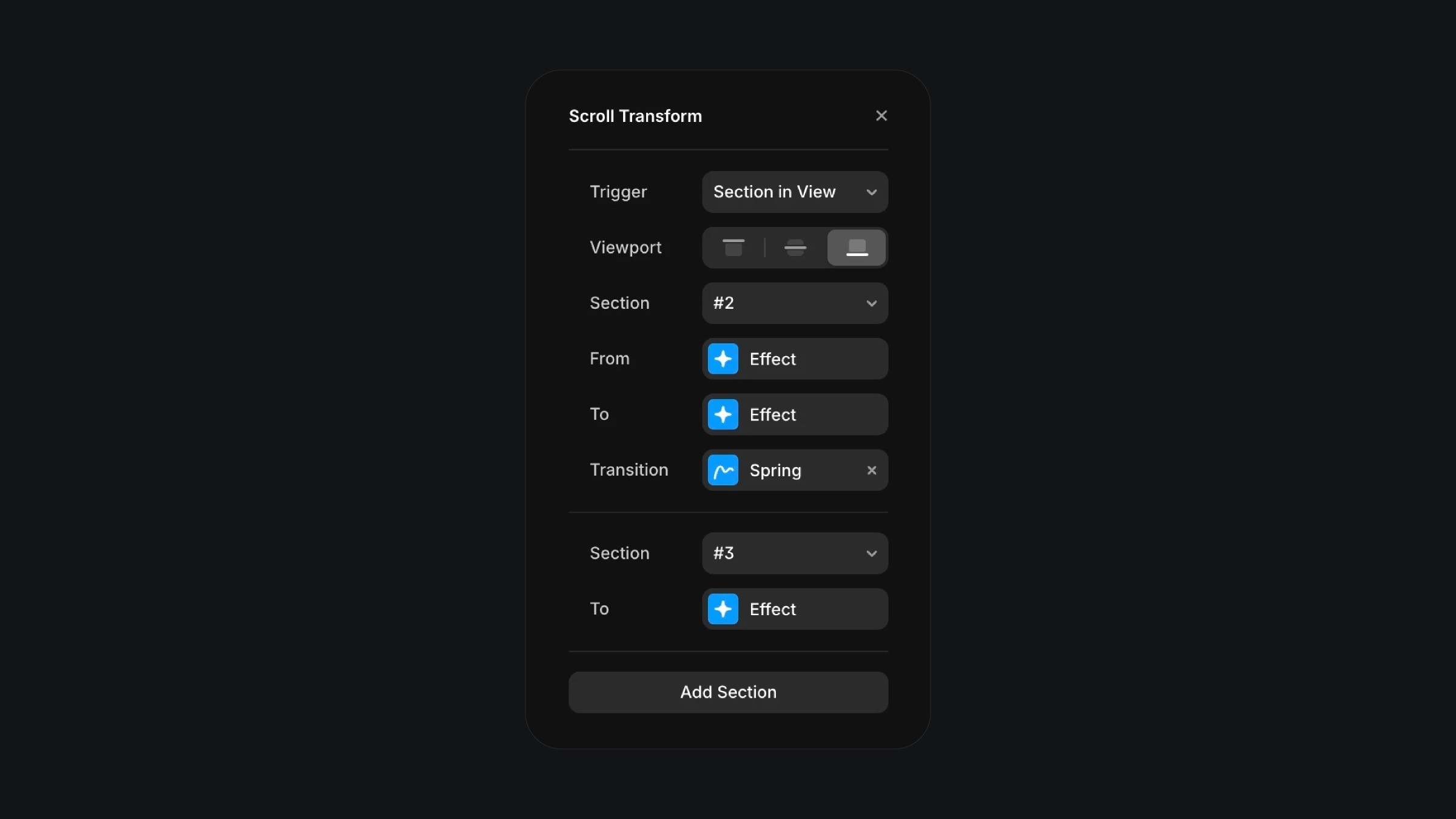
The scroll transform effect in Framer.
The scroll transform effect in Framer.
The scroll transform effect in Framer.