Animation
3D Inner Globe Background in Framer
This is a Framer recreation of a 3D Inner Globe background built entirely without code from the Open Purpose website.Remix the file or copy the component to explore how the animation is set up and use it directly in your own projects.


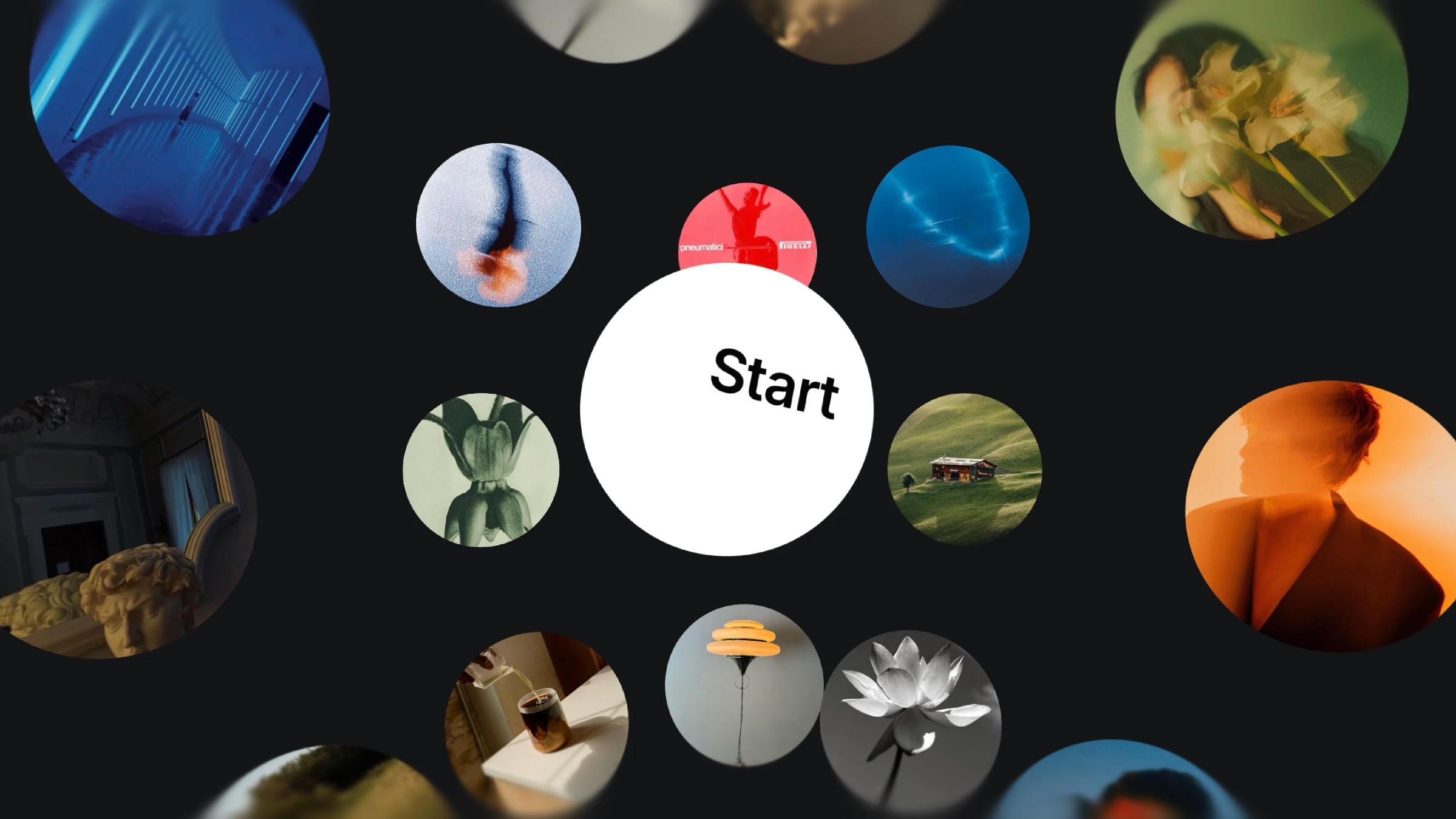
To create the 3D Inner Globe Background, I started by setting up a 3D space that works like a cluster of arms forming a globe.
First, I wrapped all the images inside a frame and rotated them 90 degrees on the X-axis. Then I grouped them again inside arm wrappers so they sit correctly in 3D.
From there, I built nine arms in total and rotated each one on the X-axis, starting at 0 degrees and going all the way to –320, spaced 40 degrees apart.
After that, I added four more arms, but these rotate on the Y-axis at 0, 45, 90, and 130 degrees.
I then adjusted the 3D space so only the images inside the globe stay visible on the canvas. This keeps the effect clean and focused. Now I added a slow 360-degree loop on the Y-axis so the whole globe gently rotates.
And finally, I dropped a rotating sphere in the middle using absolute positioning and added soft blur gradients at the top and bottom to frame the whole look.
To create the 3D Inner Globe Background, I started by setting up a 3D space that works like a cluster of arms forming a globe.
First, I wrapped all the images inside a frame and rotated them 90 degrees on the X-axis. Then I grouped them again inside arm wrappers so they sit correctly in 3D.
From there, I built nine arms in total and rotated each one on the X-axis, starting at 0 degrees and going all the way to –320, spaced 40 degrees apart.
After that, I added four more arms, but these rotate on the Y-axis at 0, 45, 90, and 130 degrees.
I then adjusted the 3D space so only the images inside the globe stay visible on the canvas. This keeps the effect clean and focused. Now I added a slow 360-degree loop on the Y-axis so the whole globe gently rotates.
And finally, I dropped a rotating sphere in the middle using absolute positioning and added soft blur gradients at the top and bottom to frame the whole look.
To create the 3D Inner Globe Background, I started by setting up a 3D space that works like a cluster of arms forming a globe.
First, I wrapped all the images inside a frame and rotated them 90 degrees on the X-axis. Then I grouped them again inside arm wrappers so they sit correctly in 3D.
From there, I built nine arms in total and rotated each one on the X-axis, starting at 0 degrees and going all the way to –320, spaced 40 degrees apart.
After that, I added four more arms, but these rotate on the Y-axis at 0, 45, 90, and 130 degrees.
I then adjusted the 3D space so only the images inside the globe stay visible on the canvas. This keeps the effect clean and focused. Now I added a slow 360-degree loop on the Y-axis so the whole globe gently rotates.
And finally, I dropped a rotating sphere in the middle using absolute positioning and added soft blur gradients at the top and bottom to frame the whole look.
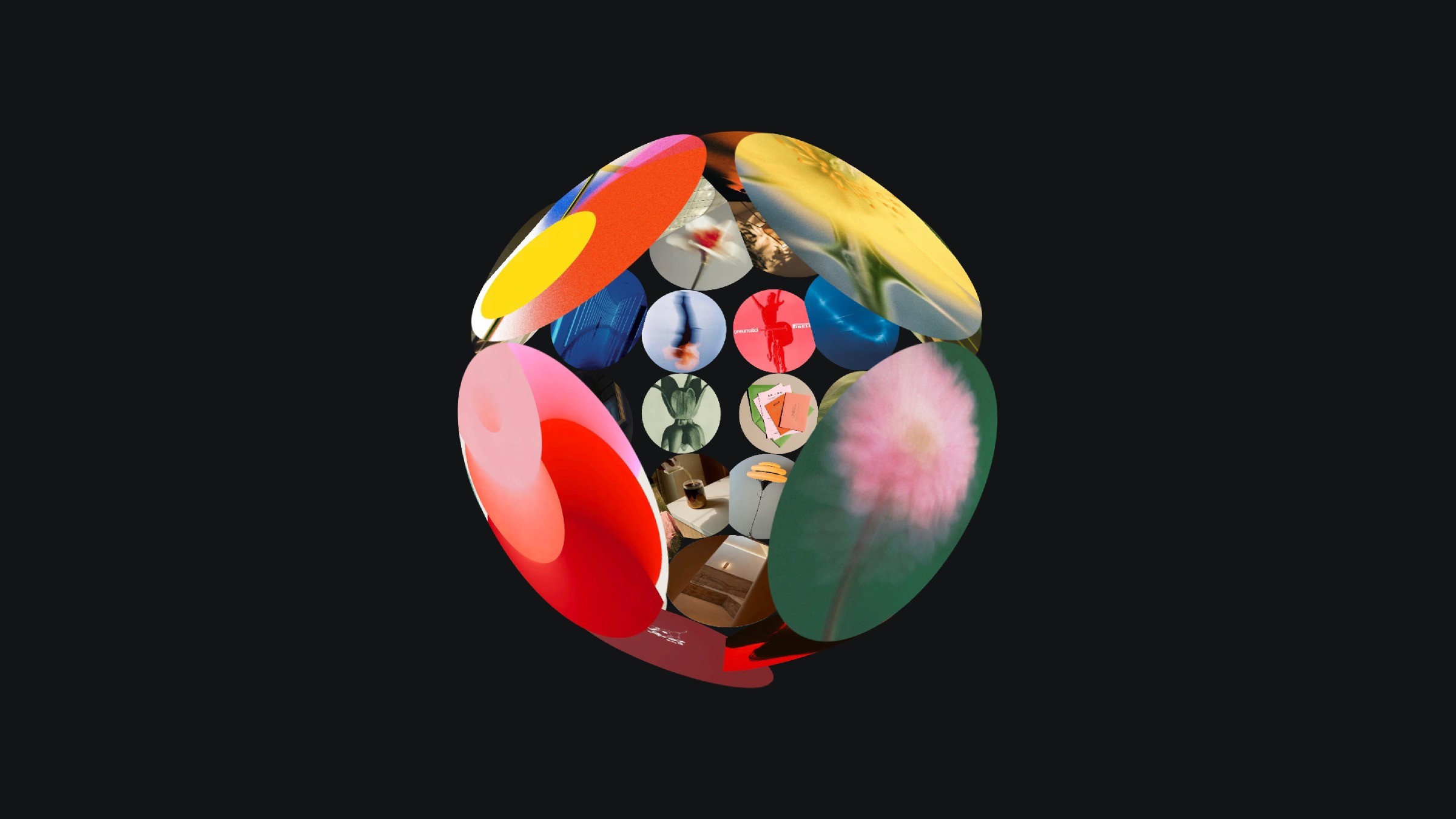
The 3D globe structure built with 3D transforms in a scaled-down view.
The 3D globe structure built with 3D transforms in a scaled-down view.
The 3D globe structure built with 3D transforms in a scaled-down view.