SVG Animator Component

Copy component

Copy component

SVG Animator Component

Copy component

Nandi Muzsik

How can I improve Framer Uni?

Let me know if there’s a missing feature or something that could be improved.

Share feedback

How to Make $10K+ with Framer in 60 days

How to Make $10K+ with Framer in 60 days

Component

SVG Animator Component

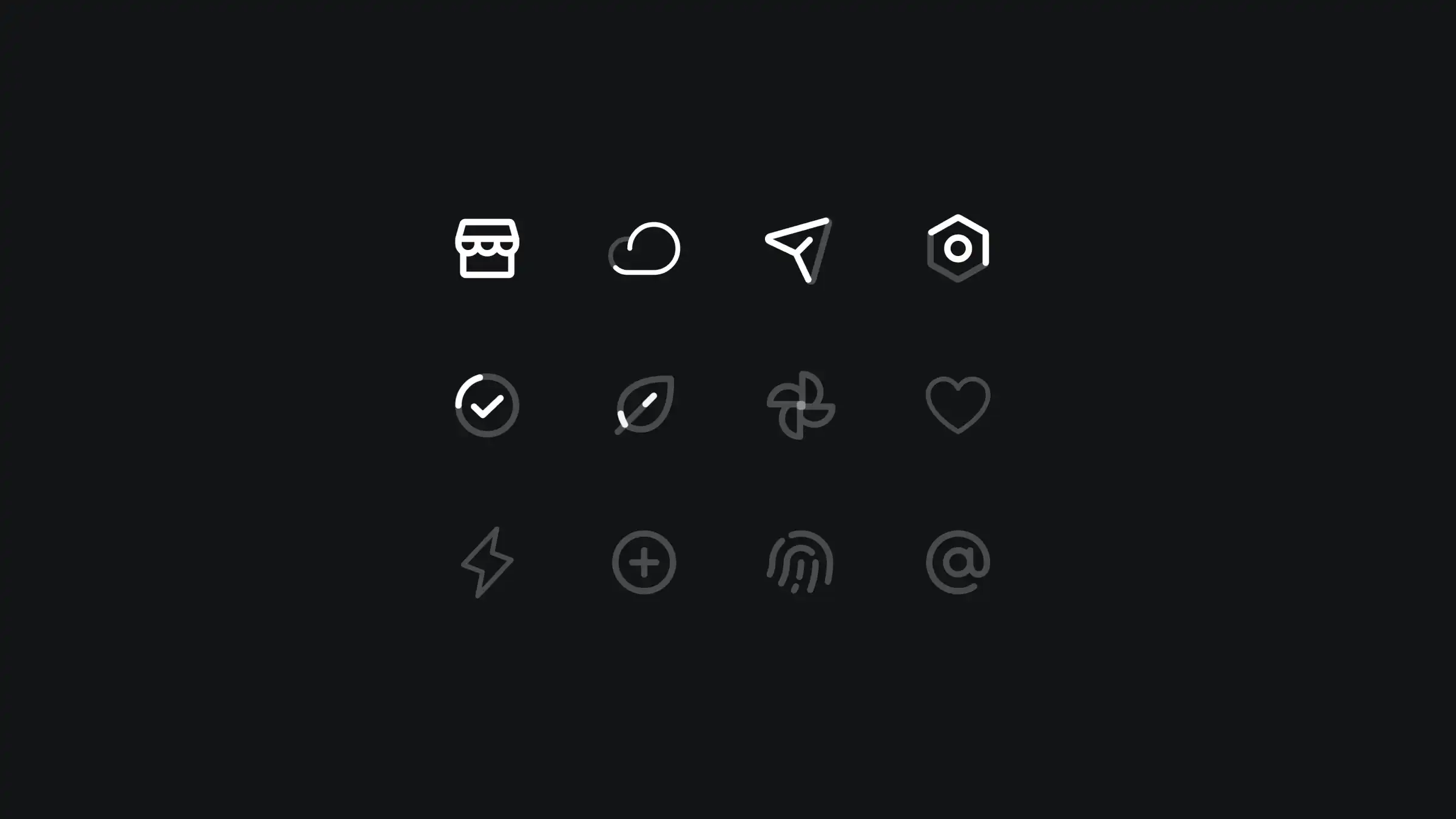
This is an awesome code component by Benjamin for Framer. It takes your SVGs and animates them in such a way that your visitors will be like, "wow".

image of Nandi Muzsik
profile image of Benjamin den Boer

Created by

SVG Animator Component

About the resource

Fully customizable through component properties, here's what you can do:

  • Select SVG layer.

  • Turn animation on and off.

  • Set looping.

  • Show or hide end circle.

  • Specify start and end state in percentage.

  • Animation properties.

About the resource

Fully customizable through component properties, here's what you can do:

  • Select SVG layer.

  • Turn animation on and off.

  • Set looping.

  • Show or hide end circle.

  • Specify start and end state in percentage.

  • Animation properties.

About the resource

Fully customizable through component properties, here's what you can do:

  • Select SVG layer.

  • Turn animation on and off.

  • Set looping.

  • Show or hide end circle.

  • Specify start and end state in percentage.

  • Animation properties.

animator component properties

SVG animator component properties in Framer.

animator component properties

SVG animator component properties in Framer.

animator component properties

SVG animator component properties in Framer.

If you import and SVG layer to Framer make sure to store them on the canvas next to the breakpoint and double click them before you can connect them to the component.


If you import and SVG layer to Framer make sure to store them on the canvas next to the breakpoint and double click them before you can connect them to the component.

If you import and SVG layer to Framer make sure to store them on the canvas next to the breakpoint and double click them before you can connect them to the component.

Learn how can one go from 0 to $11.5k with Framer in 60 days.

From no followers, no portfolio, no reputation, to making thousands with a profitable Framer business.

Nandi portrait's background

Learn how can one go from 0 to $11.5k with Framer in 60 days.

From no followers, no portfolio, no reputation, to making thousands with a profitable Framer business.

Nandi portrait's background

Learn how can one go from 0 to $11.5k with Framer in 60 days.

From no followers, no portfolio, no reputation, to making thousands with a profitable Framer business.

Nandi portrait's background

More resources

More resources

  • Music app playlist created screen with artist avatars

    Playlist Generation Circular Animation in Framer

    Component

    Music app playlist created screen with artist avatars

    Playlist Generation Circular Animation in Framer

    Component

  • Customer testimonials section with review letter card

    3D Letter Testimonials in Framer

    Component

    Customer testimonials section with review letter card

    3D Letter Testimonials in Framer

    Component