Elapsed Time Counter Component for Framer

Copy component

Copy component

Elapsed Time Counter Component for Framer

Copy component

Nandi Muzsik

How can I improve Framer Uni?

Let me know if there’s a missing feature or something that could be improved.

Share feedback

How to Make $10K+ with Framer in 60 days

How to Make $10K+ with Framer in 60 days

Component

Elapsed Time Counter Component for Framer

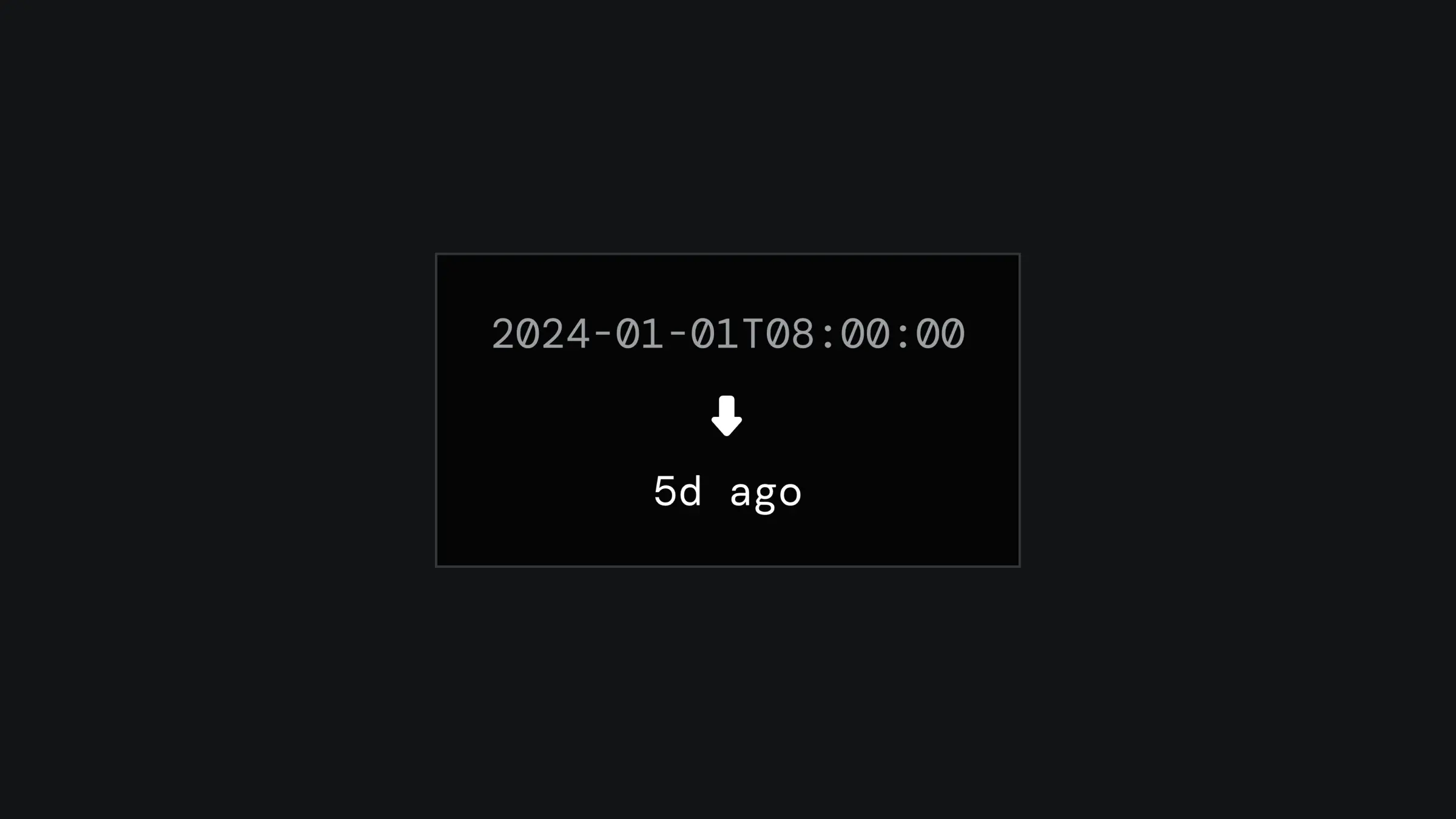
This is a TimeAgo component for Framer, which calculates the elapsed time from a specified date and time. Simply copy, paste it into your project, and start using it. Plus, it's super easy to customize through component properties.

image of Nandi Muzsik

Created by

TimeAgo Component for Framer

About the resource

You can set the date and time using the "ISO 8601" date-time format. This global standard writes out dates and times like this: YYYY-MM-DDTHH:MM:SS, where 'T' is just a divider between the date and time.

Over in the properties panel, you can also set a time zone. The elapsed time will be calculated based on that time zone.

About the resource

You can set the date and time using the "ISO 8601" date-time format. This global standard writes out dates and times like this: YYYY-MM-DDTHH:MM:SS, where 'T' is just a divider between the date and time.

Over in the properties panel, you can also set a time zone. The elapsed time will be calculated based on that time zone.

About the resource

You can set the date and time using the "ISO 8601" date-time format. This global standard writes out dates and times like this: YYYY-MM-DDTHH:MM:SS, where 'T' is just a divider between the date and time.

Over in the properties panel, you can also set a time zone. The elapsed time will be calculated based on that time zone.

elapsed time counter component properties

Elapsed time counter component properties.

elapsed time counter component properties

Elapsed time counter component properties.

elapsed time counter component properties

Elapsed time counter component properties.

Learn how can one go from 0 to $11.5k with Framer in 60 days.

From no followers, no portfolio, no reputation, to making thousands with a profitable Framer business.

Nandi portrait's background

Learn how can one go from 0 to $11.5k with Framer in 60 days.

From no followers, no portfolio, no reputation, to making thousands with a profitable Framer business.

Nandi portrait's background

Learn how can one go from 0 to $11.5k with Framer in 60 days.

From no followers, no portfolio, no reputation, to making thousands with a profitable Framer business.

Nandi portrait's background

More resources

More resources

  • Glowing 'Start Framering' button with Framer logo

    Shader Button Component in Framer

    Component

    Glowing 'Start Framering' button with Framer logo

    Shader Button Component in Framer

    Component

  • Landing page for a Blinds Text Reveal project.

    Blinds Text Reveal Component for Framer

    Component

    Landing page for a Blinds Text Reveal project.

    Blinds Text Reveal Component for Framer

    Component